

Automatic Hall Lights v 1.0

Automatic Hall Lights v 1.0

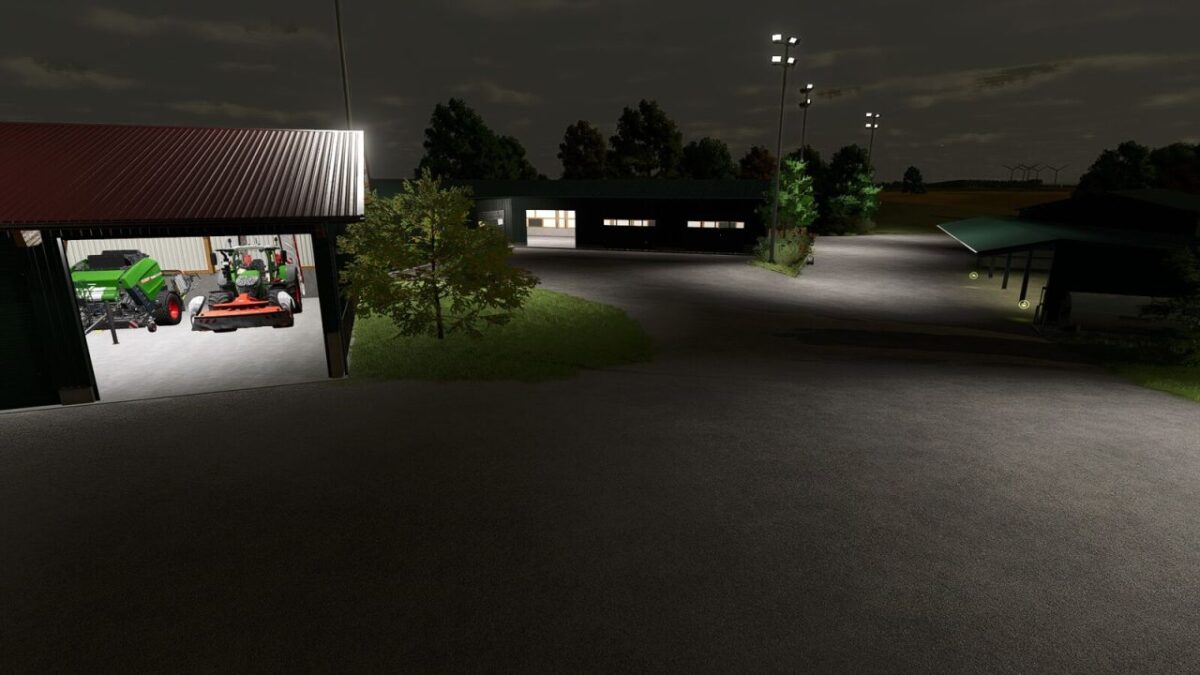
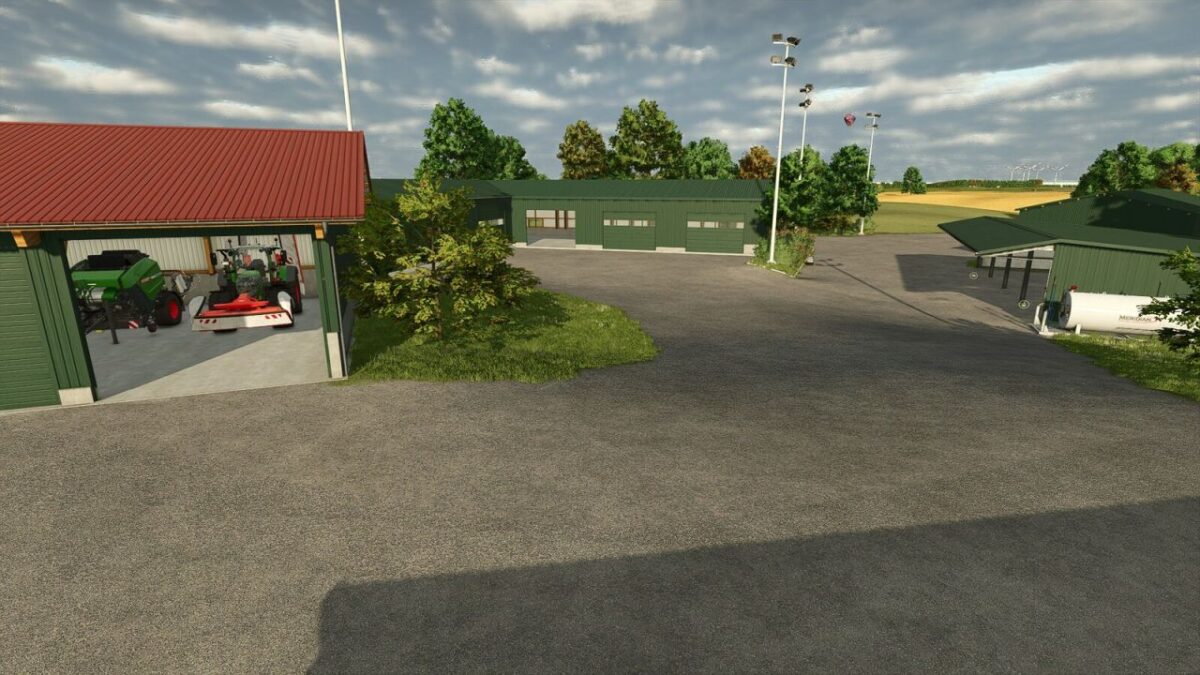
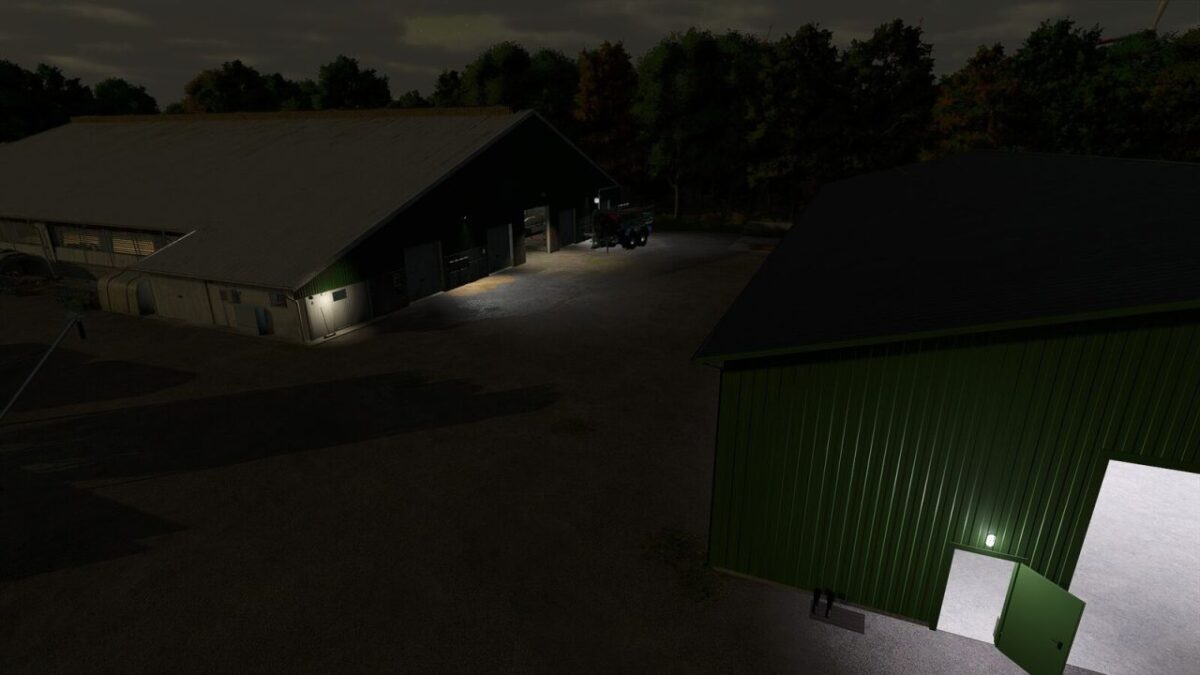
This mod automatically handles the lighting of suitable halls.
When it gets dark in the evening, suitable manual hall lights are switched on.
When it gets light again in the morning or time skips forward after sleeping, the lights are switched off shortly afterwards.
After a time skip, for example after sleeping, the lights are adjusted to the current time of day with a short delay.
It can also take a short moment after loading a savegame until the lighting is switched on or off according to the current light conditions.
Nalathan
How do I install Farming Simulator mods?
Find a mod that you like and want to download first. Then, on your PC, download a mod. Mods are typically in.zip format. However, it is sometimes in.rar format. If the mod file is in.zip format, no additional actions are required. If a file is in.rar format, you must unarchive it using software such as WinRar or Zip7. Windows 10 users do not need to use archive software; Win10 includes an unarchive feature.
The next step is to locate the mods folder on your computer. It is typically found in Documents/My Games/Farming Simulator [Your FS game version, e.g. 2022]. Open the "mods" folder and place the downloaded.zip archive or unarchived.rar file there.
The final step. Have fun with Farming Simulator mods!