Automatic Horse Care v 1.0.0.1

FS25 mods

Automatic Horse Care v 1.0.0.1
1 Star2 Stars3 Stars4 Stars5 Stars
About mod:

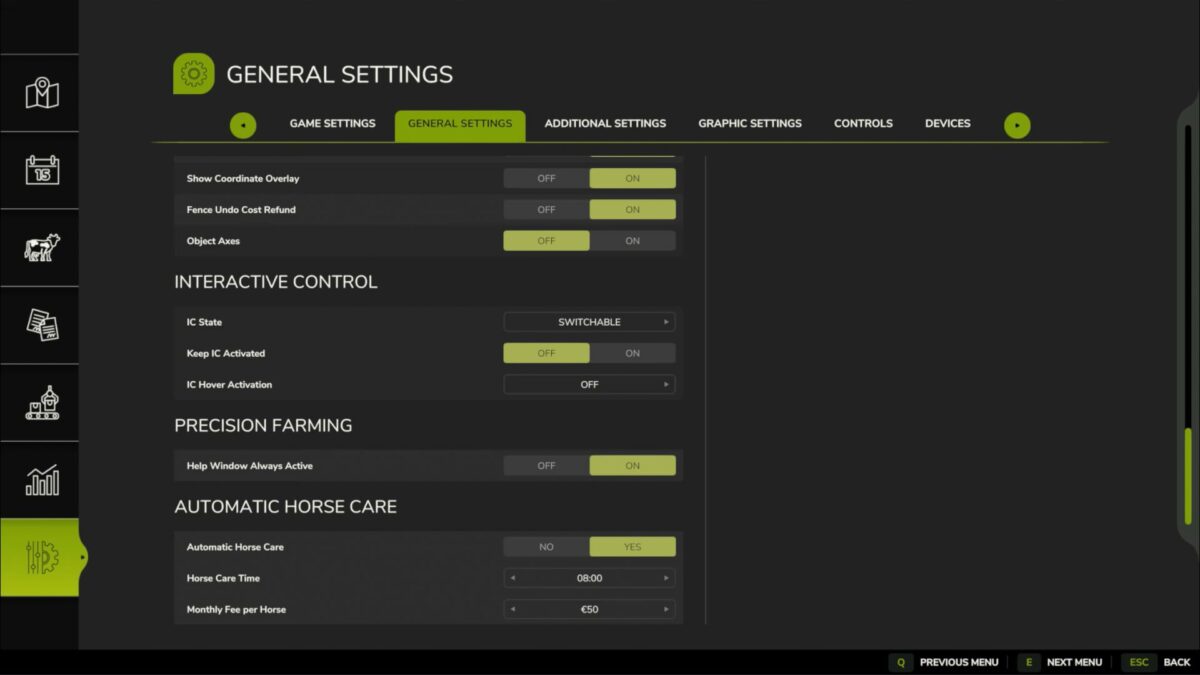
Since none of the currently released Automatic Horse Care Scripts work I made a new one.
Riding and Cleanliness will be taken Care of once a Day and will deduct Money per Horse.
There are Option in General Settings to toggle the Mod On or Off and you can also set Time and Cost per Horse.
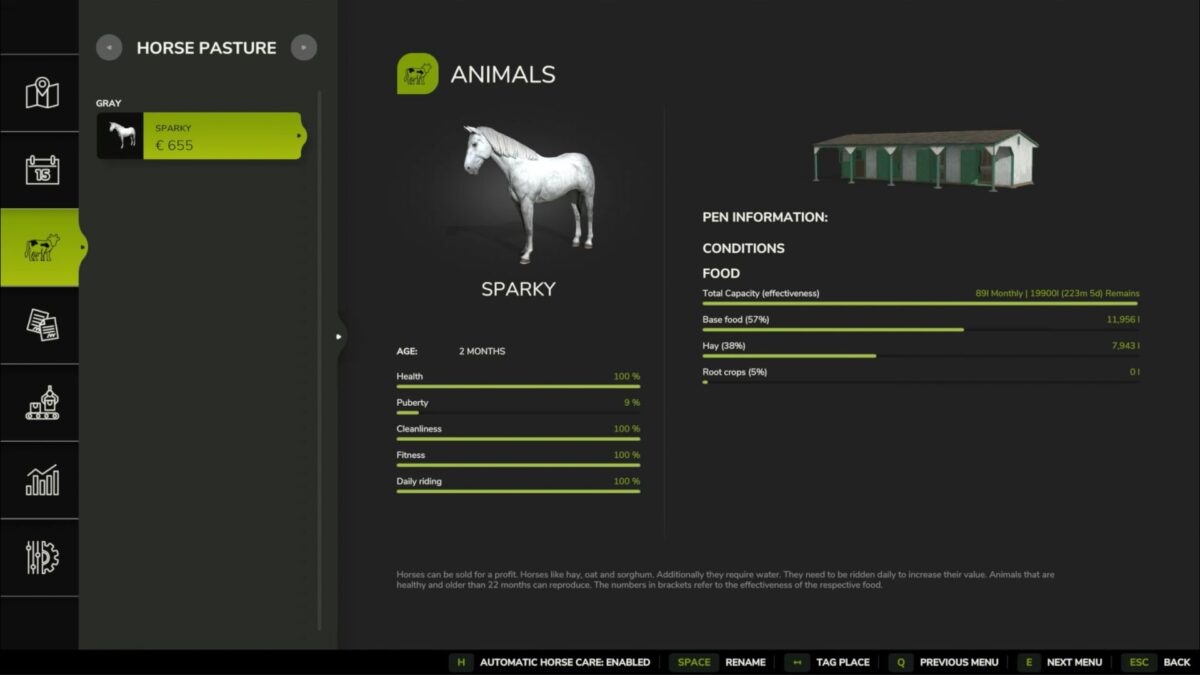
Additionally you can toggle every Horse Husbandry/ Stable independently from each other when the Mod is Enabled with H while having a Husbandry selected in the normal Husbandry Menu.
Works in Multiplayer and there are no incompabilities with RealisticLivestock by Ritter.

Version 1.0.0.1:
* Changed Cost Increments to: 0,5, 10, 25, 50, 75, 100, 125, 150, 175, 200, 225, 250$
* Added Multi Day Support so Monthly Care

Credits:

Godfrey

* By clicking [Download this mod from filehost] button you agree to leave this website. The link opens in the new tab. File is hosted in the external website. We are not responsible for the content of the external page and the possibility of free download of the file.

How do I install Farming Simulator mods?
Find a mod that you like and want to download first. Then, on your PC, download a mod. Mods are typically in.zip format. However, it is sometimes in.rar format. If the mod file is in.zip format, no additional actions are required. If a file is in.rar format, you must unarchive it using software such as WinRar or Zip7. Windows 10 users do not need to use archive software; Win10 includes an unarchive feature.

The next step is to locate the mods folder on your computer. It is typically found in Documents/My Games/Farming Simulator [Your FS game version, e.g. 2022]. Open the "mods" folder and place the downloaded.zip archive or unarchived.rar file there.

The final step. Have fun with Farming Simulator mods!

Leave a Reply

Your email address will not be published. Required fields are marked *