

Autumn Oaks Map v 1.0


Autumn Oaks Map v 1.0
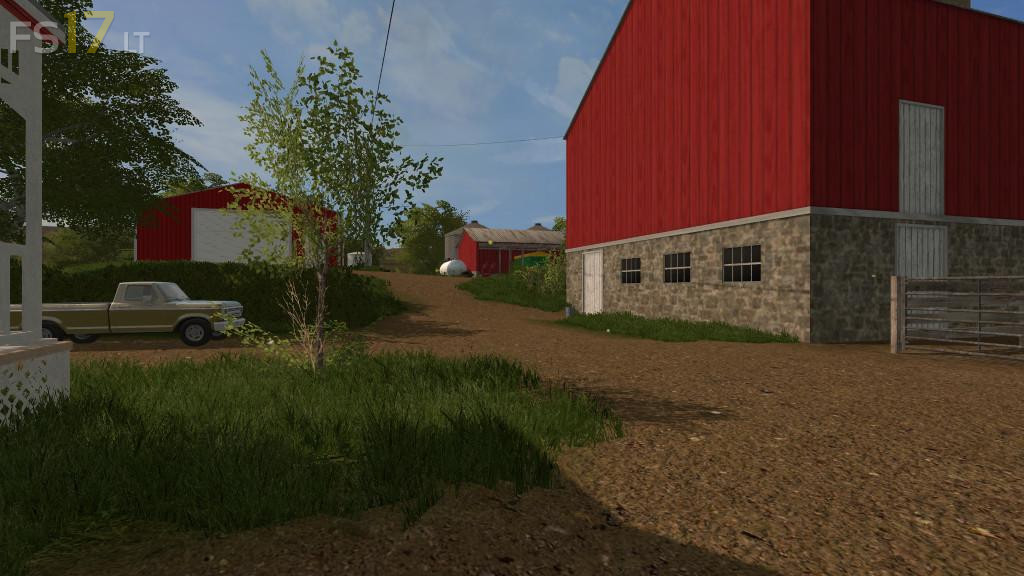
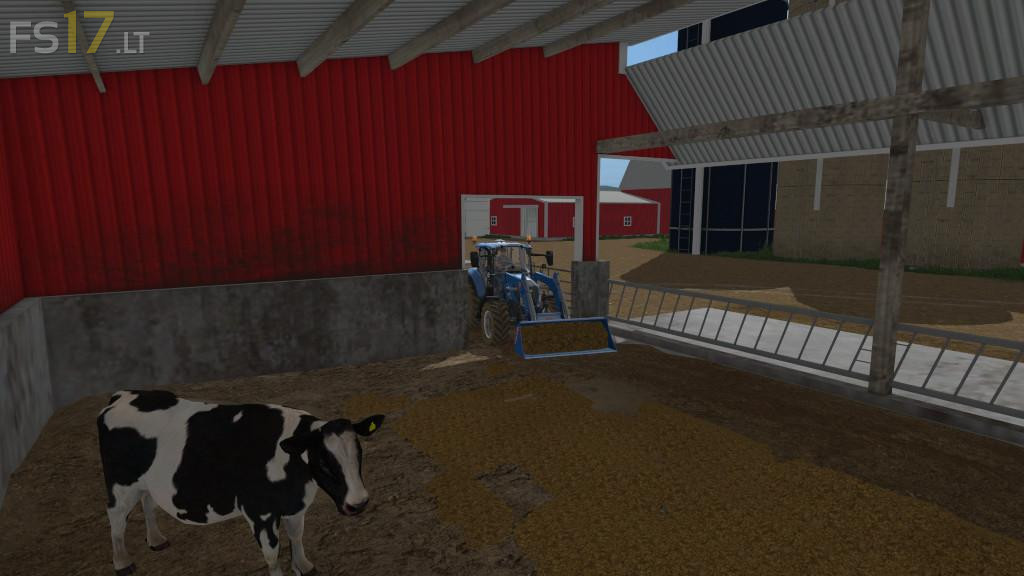
Autumn Oaks is a fictional placed based off real world imagery from northeast Wisconsin. This is an American styled map based around small family farms. The map features all of the basic game functions with custom crop textures, multi terrain angle, chopped straw, animated gates and lights, extra foliage layers, and customized weather and foliage for the seasons mod. Fields 1 through 4 are actually the farms as a whole and come with the surrounding fields when you buy that particular farm. The map starts at farm 1, a small older style farm, and can work your way up to purchase the other farms and fields on the map. Though centered the map around dairy farming, there is one sell point where you can sell crops, sell wool, buy and sell livestock, buy and sell vehicles, and aquire other base game commodities. There is also an area to sell lumber and woodchips behind a neighbors house at his woodshop.