

Azurit Hybrid K600 NF Pack v 2.8

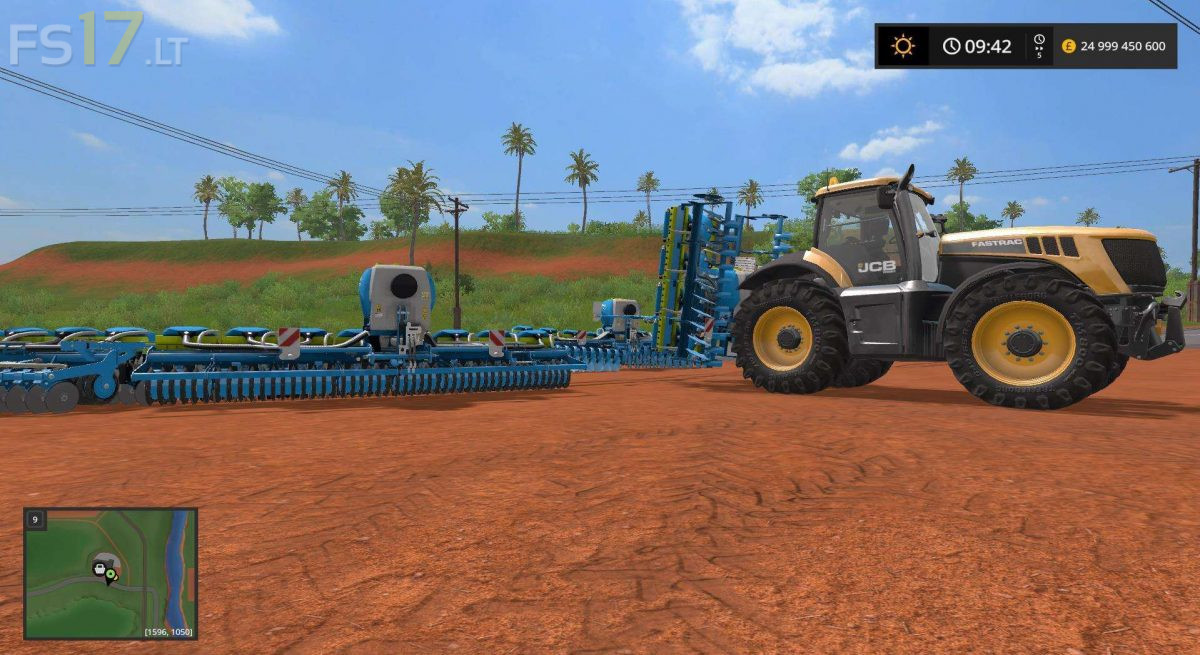
Azurit Hybrid K600 NF Pack v 2.8
About the mod:
Azurit H – Hybrid foldable mounted seeder
Azurit H is mainly based on a completely new Azurit 9 from the company Lemken.
This machine is equipped with an innovative dosing system for sowing all the seeds or seeds commonly used in trade, without any conversion of the dosage unit itself.
– Working width: 6 m
– Ready for all types of seeds (based on a real dosed prototype system)
– Can be transported using JCB Skidsteer and Frontloaders
– Modernization: fertilizer application system (external tank required)
– Modified front tank “Amazone FT 1001” for use with granular fertilizer
– Upgrade: ridge marker
– Many animations based on physics (pipes, wheels)
– Adjustable tools
– Compatible with MOD: ProSeed (PC / MAC)
Credits:
ImpTS