

Better Minimap v 1.0.0.1

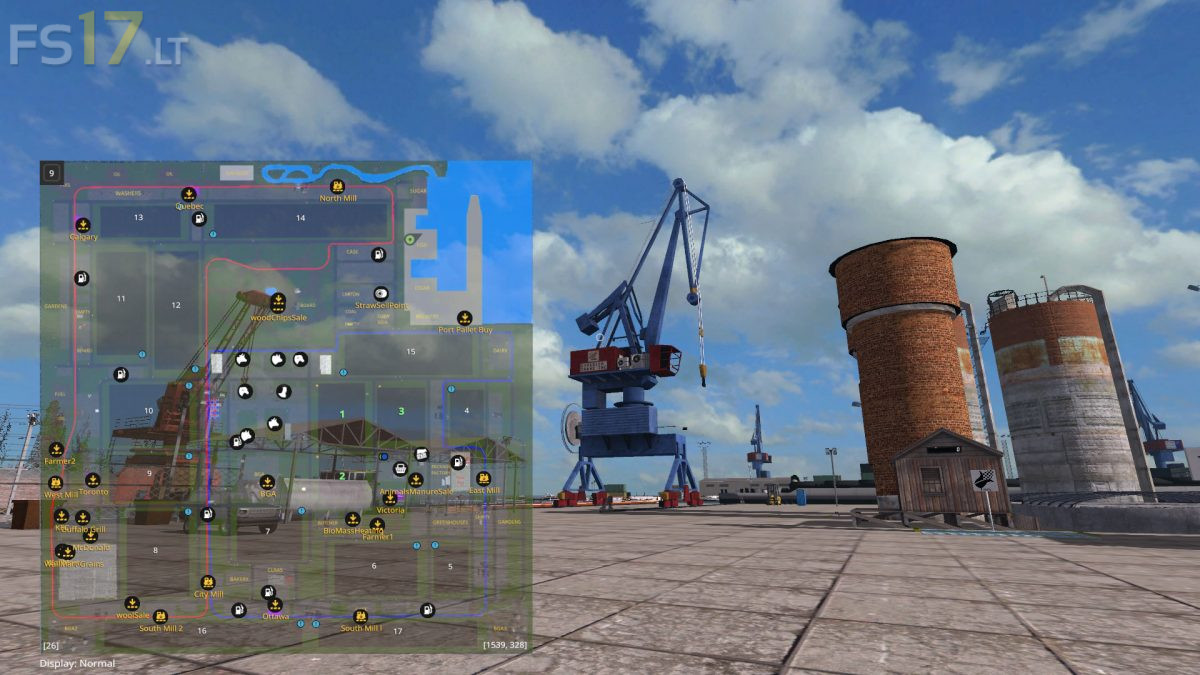
Better Minimap v 1.0.0.1
About the mod:
A better Minimap that replaces the original Minimap in the game. Adds the ability to switch imaging modes (plants, plant growth and soil) directly in Minimap. These states are automatically restored after 60 seconds by changing the mode or resizing the Minimap.
Function:
– Color status indication
– The active mode is listed under the Minimap
– Automatic re-reading of states after 60s with deduction
– Change the size of the minimap (normal / wide / larger)
– Remembers the selected size during play
– Switching transparency
– Zoom in and out of the Minimap
Version 1.0.0.1:
* Added Polish Translation
Credits:
jDanek