

Better Mud v 1.0

Better Mud v 1.0
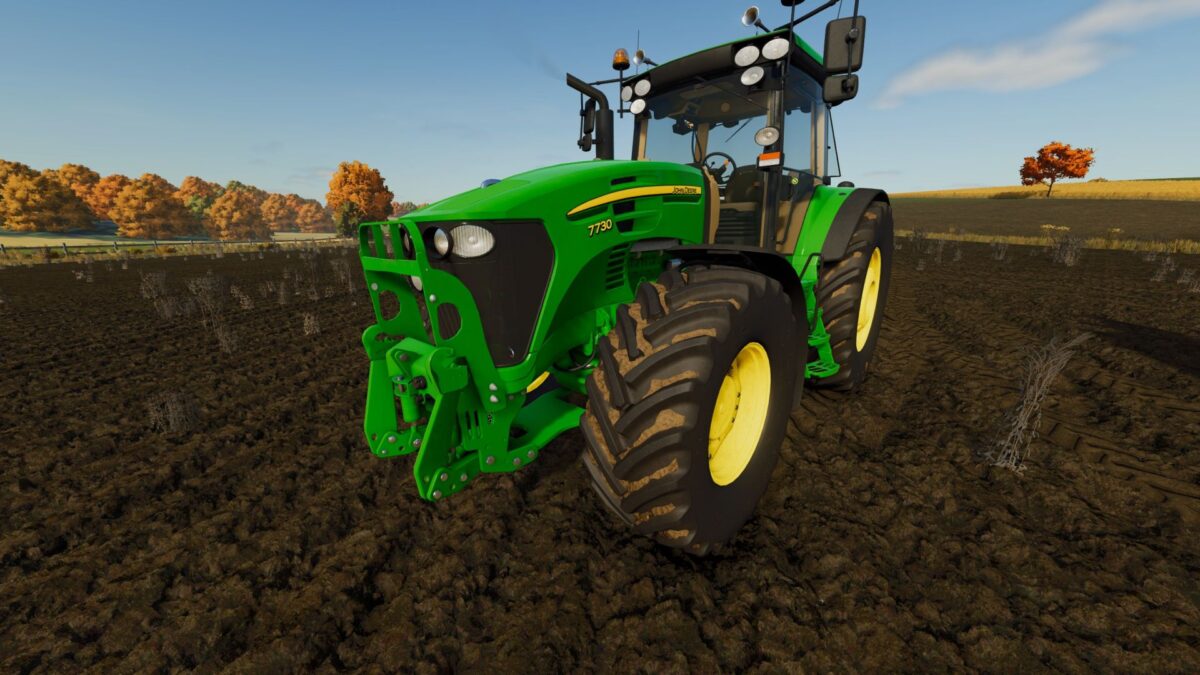
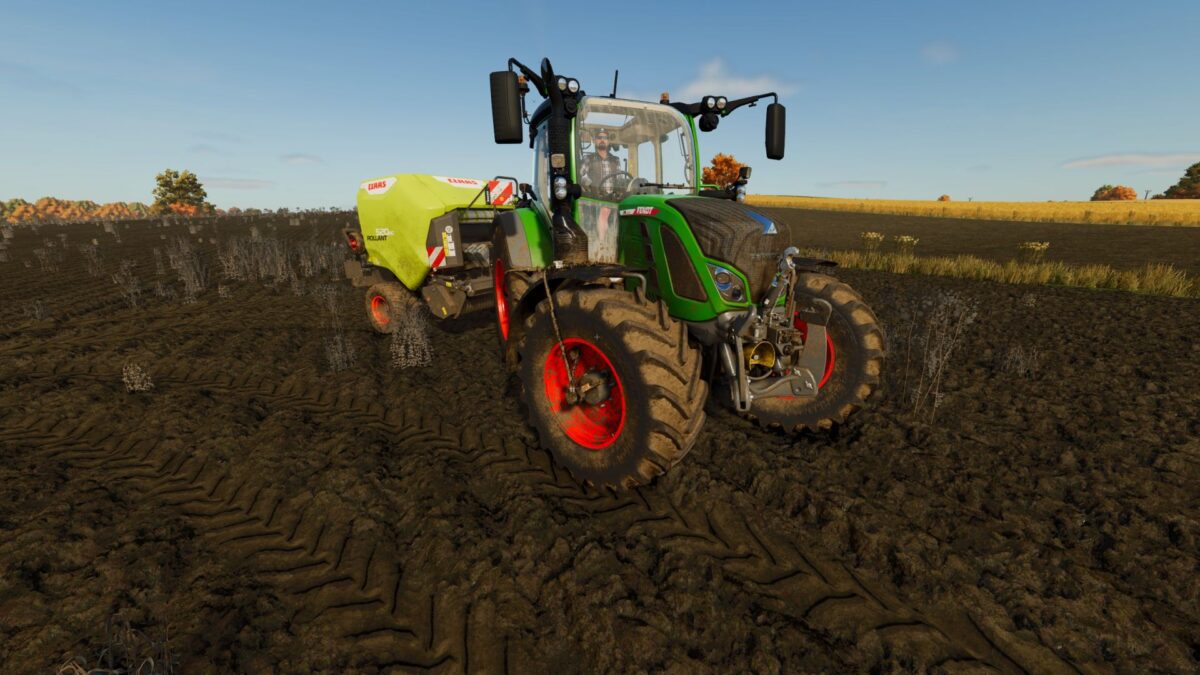
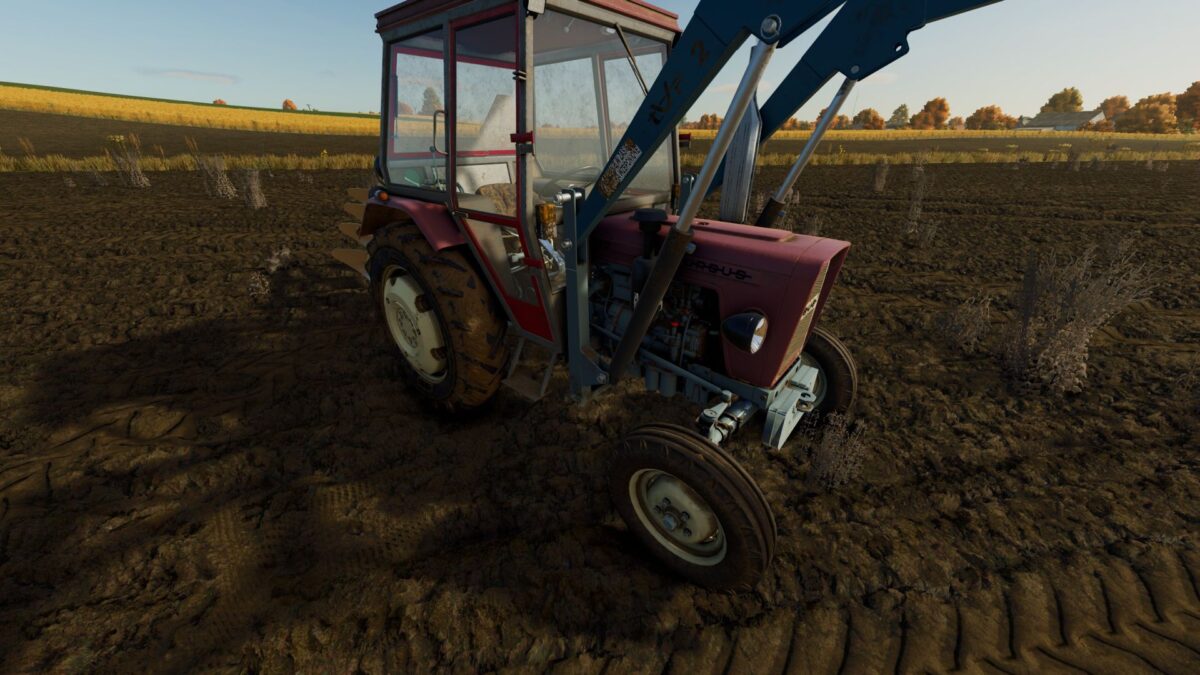
BetterMud improves the behavior of mud on vehicle tires in Farming Simulator 25. When driving in the field, tires also get dirty in dry weather, and mud builds up even faster on wet ground.
When you hit the asphalt, the mud doesn’t disappear immediately – it gradually falls off as you drive, and the tires clear faster at higher speeds. The pressure washer continues to function normally and allows you to completely wash the vehicle.
The mod works automatically and does not require additional configuration.
Features:
Faster mud formation when driving in the field,
Mud visible even without heavy rain,
Slower and more natural removal of dirt,
Gradual cleaning of tires on asphalt,
Mud falls off faster at higher speeds,
Full operation of the pressure washer,
Works on multiplayer