

Better Quality for Work Cameras v 1.0

Better Quality for Work Cameras v 1.0
About the mod:
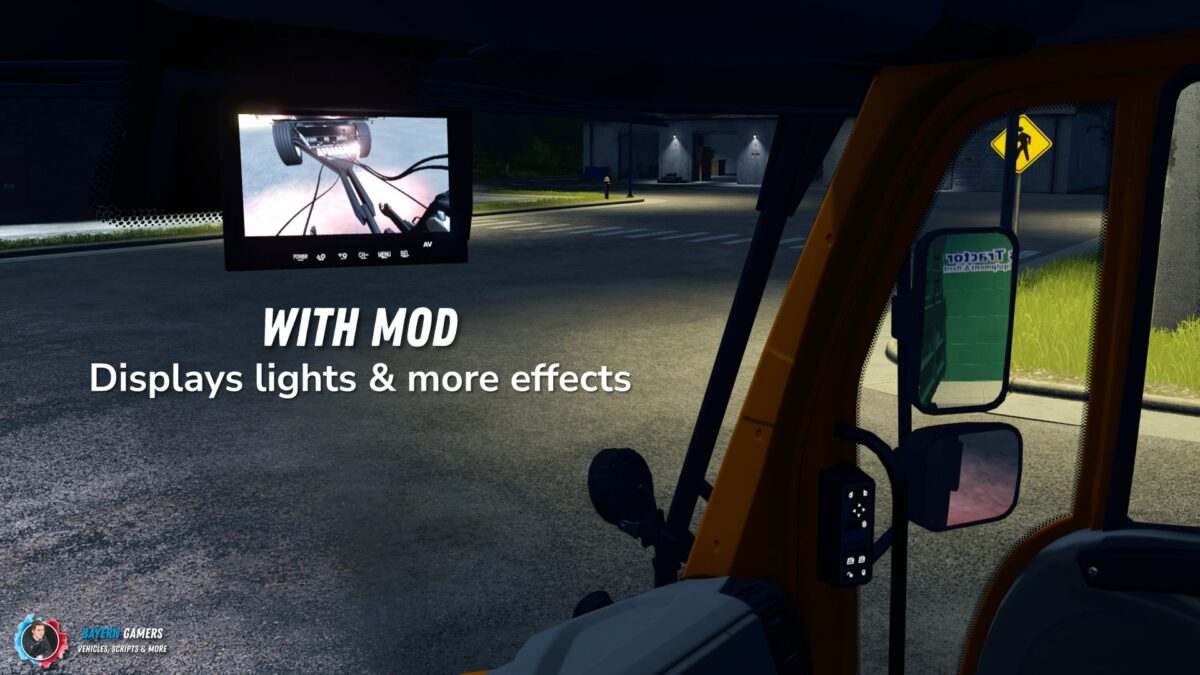
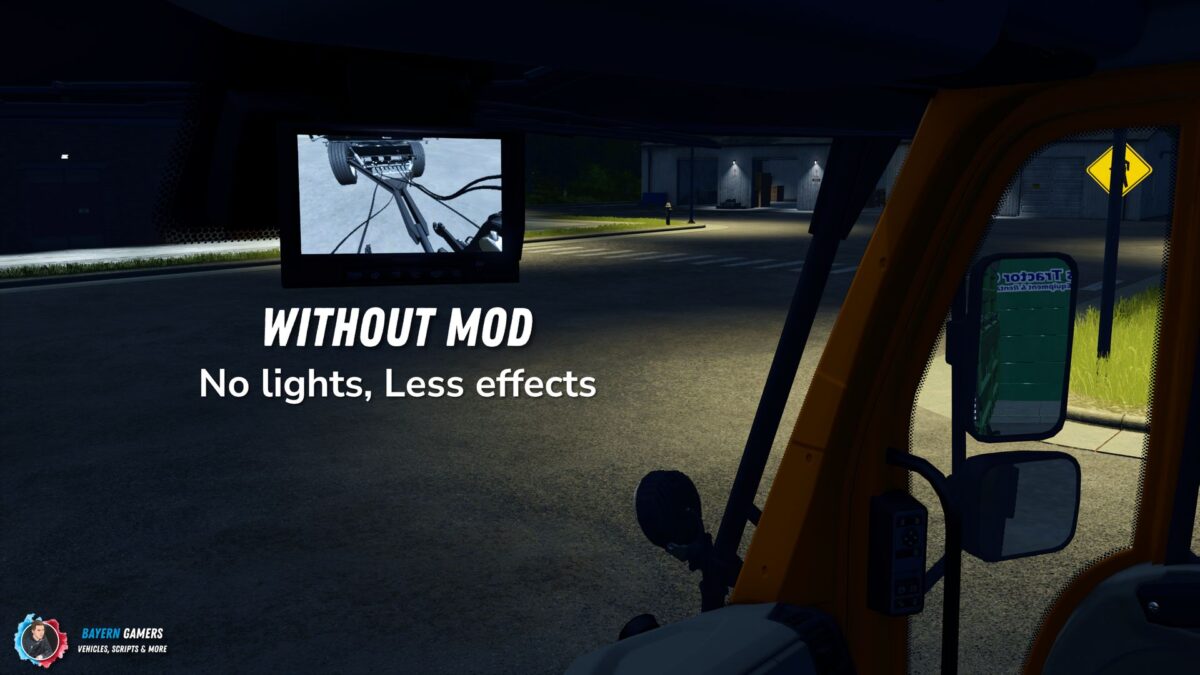
Improves the quality of the Mercedes Benz DLC work cameras.
This mod improves the display quality of the work cameras in vehicles that use cameras from the Mercedes-Benz DLC or the mod “MB DLC work cameras for all vehicles”.
The cameras will not display lights and effects without this mod.
This mod makes it possible to display the effects and lights on the displays of the work cameras.
When using this mod, it is possible that the game will display a one time error regarding missing depth data for rendering the camera image.
This is a limitation of the LS25.
The error does not affect the game any further and only occurs once per game start.
Credits:
BayernGamers