

Black Mountain Montana Map v 2.0


Black Mountain Montana Map v 2.0
About the mod:
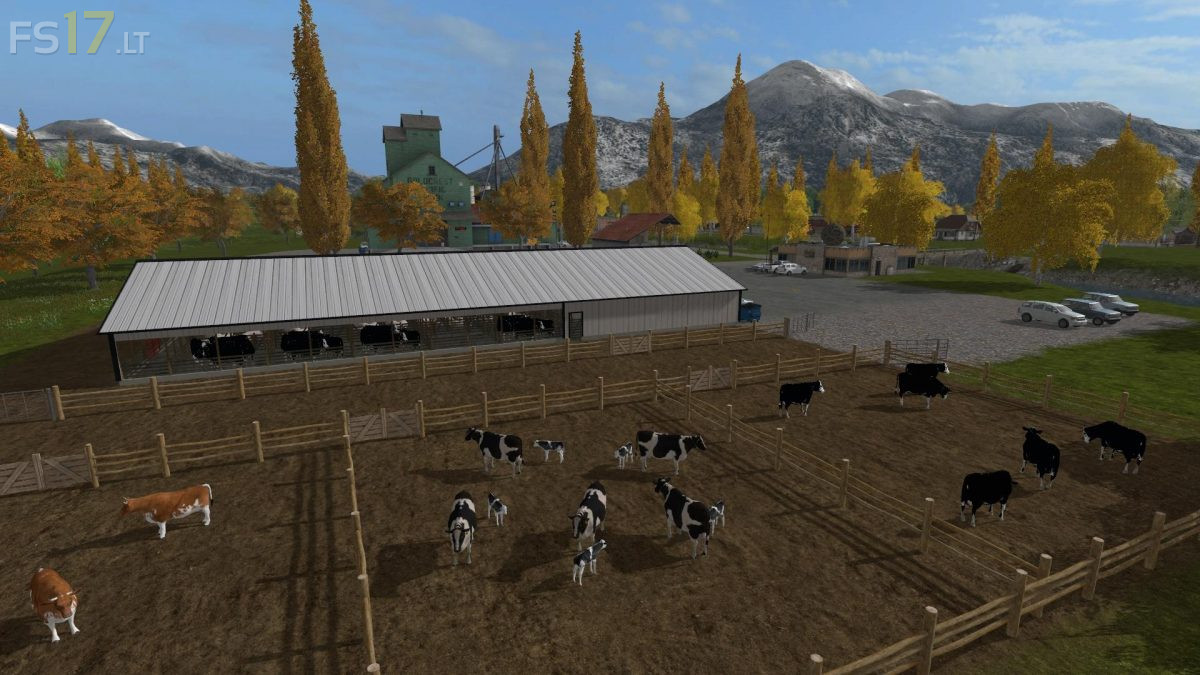
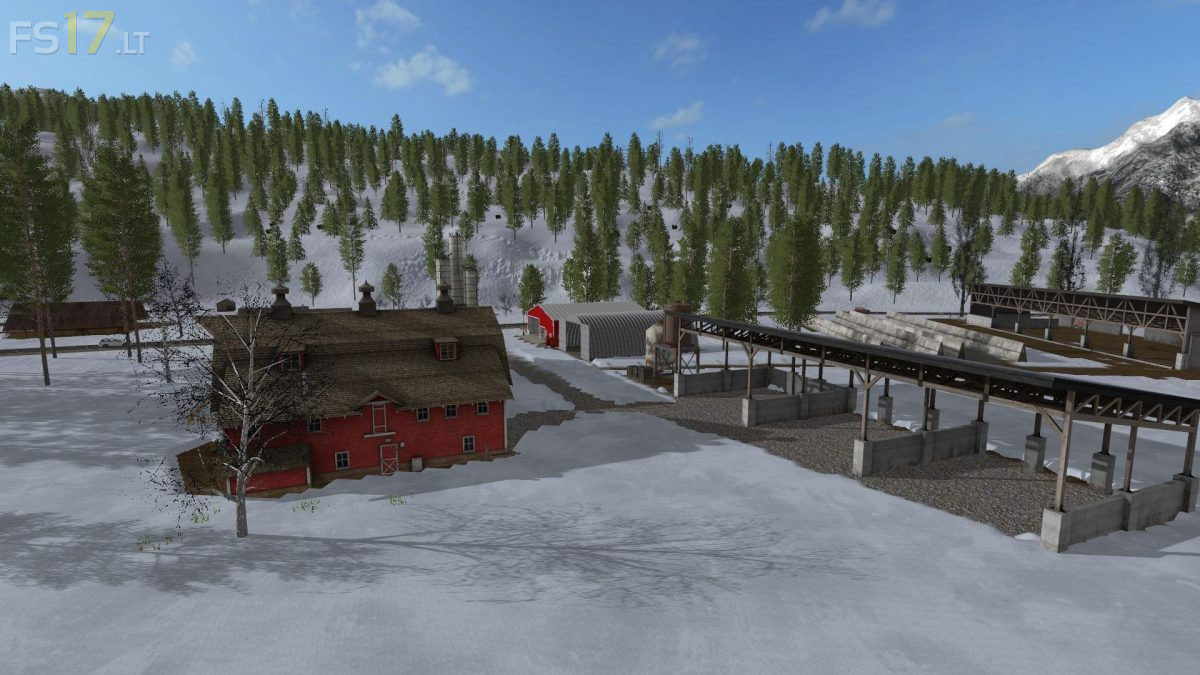
Welcome to Montana, the Big Sky Country. This map uses real world terrain from the Big Flat area near Missoula Montana. Most of the map is mountainous forest with some flat farm land in the Northeast. This is a forestry map with limited farming. The cows, sheep, pigs and chickens are on the map and there are enough arable fields for a single player to make a living at farming.
Version 2.0:
* Snow mask and custom weather added for Seasons Mod compatibility
* Chopped straw added
* Mud and terrain control added
* BGA plant added
* Roads changed to US highway colored lines
* Open space created around sheep farm and pig’s enclosure for placeables
* Some objects and buildings changed
Credits:
Hoot
I+could+not+get+the+tree+planter+to+work+in+the+mountain’s.+I+noticed+the+texture’s+used+for+grass+there+is+the+lawn+texture’s.+Could+this+be+the+problem?+I+hope+it+can+be+solved+because+this+is+a+great+map.
Unable to sell manure at Mary’s Farm or anywhere else.