

Bucher TRL 2600 Platform Pack v 1.0.0.3


Bucher TRL 2600 Platform Pack v 1.0.0.3
Content:
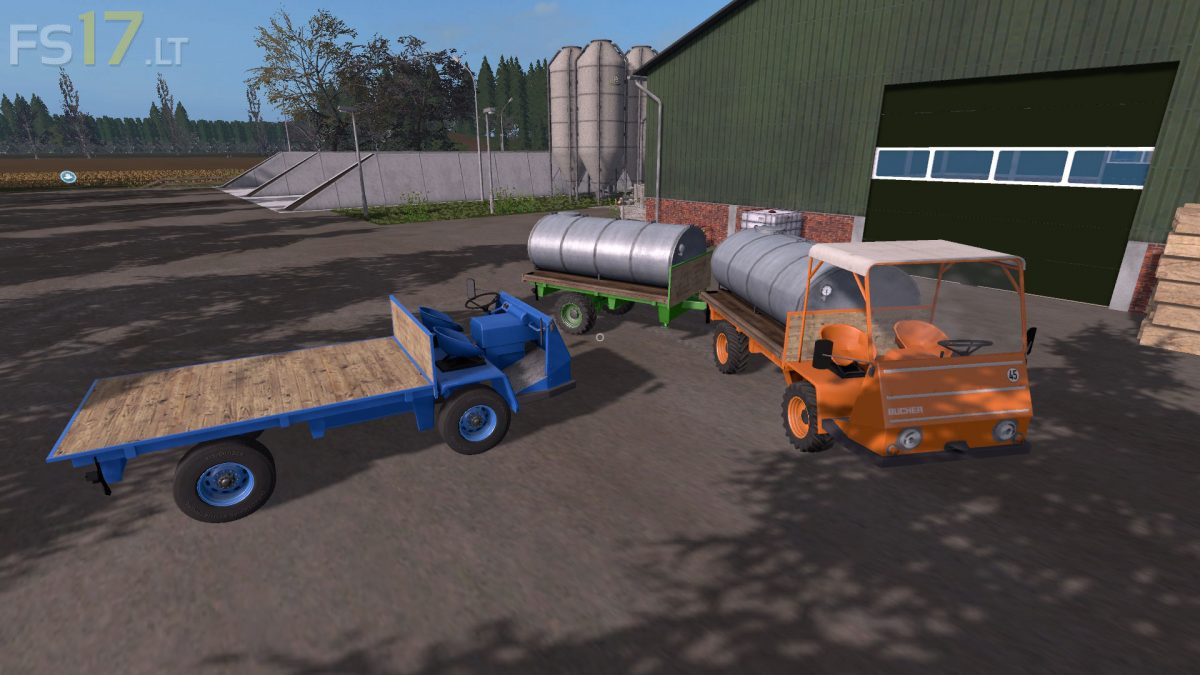
– Bucher TRL 2600E, electric version with electric motor.
– Bucher TRL 2600D, diesel version with diesel engine.
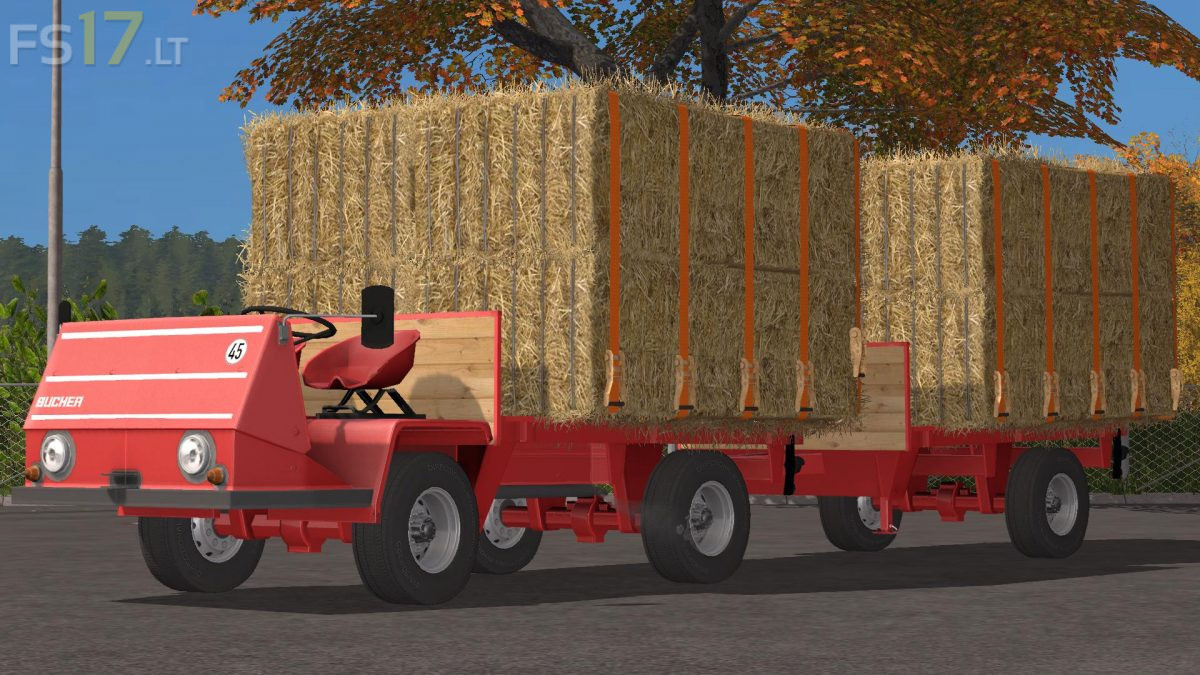
– Matching Platform Trailer
All variants can be converted with a barrel construction for various liquids.
The platform variants are equipped with UAL for various cargo mainly but specially adapted for the Hof Bergmann Map Reloaded.
Configuration options:
– Color choice base and wheels
– 2 tire sets for industry and terrain
– Removable roof
– Platform or barrel construction
Version 1.0.0.3:
* Wrong engine settings adapted to the diesel variant
* Colli at the Bucher adjusted for more ground clearance in front
* Bucher Trailer supports now go higher when attaching
* Fixed AO Channel in Specular Map, was a bit displaced
* Optimized Wood Texture