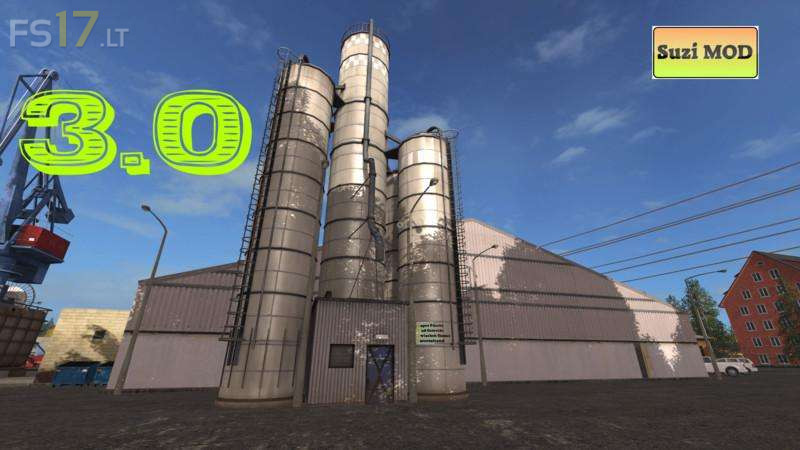
Buy Cereals Fruits Vegetables and Feed v 3.0

FS19 mods

About the mod:

Version 3.0:
* On request fruit adaptation (but as always more expensive than self produced there were:
– 1 seed
– 2nd fertilizer
– 3rd salt
– 4 flour
* Included in the assortment
* In addition, a lighting was installed so that our customers find their way to us at night

Credits:
Suzi

How to install FS17 mods?

Firstly find a mod which you like and want to download. Then download a mod to your PC. Mods are usually in .zip format file. But sometimes it can be in .rar. If a mod file is a .zip format no needed additional actions. If a file is in .rar, then you must unarchive mod with software like WinRar or Zip7. Windows 10 users no need to use software for archives, Win10 itself has a feature to unarchive files.

The next step is to find mods folder in your PC. Usually, it is in Documents/My Games/Farming Simulator 17/2017. Open the "mods" folder and put downloaded .zip archive or unarchived .rar file to this folder.

Last step. Enjoy of FS17 mods!

One thought on “Buy Cereals Fruits Vegetables and Feed v 3.0”

  • Leon says:
    2018-09-27 at 17:11

    Only fertilizer showing up? Cantvsee the flour or seed or salt. Please fix.

Leave a Reply

Your email address will not be published. Required fields are marked *