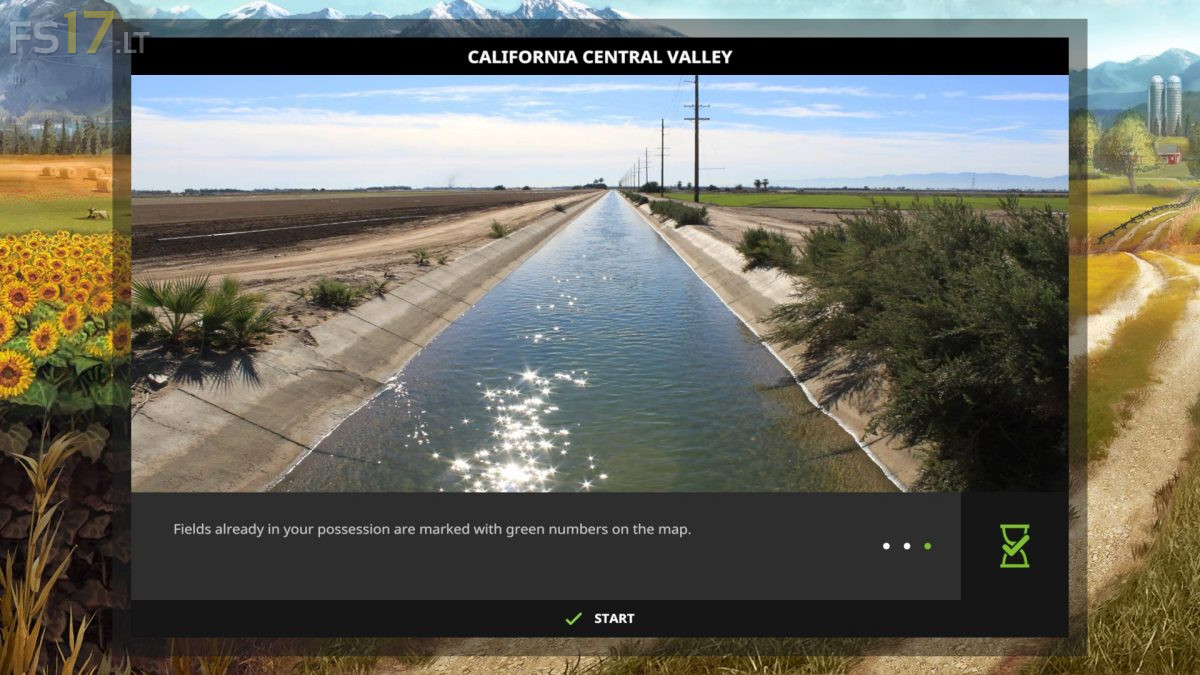
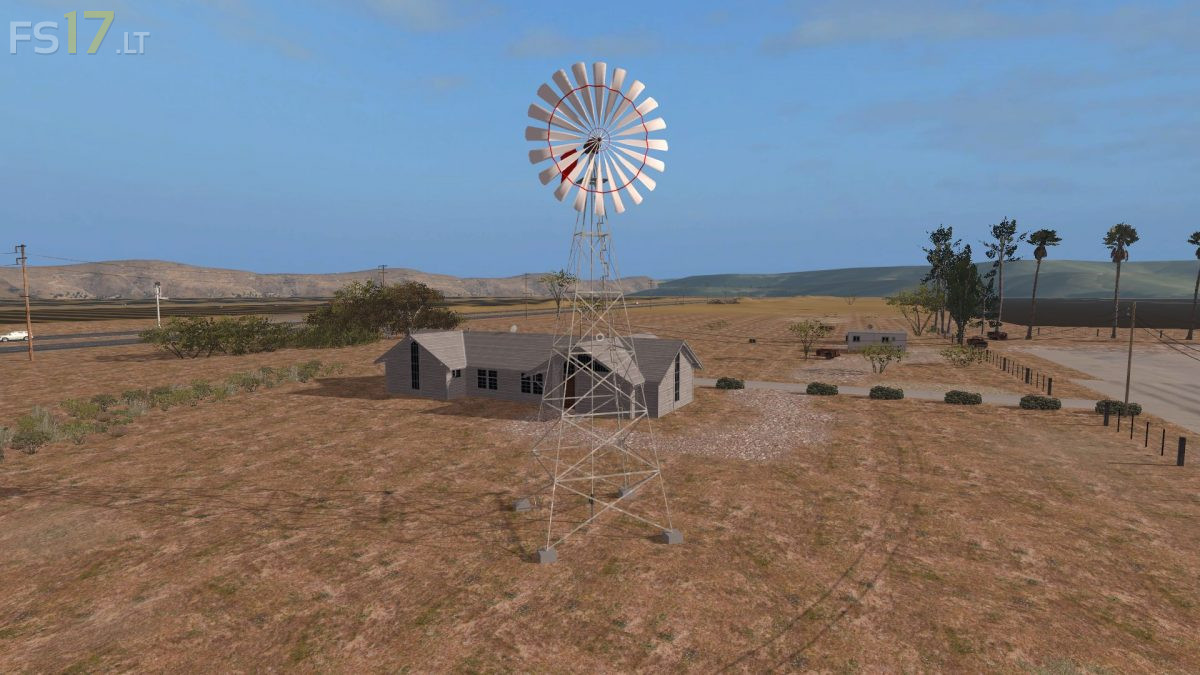
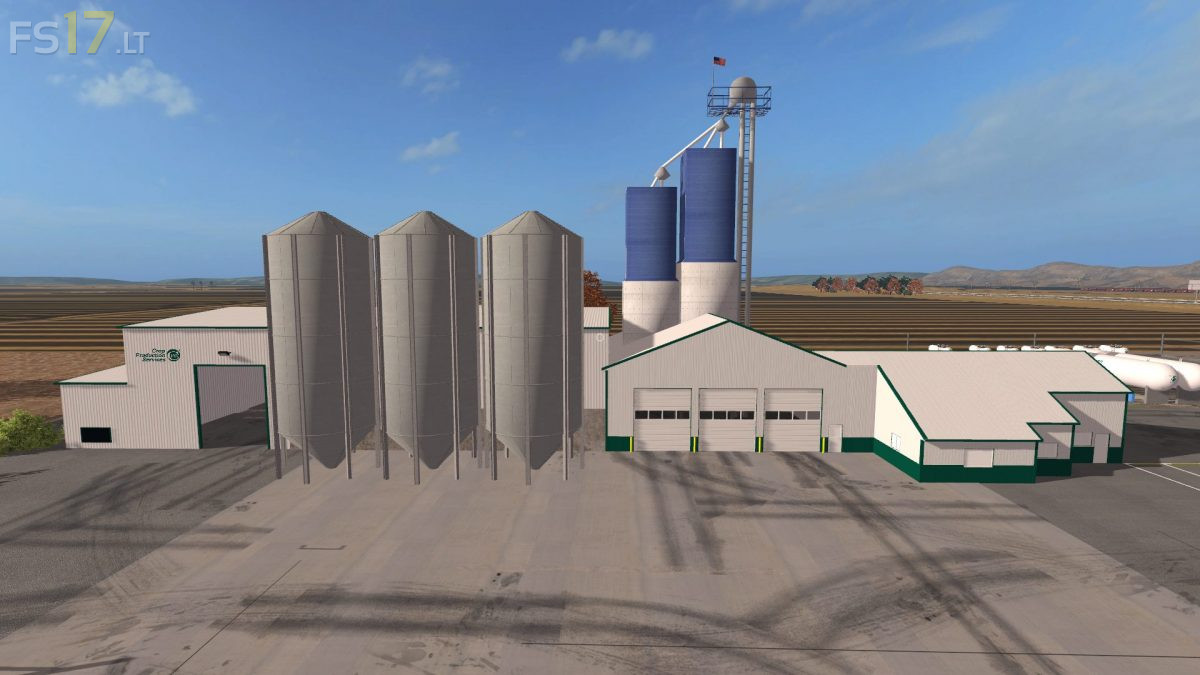
California Central Valley Map v 3.0
About the mod:
Version 3.0:
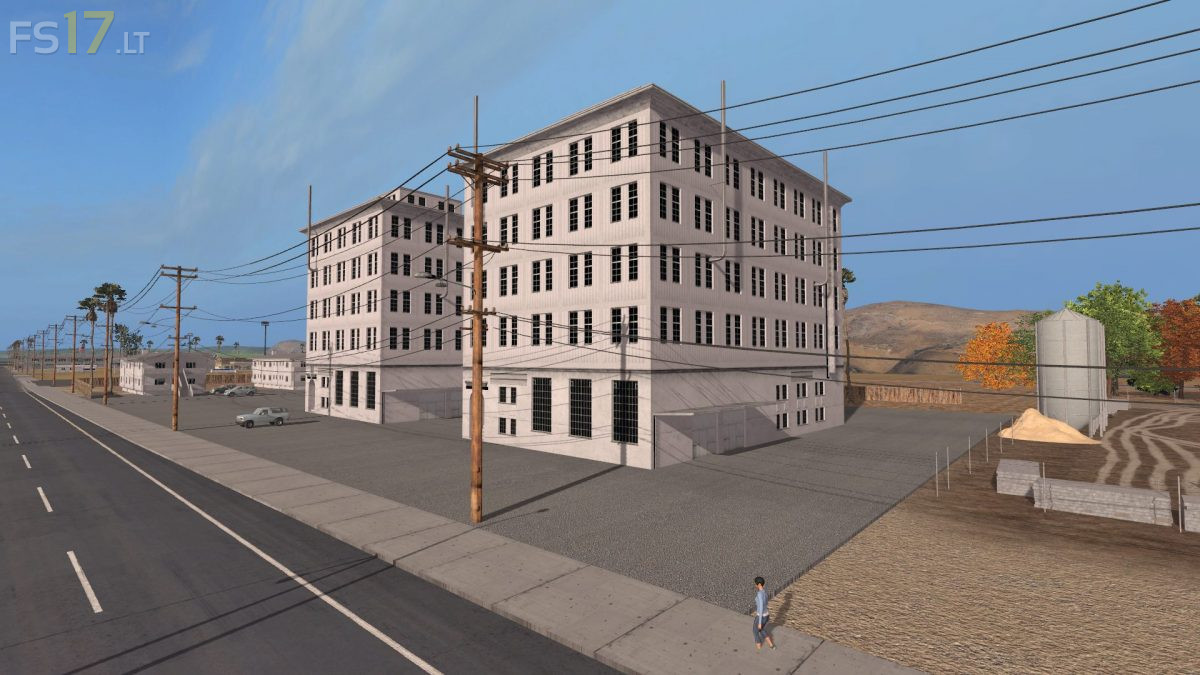
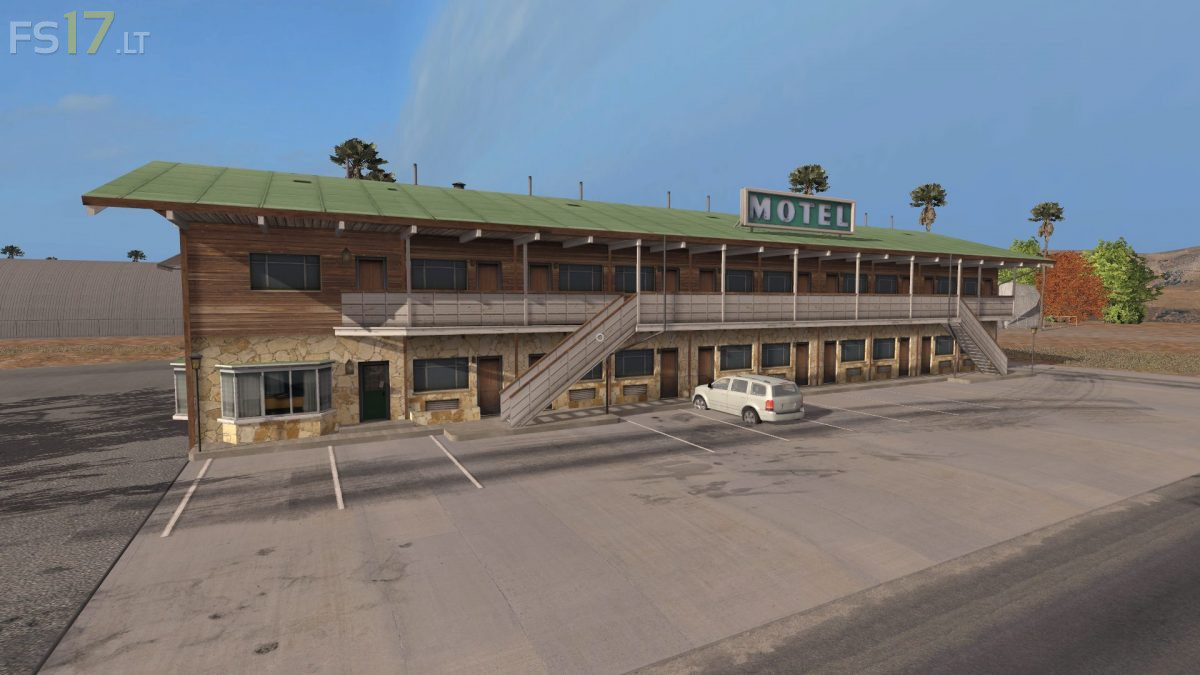
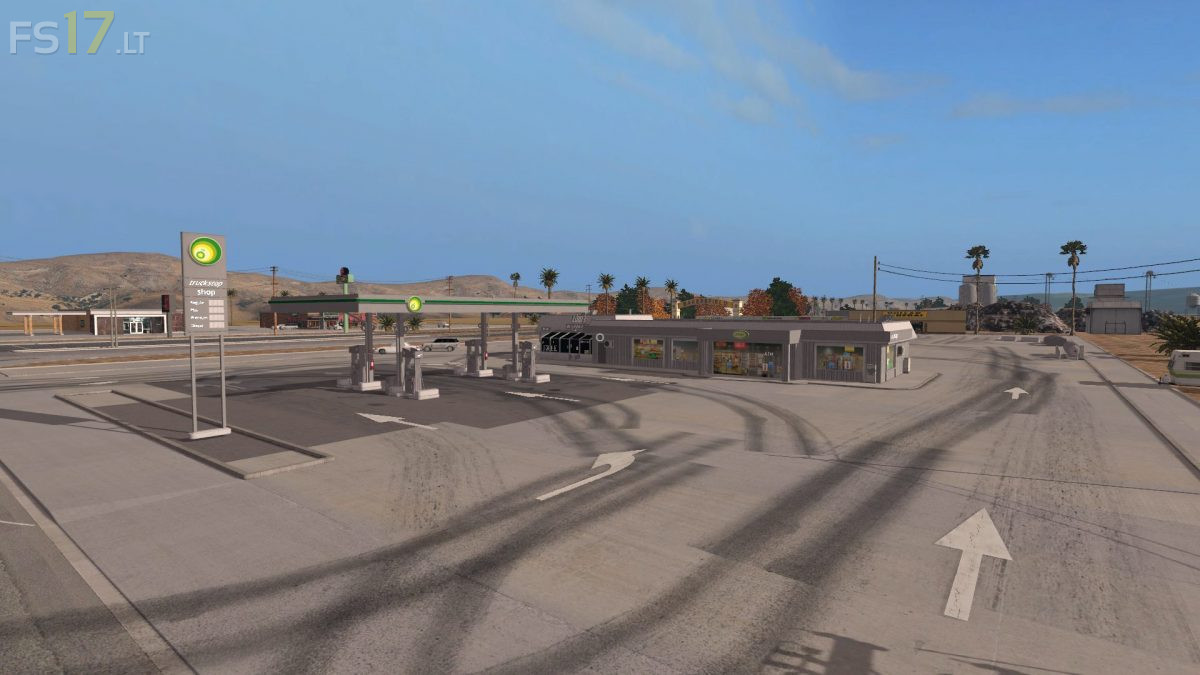
* Added new Courtyards
* Added new Buildings
Credits:
Danjelmc
How to install FS17 mods?
Firstly find a mod which you like and want to download. Then download a mod to your PC. Mods are usually in .zip format file. But sometimes it can be in .rar. If a mod file is a .zip format no needed additional actions. If a file is in .rar, then you must unarchive mod with software like WinRar or Zip7. Windows 10 users no need to use software for archives, Win10 itself has a feature to unarchive files.
The next step is to find mods folder in your PC. Usually, it is in Documents/My Games/Farming Simulator 17/2017. Open the "mods" folder and put downloaded .zip archive or unarchived .rar file to this folder.
Last step. Enjoy of FS17 mods!






I see you have taken 3d modles from American Truck Simulator and textures will try the map tho you need to provide where you got the 3d textures mate give credit at least
You want miracules with people actually giving the right credits you must be joiking
There is an invisible “wall” in the main area. It’s by the shed that has all the bags of “seeds” and other stuff in there. Random invisible objects along the road. The area on the map where it says the Cow, Chicken, Pig area is is not there. Could use some fertilizer stuff at the main area as well since I couldn’t find it. Would be nice to know which fields you start with but figured it was the fields around the main area. Great map just needs some more work done to make it enjoyable.