

Case IH 1455 XL Turbo v 1.0

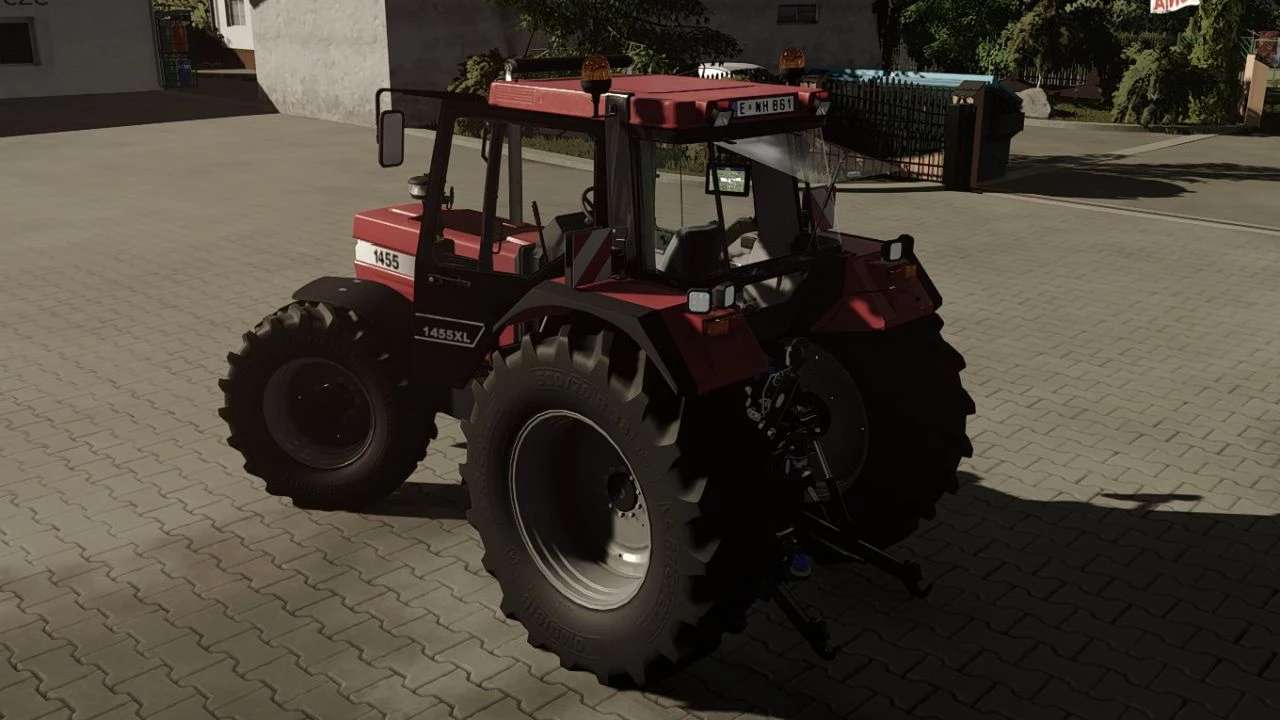
Case IH 1455 XL Turbo v 1.0
About the mod:
Configurations:
– Engine (115 hp – 338 hp)
– Wheels
– Front attacher (Weight and frontAttacher)
– Rear and front fender (Standart or Wide)
– RealGPS compiuter (Needs realGPS mod)
– DashboardLive compiuters (Needs dasbaord live mod)
– Warning signs
– Addtional LED`s
– Frontloader
– Colors (Main color, rims color)
– Interactive control mod support
New:
– New turbo badge that lights up when engine starts
– New Antennas that moves
– New glass texture
– Ledbar with led light that cast shadow on objects (Addtionaly lights up with CTRL F as highbeams)
– Adjusted color of exhaust
Credits:
Starlexs, Flugunfaehig, todes MODDING