

Case IH 380 Magnum USA v 1.1

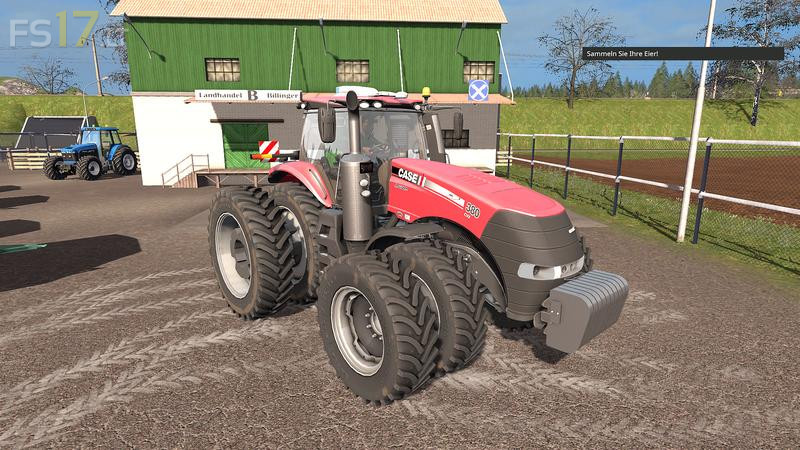
Case IH 380 Magnum USA v 1.1
Version 1.1:
* 5 different Firestone tires (changed)
* Side limitation of the twin tires (series)
* Warning sign installed (active in twin tires)
* New front weight
* GPS configurable
* Fender configurable
* Air conditioning configurable (fan animated)
* Lighting revised (partly LED)
* New coronas
* Indicator indicator in the display
* Cabin lighting
* Display and monitor lighting
* License plate script installed
* Dynamic Hose
* Connections for Dynamic Hose
* New exhaust particle system
* Prepared for Adblue and oil changes (with symbols in the terminal)
* Luefter sound installed
* Monito rLoad Screen Animation (digital display changed, new graphic created)
* Dashboard Load (additional ads created with new graphic)
* Terminal Load (GPS created with new graphic)
* Engine data, driving characteristics adapted