

Case IH Maxxum Pack v 1.3


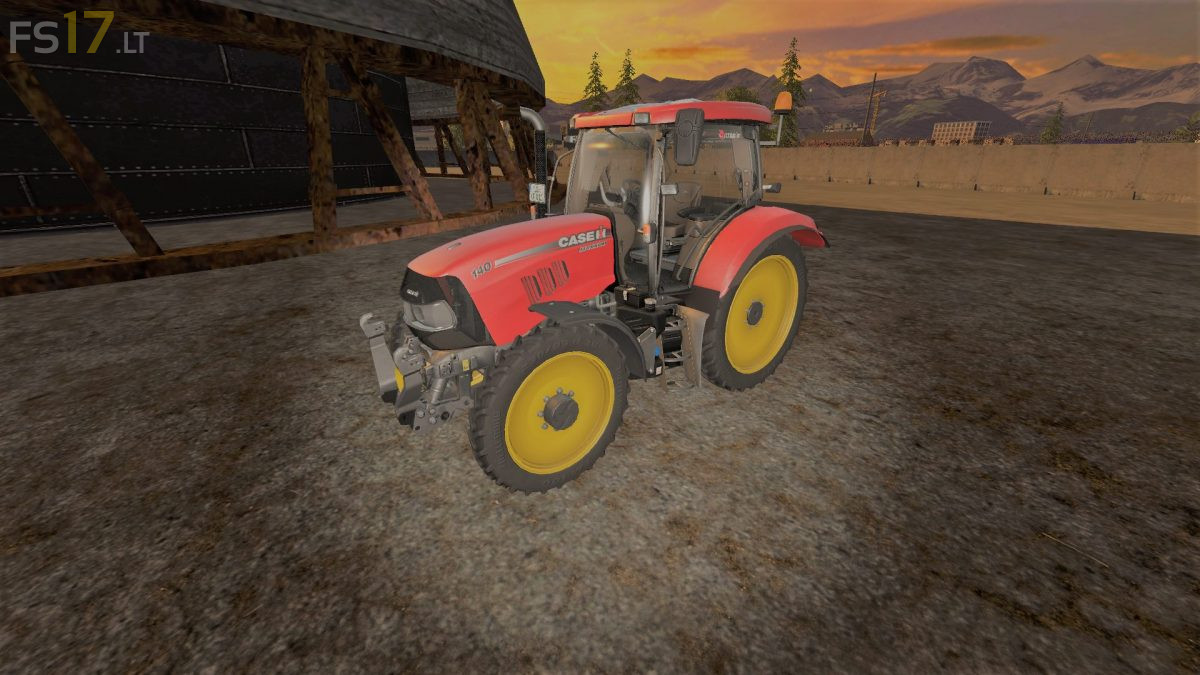
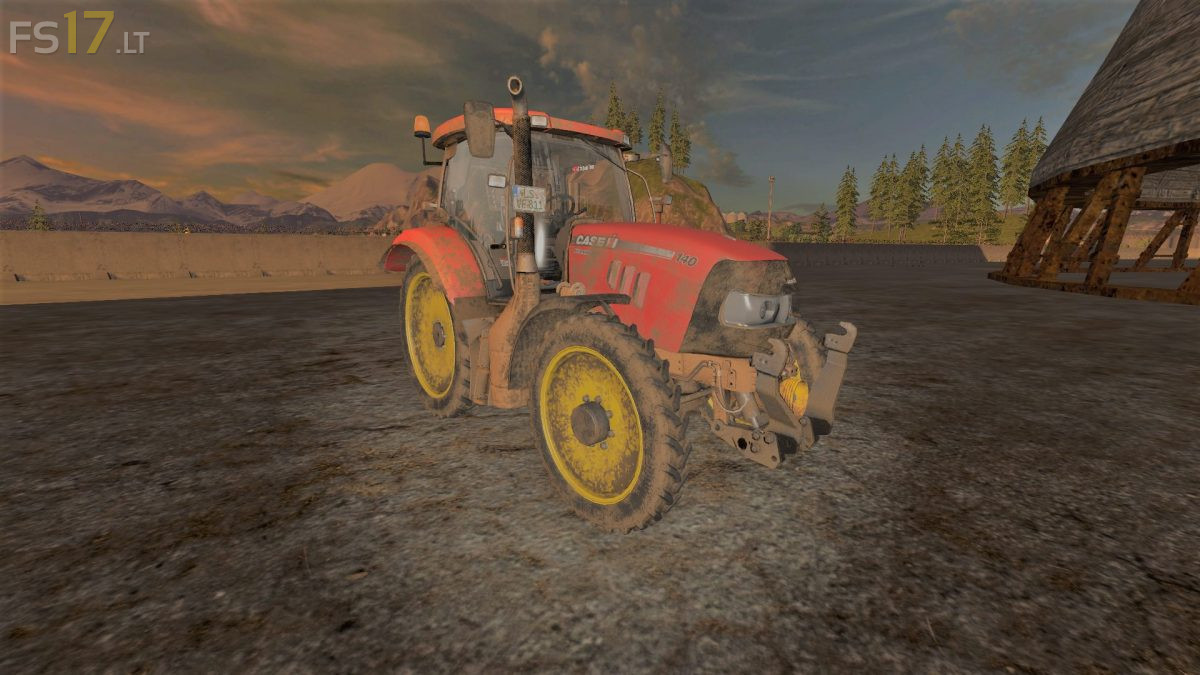
Case IH Maxxum Pack v 1.3
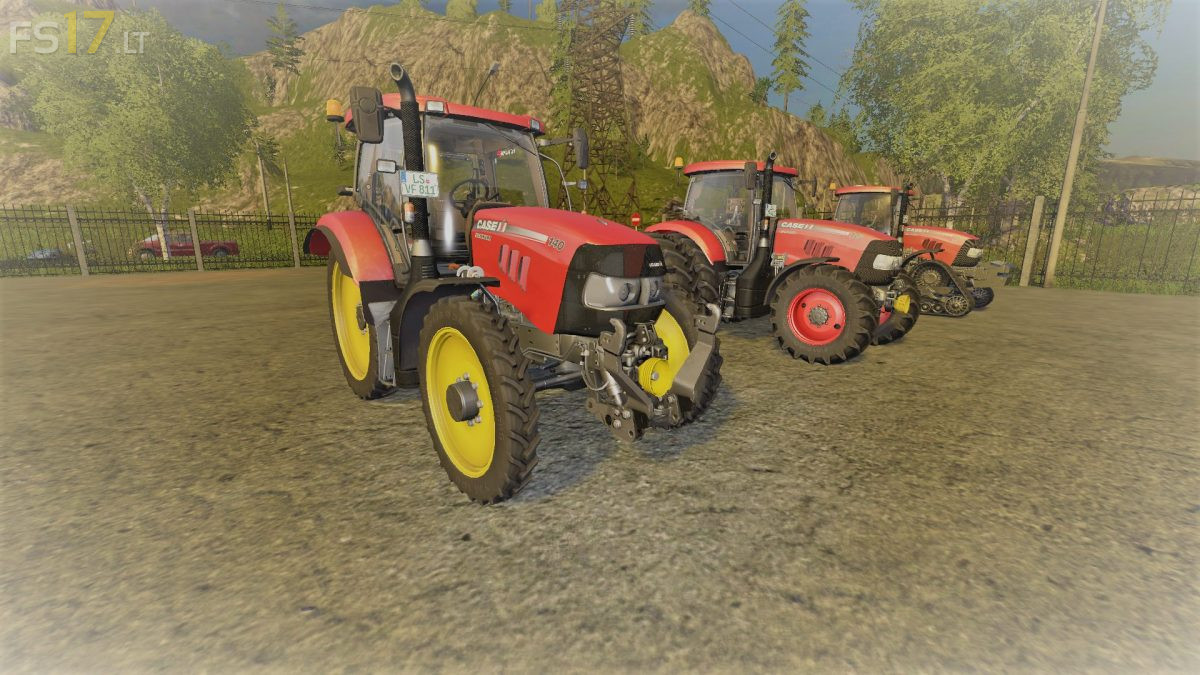
3 Case IH Maxxum CVX Tractors:
– Case IH Maxxum CVX 110: 110 hp, 120 hp, 130 hp, 135 hp
– Case IH Maxxum 125 MC: 125 hp, 135 hp, 145 hp, 155 hp
– Case IH Maxxum 140 MC: 140 hp, 150 hp, 160 hp, 170 hp
Features:
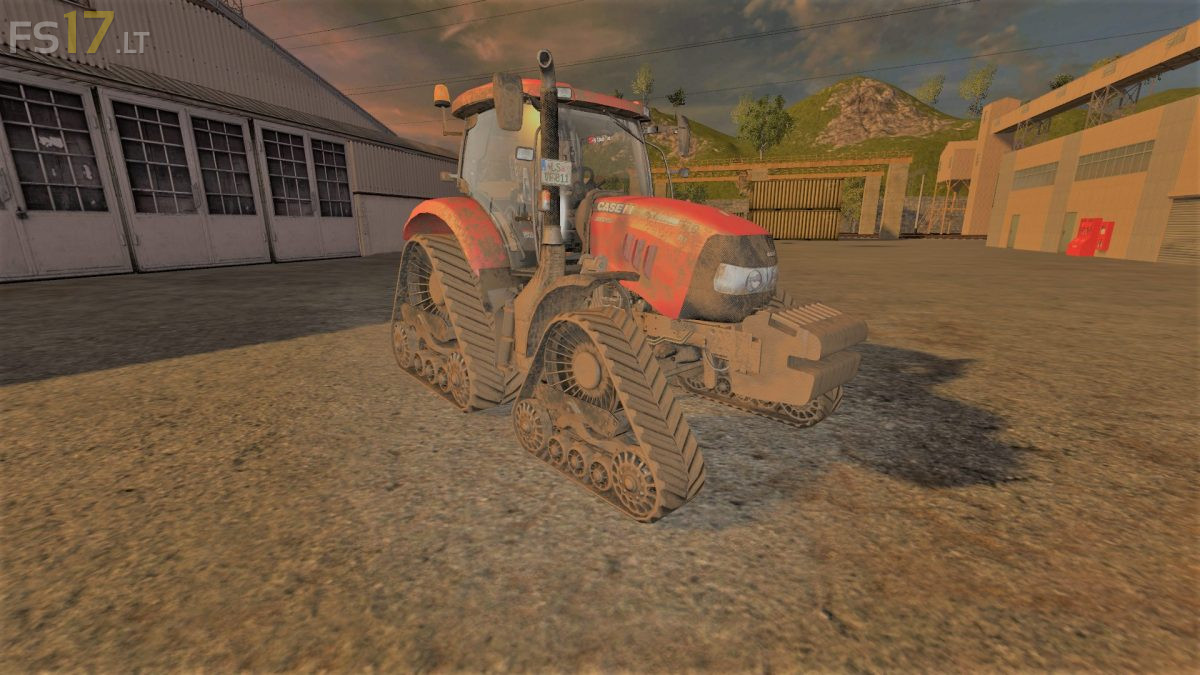
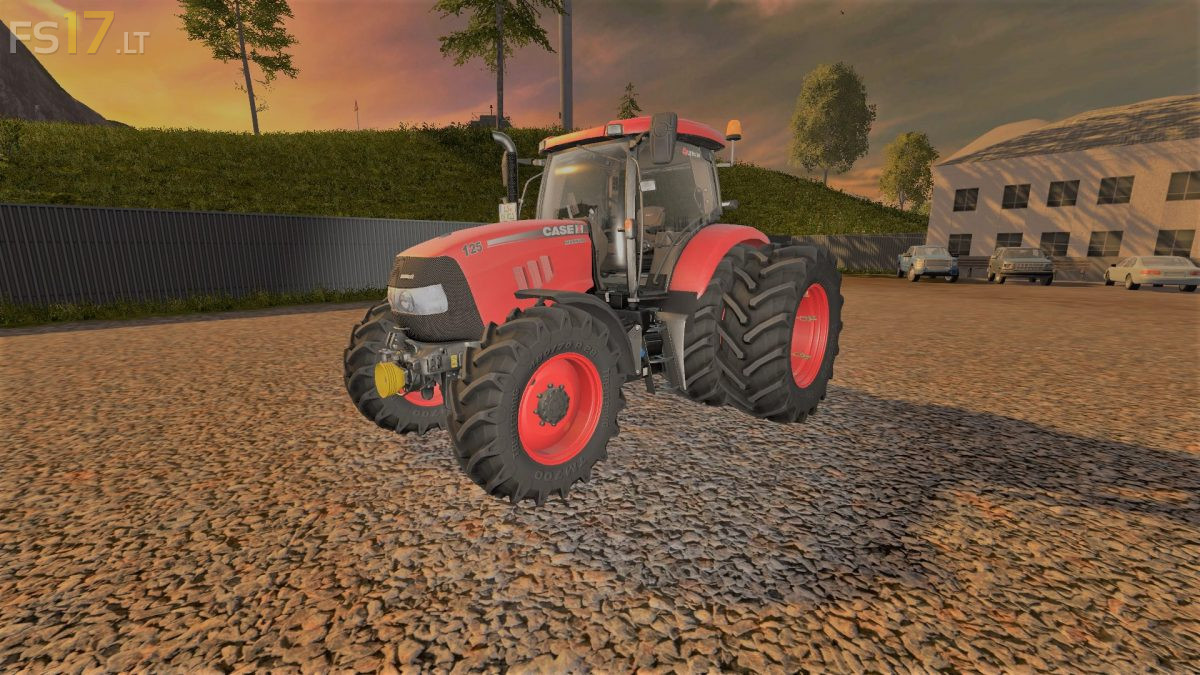
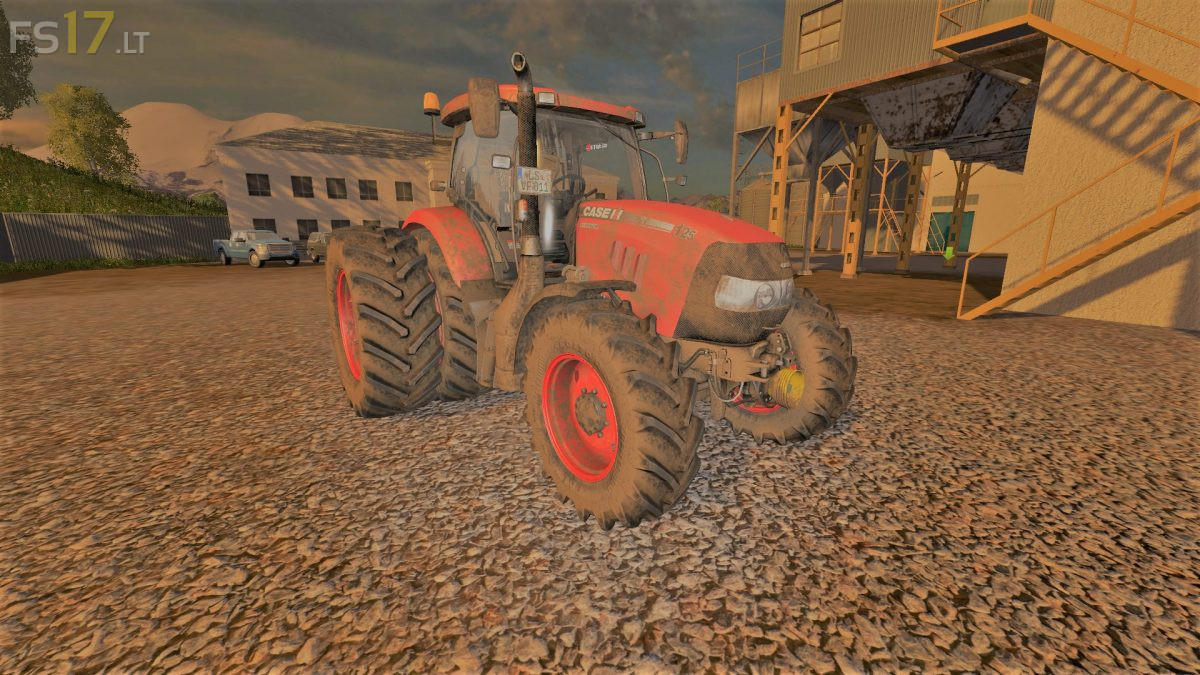
– Wheel Setup: Standard, Wide Tires, Wheel Weights, Narrow Tires, Rear Twin Wheels, Crawler Track
– Selectable Attachers
– Selectable Rim Color
– Frontloader Attacher
– IC Control
– Dirt / washable
Version 1.3:
* Added new model Maxxum 125
* New wheels
* Changed the texture diffuse and specular
* Opened a mask
* Added engine model
* Animation fan cooler
* Sounds of opening and closing the door
* When you open a door or window in the cabin is louder
* New weight on the front and rear wheels
* Wheels slightly extended
* Animation door handles
* Vibrations of the engine and fenders
* Improvement of certain elements of the cabin
* Added lighting in the cabin