

Case IH Maxxum Pack v 1.3

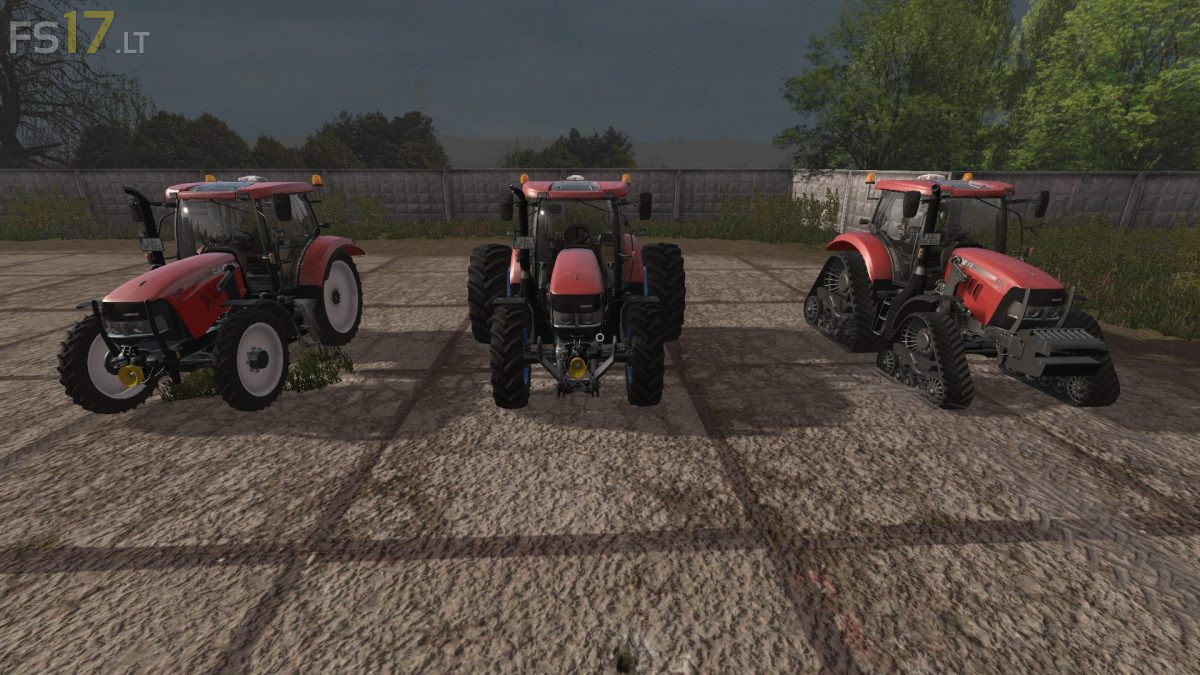
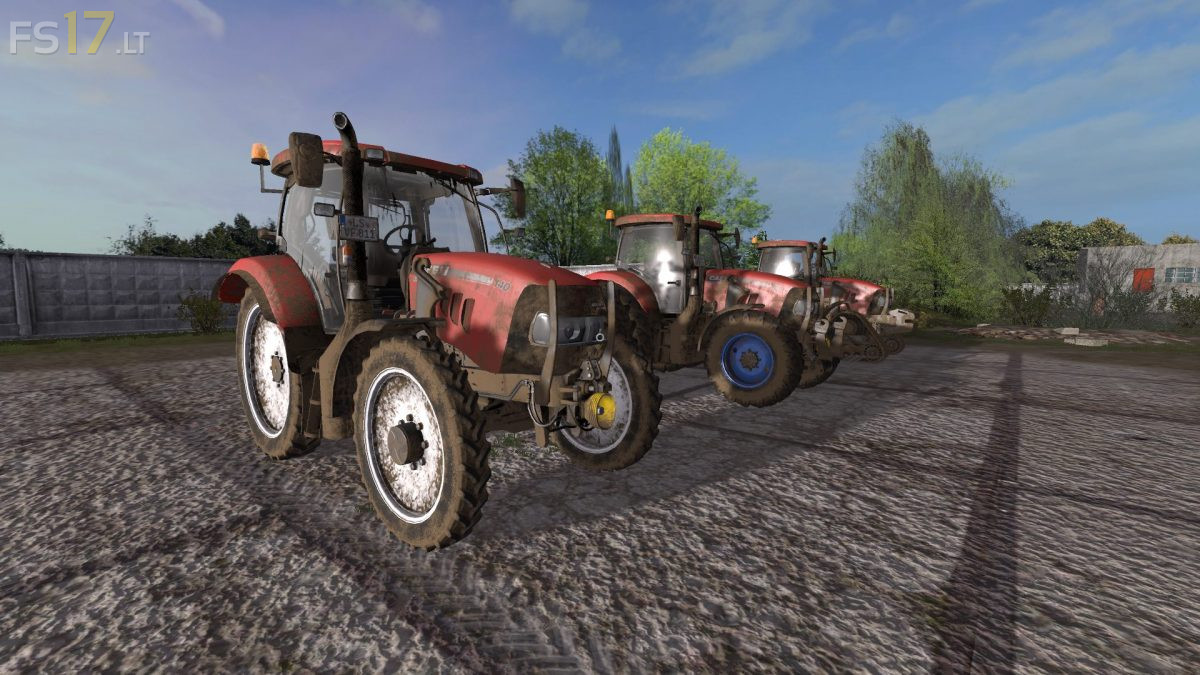
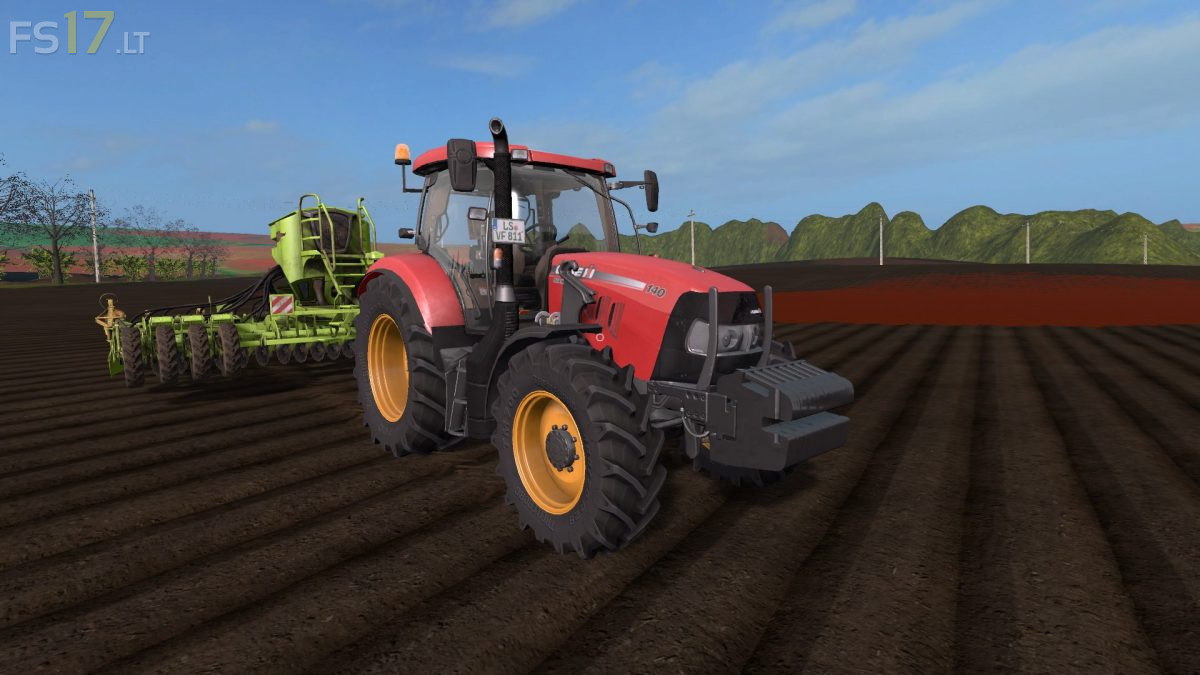

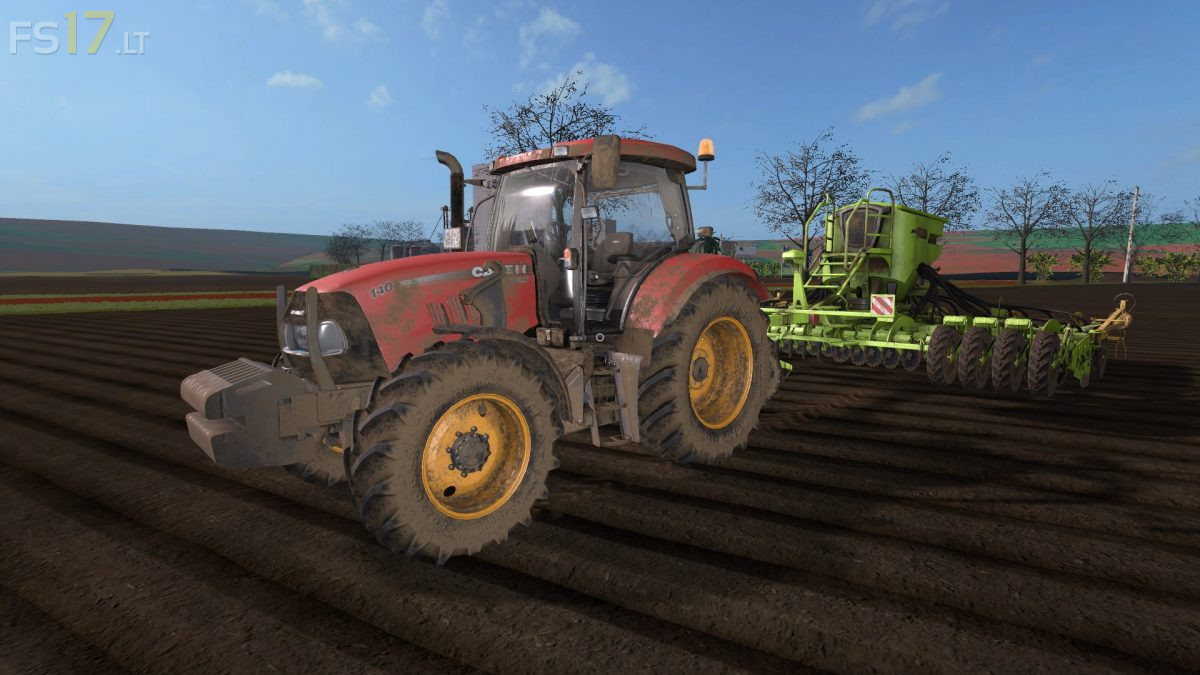
Case IH Maxxum Pack v 1.3
3 Case IH Maxxum Tractors:
Case IH Maxxum 110 CVX:
– Engine Setup: 110 hp, 120 hp, 130 hp, 135 hp
– Wheel Setup: Standard, Wide Tires, Wheel Weights, Narrow Tires, Rear Twin Wheels, Crawler Track
– Attachers: Weight, Front Hydraulic, without anything
– Frontloader Attacher
– Selectable Rim Color
– IC Control
– Washable
Case IH Maxxum 125 MC:
– Engine Setup: 125 hp, 135 hp, 145 hp, 155 hp
– Wheel Setup: Standard, Wide Tires, Wheel Weights, Narrow Tires, Rear Twin Wheels, Crawler Track
– Attachers: Weight, Front Hydraulic, without anything
– Frontloader Attacher
– Selectable Rim Color
– IC Control
– Washable
Case IH Maxxum 140 MC:
– Engine Setup: 140 hp, 150 hp, 160 hp, 170 hp
– Wheel Setup: Standard, Wide Tires, Wheel Weights, Narrow Tires, Rear Twin Wheels, Crawler Track
– Attachers: Weight, Front Hydraulic, without anything
– Frontloader Attacher
– Selectable Rim Color
– IC Control
– Washable