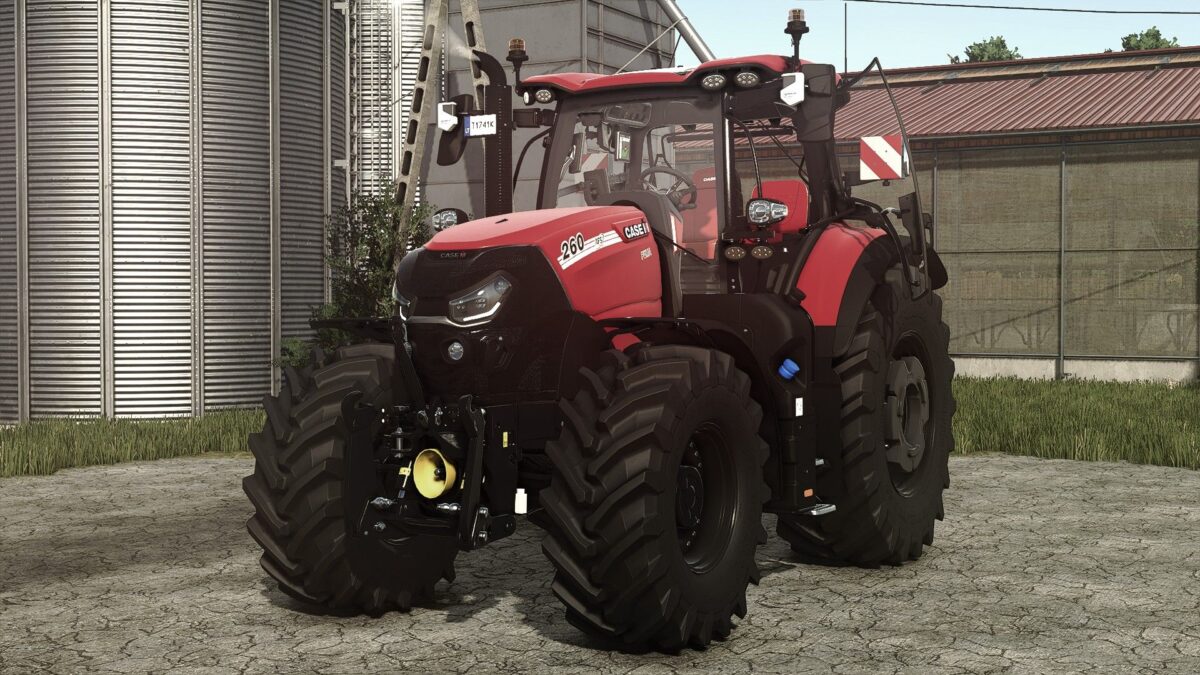
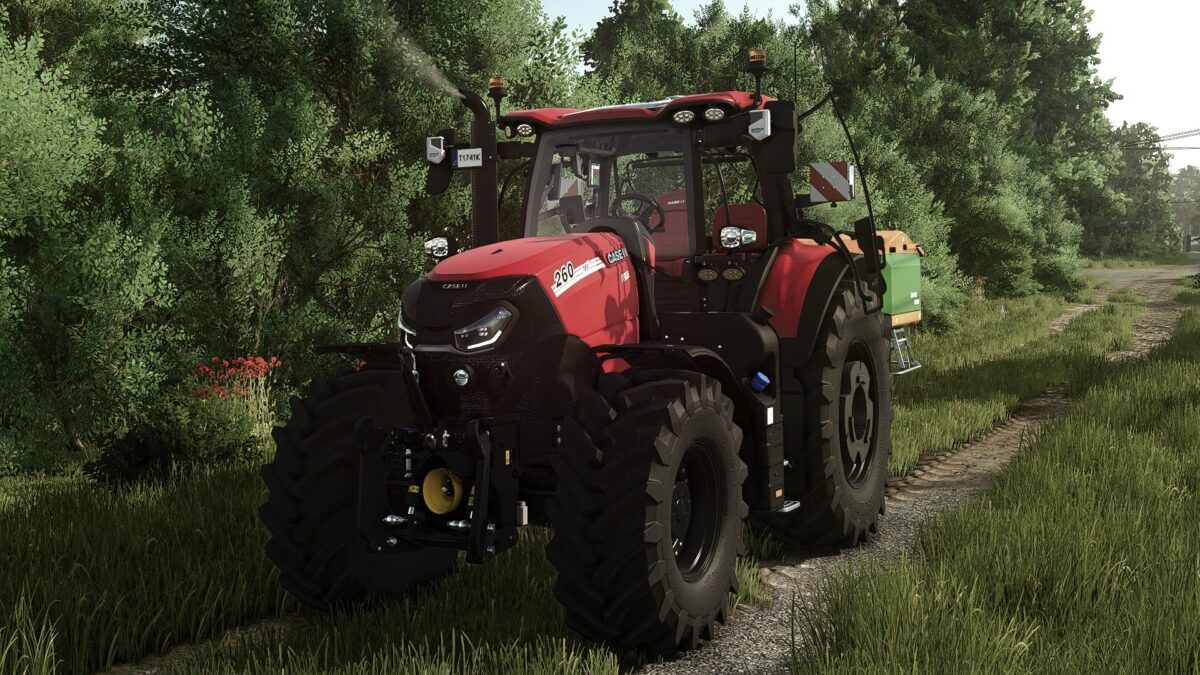
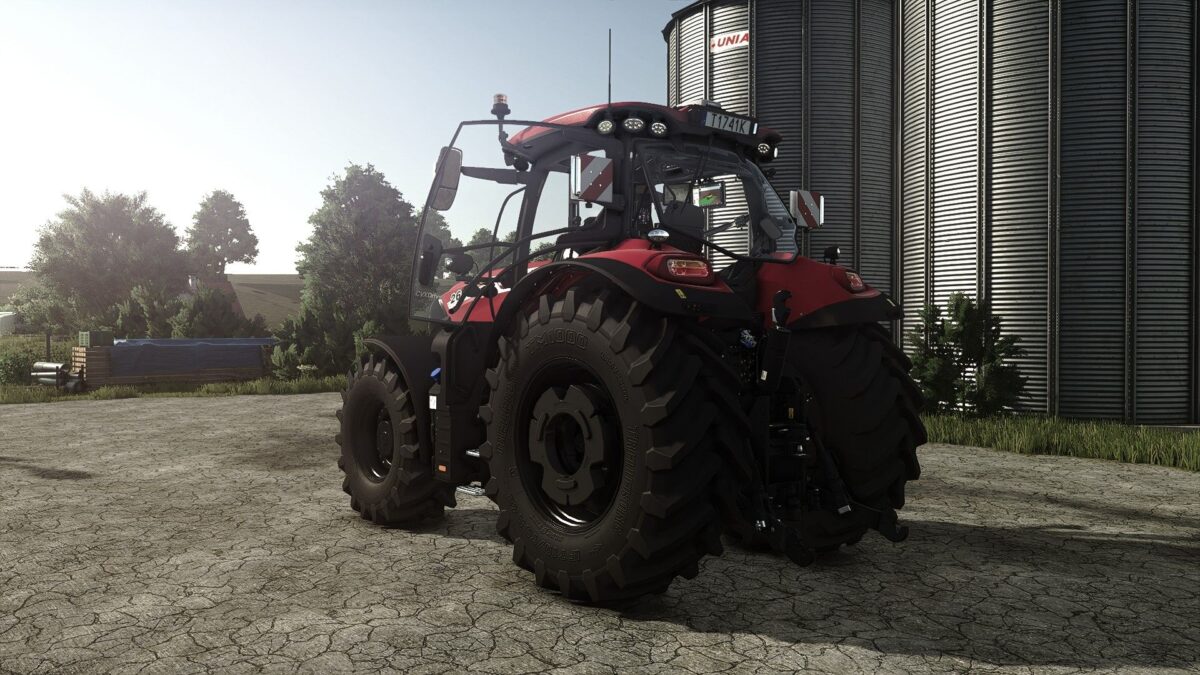
Case IH Puma 185/240 v 1.0.1.1
Case IH Puma
Puma 185 CVXDrive (224 HP)
Puma 200 CVXDrive (245 HP)
Puma 220 CVXDrive (260 HP)
Puma 240 CVXDrive (271 HP)
Color choice for main color, interior, seat and rims
Animation for door and rear window
Case IH Puma – Puma 185 CVXDrive (224 HP)
Puma 200 CVXDrive (245 HP)
Puma 220 CVXDrive (260 HP)
Puma 240 CVXDrive (271 HP)
Color selection for main color, interior, seat and rims
Animation for door and rear window
Version 1.0.1.1:
* Variable tire pressure mod support added
Starlexs, waffle, siLance
How do I install Farming Simulator mods?
Find a mod that you like and want to download first. Then, on your PC, download a mod. Mods are typically in.zip format. However, it is sometimes in.rar format. If the mod file is in.zip format, no additional actions are required. If a file is in.rar format, you must unarchive it using software such as WinRar or Zip7. Windows 10 users do not need to use archive software; Win10 includes an unarchive feature.
The next step is to locate the mods folder on your computer. It is typically found in Documents/My Games/Farming Simulator [Your FS game version, e.g. 2022]. Open the "mods" folder and place the downloaded.zip archive or unarchived.rar file there.
The final step. Have fun with Farming Simulator mods!