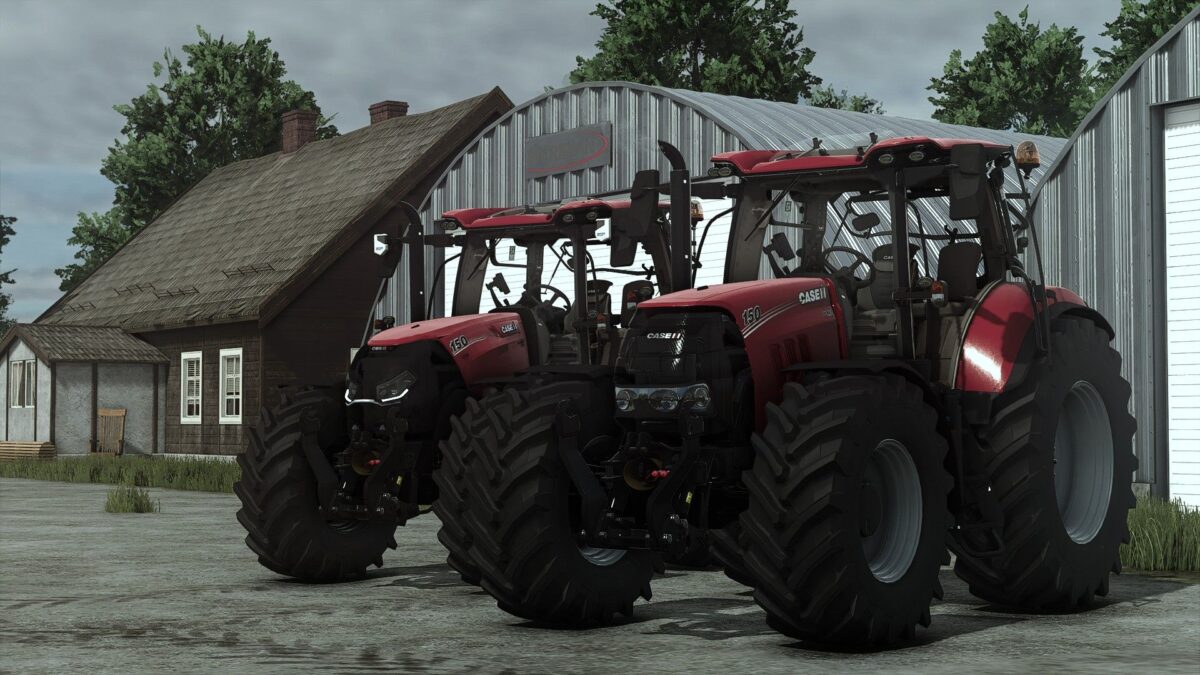
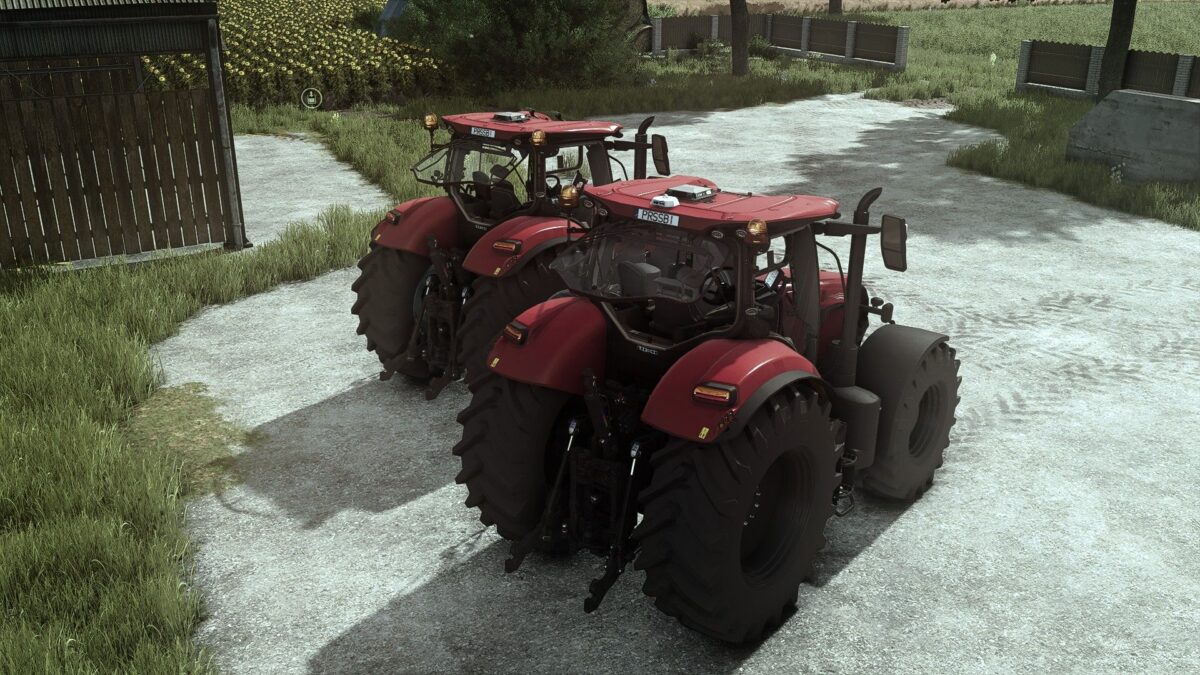
Case IH Puma CVX v 1.0.0.4
Price: 142`000
Power: 170-245hp
Configurations:
Wheels brand
Wheels setup
Engine
Model Year
Warning signs
Exhaust
Front guard
Steering knob
Attachers
Frontloader attacher
Crop sensors
Main color (With all base game CaseIH colors)
Rims color
Interactive control
Doors
Windows
Steering wheel
Carpet
Roof
Passenger seat
Terminal
Warning signs
Version 1.0.0.4:
* Vehicle Years mod support added
* CB Radio with animated cable added (that can be removed/added with IC function)
* ModDesc changes
Starlexs, MaxModding, WUJA, KRECIK, WIREK, JP2137
How do I install Farming Simulator mods?
Find a mod that you like and want to download first. Then, on your PC, download a mod. Mods are typically in.zip format. However, it is sometimes in.rar format. If the mod file is in.zip format, no additional actions are required. If a file is in.rar format, you must unarchive it using software such as WinRar or Zip7. Windows 10 users do not need to use archive software; Win10 includes an unarchive feature.
The next step is to locate the mods folder on your computer. It is typically found in Documents/My Games/Farming Simulator [Your FS game version, e.g. 2022]. Open the "mods" folder and place the downloaded.zip archive or unarchived.rar file there.
The final step. Have fun with Farming Simulator mods!