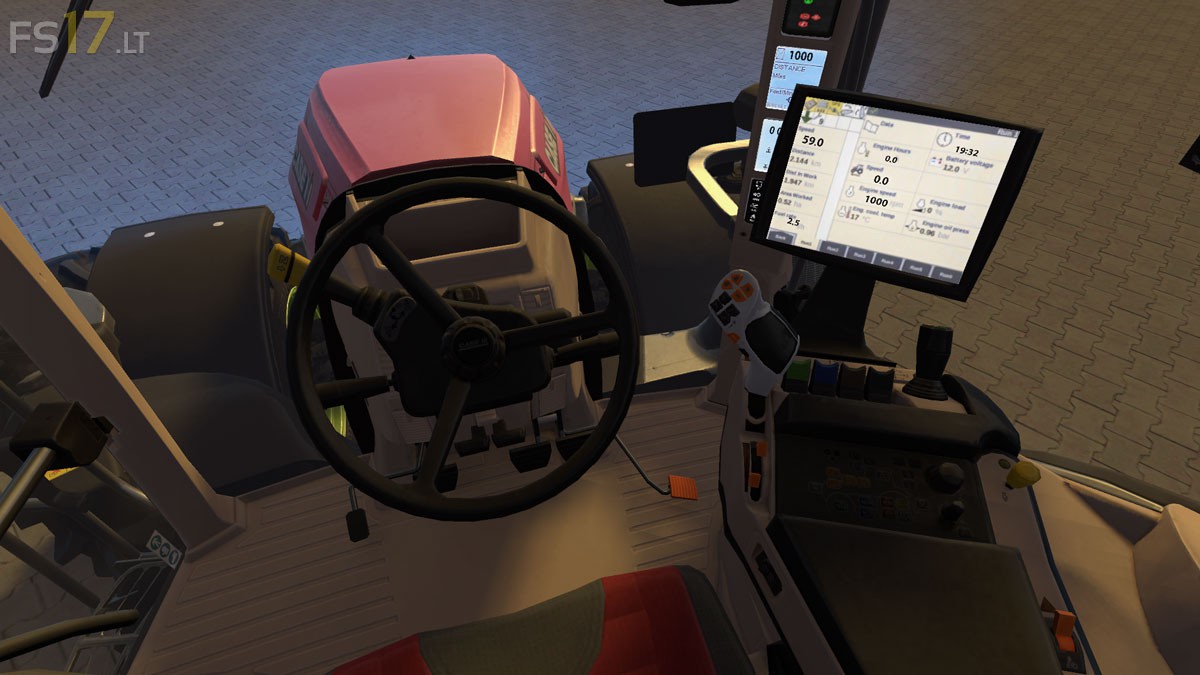
Case Optum CVX Turbo v 1.0

FS19 mods

case-optum-cvx-turbo-1 case-optum-cvx-turbo-2 case-optum-cvx-turbo-3

About the mod:

– Engine Setup: 408 hp, 433 hp
– Wheels Setup: Standard Wheels, Narrow Twin Wheels, Wide Tires, Wheel Weights
– Frontloader Attacher
– Selectable Rim Color

Price: 274.000 €

Credits:
MK Agrar (JokerTom)

How to install FS17 mods?

Firstly find a mod which you like and want to download. Then download a mod to your PC. Mods are usually in .zip format file. But sometimes it can be in .rar. If a mod file is a .zip format no needed additional actions. If a file is in .rar, then you must unarchive mod with software like WinRar or Zip7. Windows 10 users no need to use software for archives, Win10 itself has a feature to unarchive files.

The next step is to find mods folder in your PC. Usually, it is in Documents/My Games/Farming Simulator 17/2017. Open the "mods" folder and put downloaded .zip archive or unarchived .rar file to this folder.

Last step. Enjoy of FS17 mods!

One thought on “Case Optum CVX Turbo v 1.0

  • Jay says:
    2016-11-14 at 10:42

    The blue exterior lighting seems very odd. It doesn’t match the bloom cast by the lights, and just causes them to look fake. It’s the only thing spoiling this tractor currently, everything else is spot on.

Leave a Reply

Your email address will not be published. Required fields are marked *