

CAT 428 F2 Next Gen v 1.0

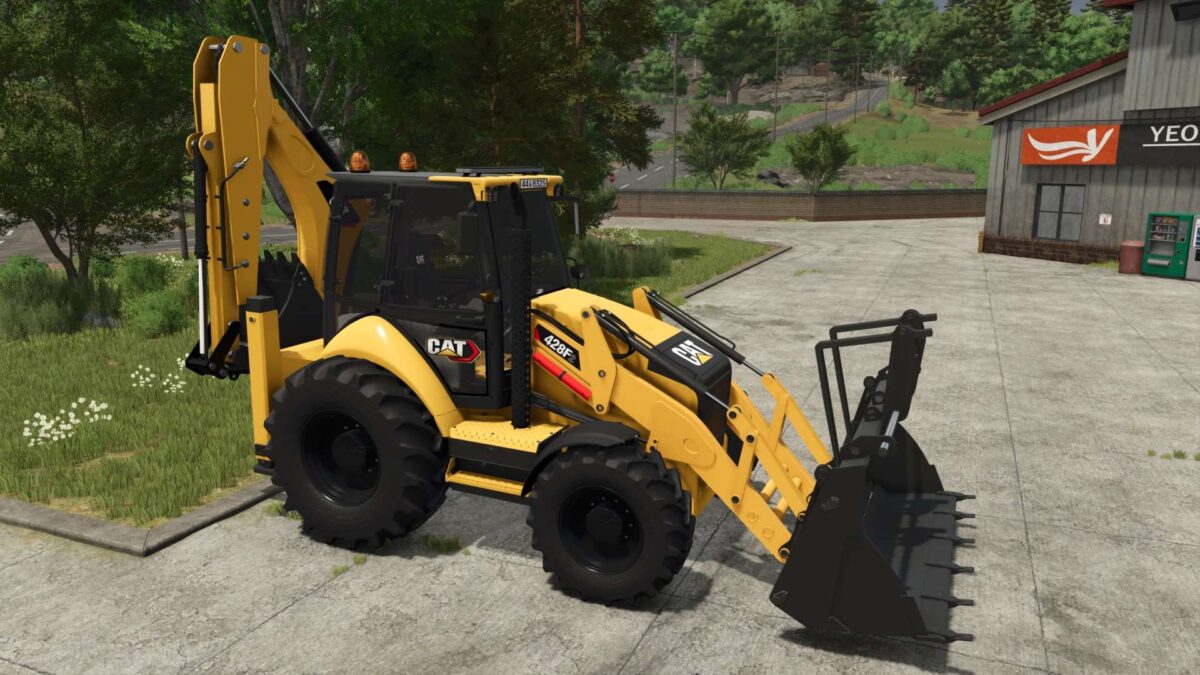
CAT 428 F2 Next Gen v 1.0

Huge selection of additional equipment
Multiple front and rear attachments
Extensive configuration options
Highly detailed model and functional elements
Various equipment configurations
Perfect for construction, excavation, and loading
Fully adapted for Farming Simulator 25
Choose the equipment you need and build your own CAT 428F2 configuration for the job at hand.
Mexican Bouvier
How do I install Farming Simulator mods?
Find a mod that you like and want to download first. Then, on your PC, download a mod. Mods are typically in.zip format. However, it is sometimes in.rar format. If the mod file is in.zip format, no additional actions are required. If a file is in.rar format, you must unarchive it using software such as WinRar or Zip7. Windows 10 users do not need to use archive software; Win10 includes an unarchive feature.
The next step is to locate the mods folder on your computer. It is typically found in Documents/My Games/Farming Simulator [Your FS game version, e.g. 2022]. Open the "mods" folder and place the downloaded.zip archive or unarchived.rar file there.
The final step. Have fun with Farming Simulator mods!