

Caterpillar AP1055F v 1.0

Caterpillar AP1055F v 1.0
About the mod:
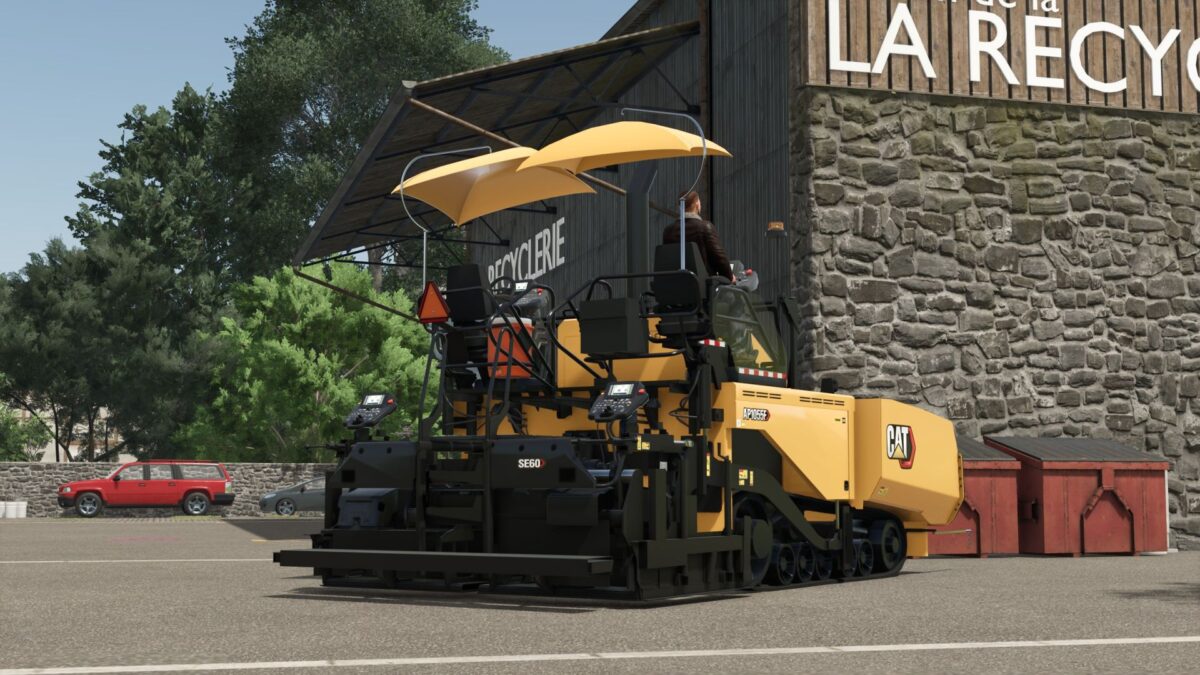
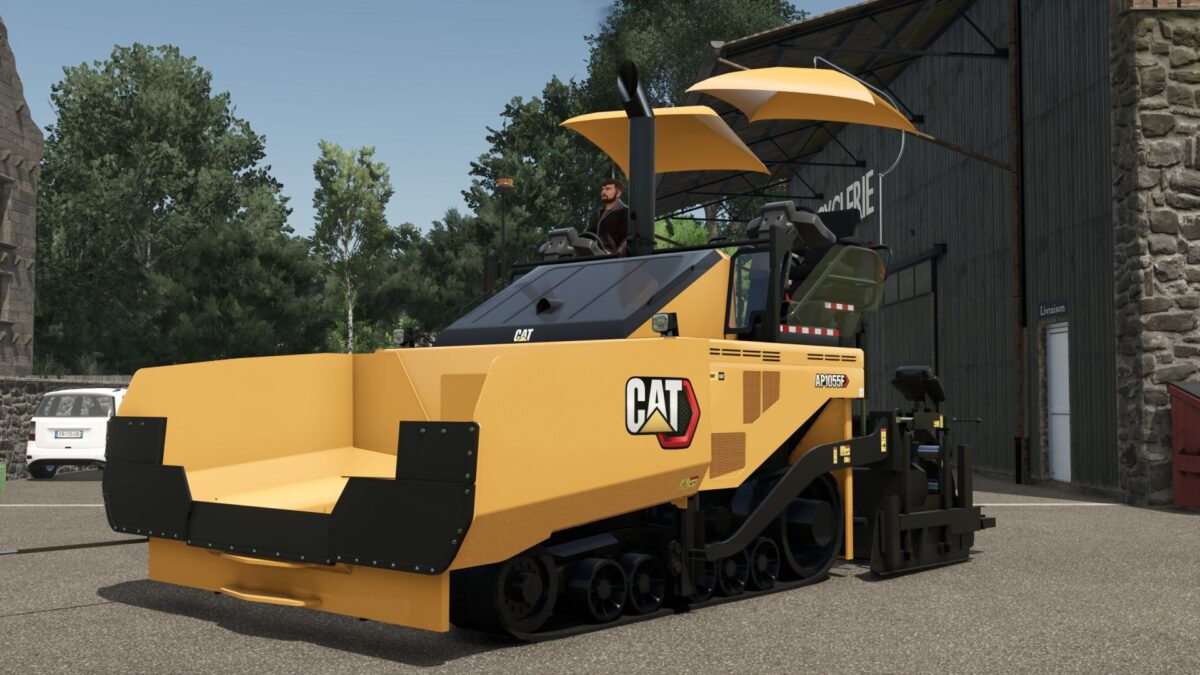
Here is the CAT Asphalt Paver, made for Farming Simulator 25 and designed to add more realism to your road construction projects.
This machine is perfect for players who enjoy construction, roadwork, paving projects, and roleplay gameplay.
It gives you a realistic looking asphalt paver that fits perfectly on construction sites and with road crews.
Features:
Detailed CAT asphalt paver model
Functional paving setup with any fill types
Designed for road construction projects
Great for construction and RP servers
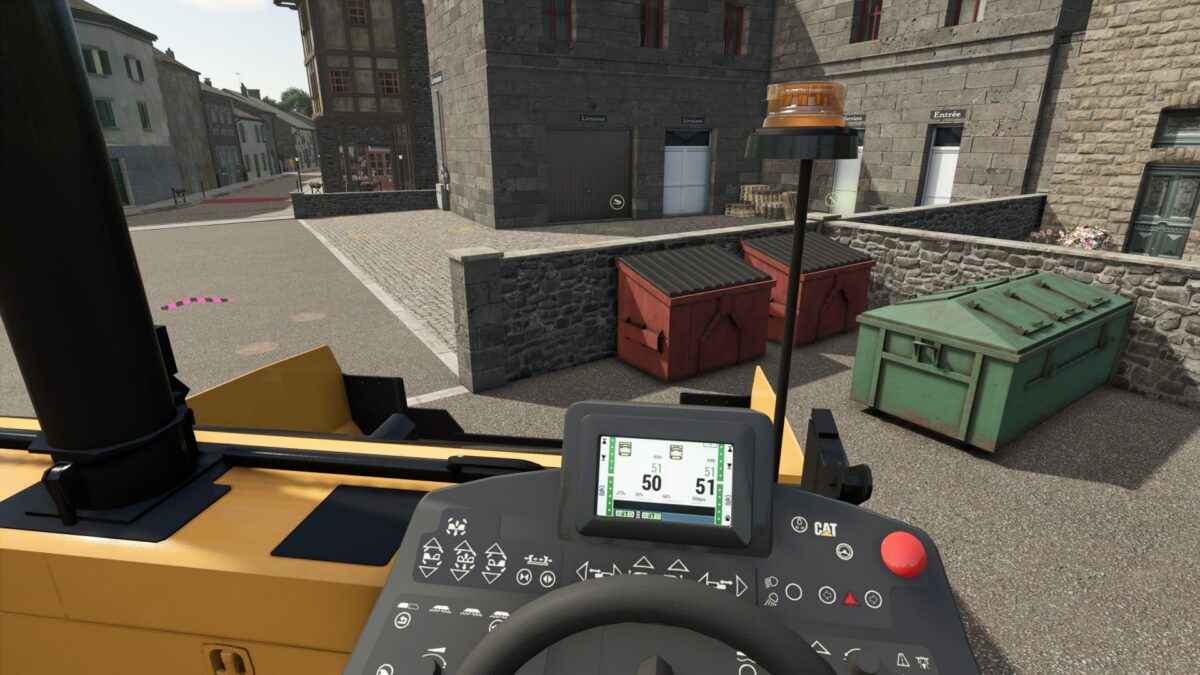
Multiple small details and animations with Interactive Control
Credits:
iincept-creation