

Challenger MT800E Series v 1.0


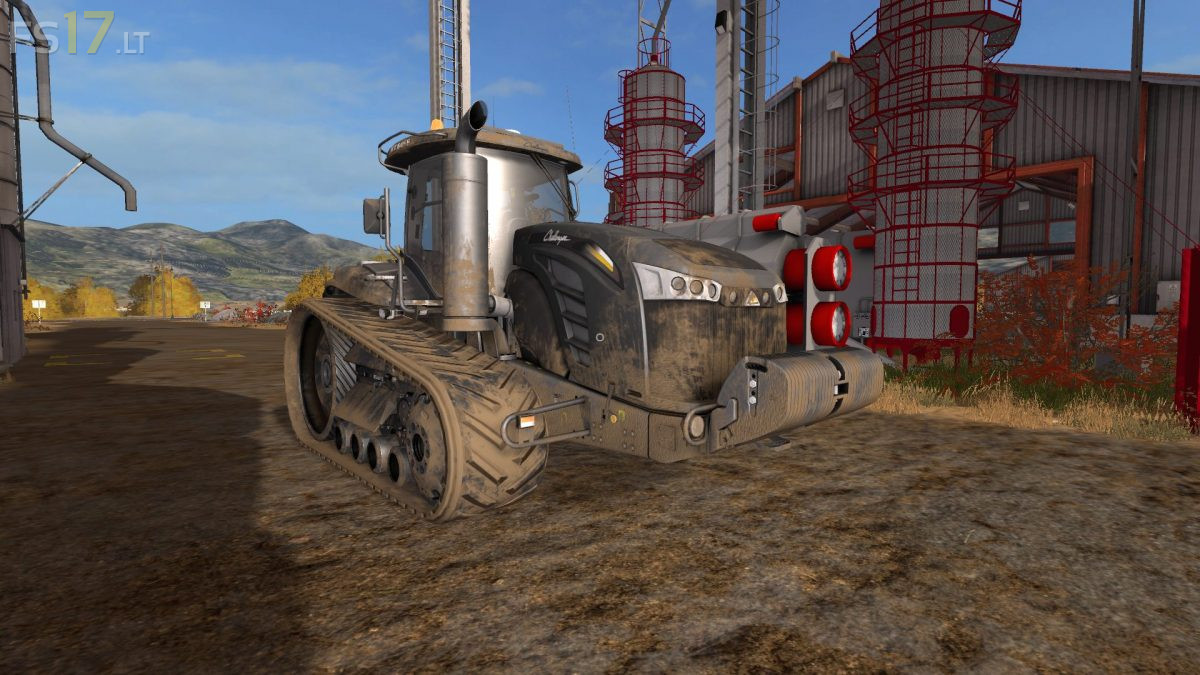
Challenger MT800E Series v 1.0
– Engine Setup: 492 hp, 560 hp, 592 hp, 646 hp
– Selectable Design
– Animated seat suspension
– Animated joystick
– Animated steering column
– Animated wipers (turn on via IC & autostart during rain)
– Animated mirrors (Up/Down/Rotate via IC)
– Animated GPS monitor (Add/Remove/Slide/Rotate)
– Animated pedals (Clutch, brake & throttle)
– Extendable crawlers via mouse control
– IC Control (Doors, window and more)
– IndoorSounds (Indoor volume level change when doors & window open/close )
– Open door from outside
– Engine numbers now present on main monitor (CruiseControl/Fuel etc.)
– Design options
– Improved visuals
– Illuminated Interior
– Cabin light for night work (Turn on via IC)
– Add / remove three point hitch
– Passenger support
– Dynamic Hoses support
– New engine sounds
– New Textures
– Adjusted lights
– Washable