

City from Vaszics Map v 2.2


City from Vaszics Map v 2.2
Version 2.2:
* Creation of a wildlife farm on the southern side of the central mountain range (temporary storage).
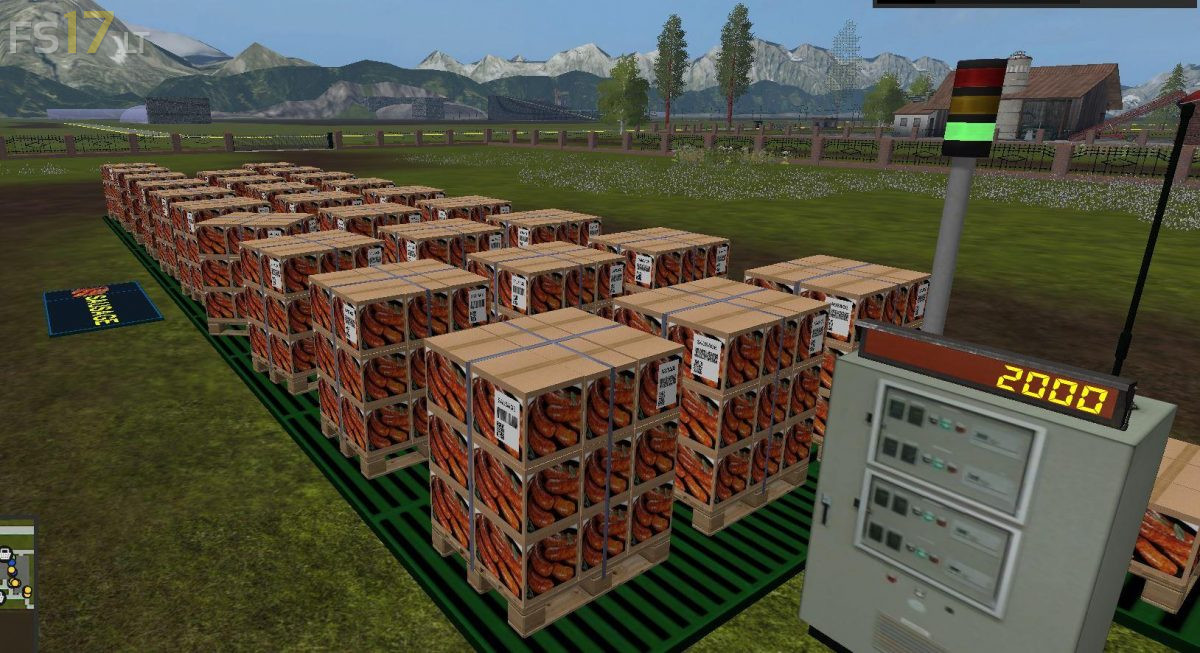
* Establishment of a concrete plant and palletized cement plant in the eastern part of the map.
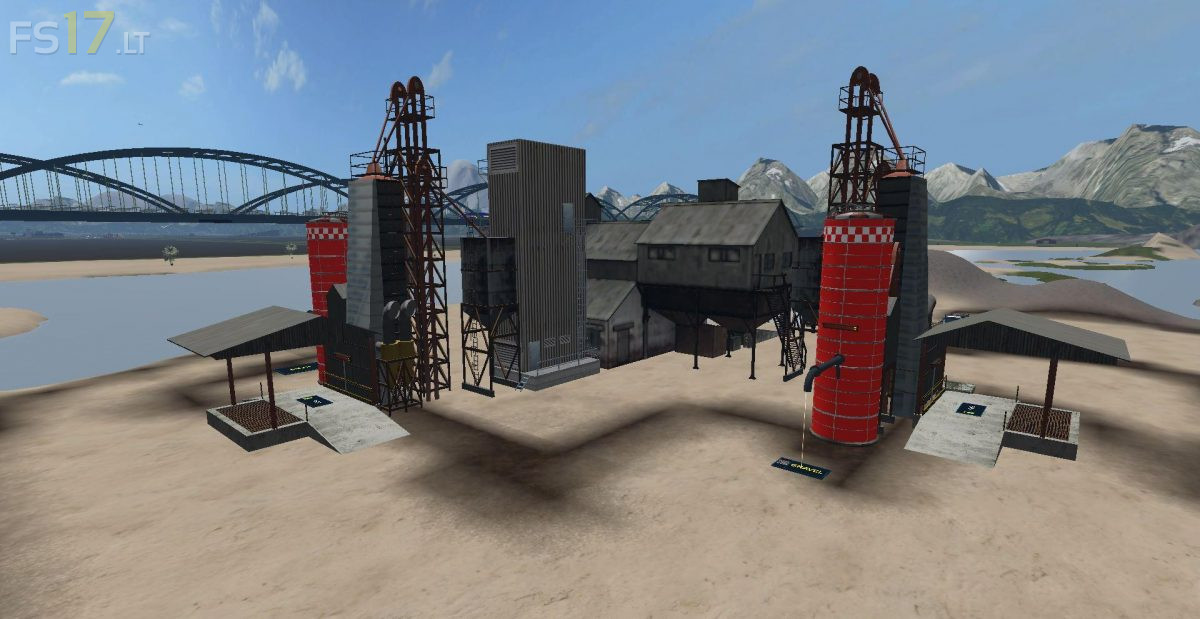
* Expanding the sand mine with a gravel mining. There has been a complete transformation in this area. Sand and gravel storage has also been refurbished.
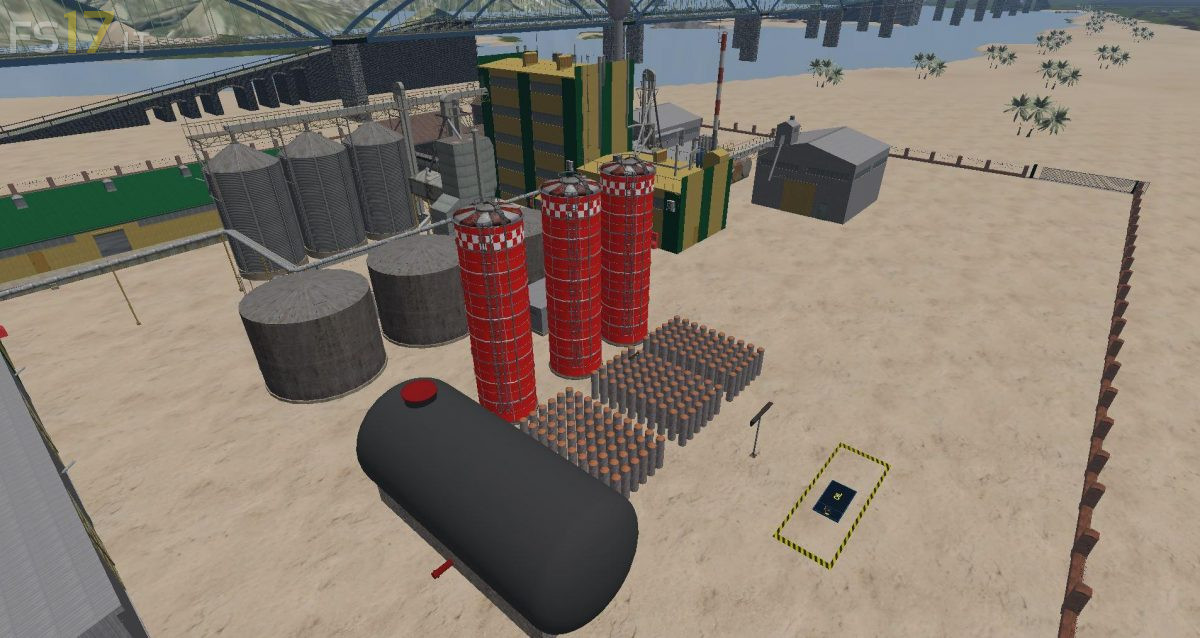
* On the sandy beach, there are 4 oil drilling towers and an oil refinery that produces engine oil.
* Libatelep was created under the horse stable. There were also two temporary storage facilities there.
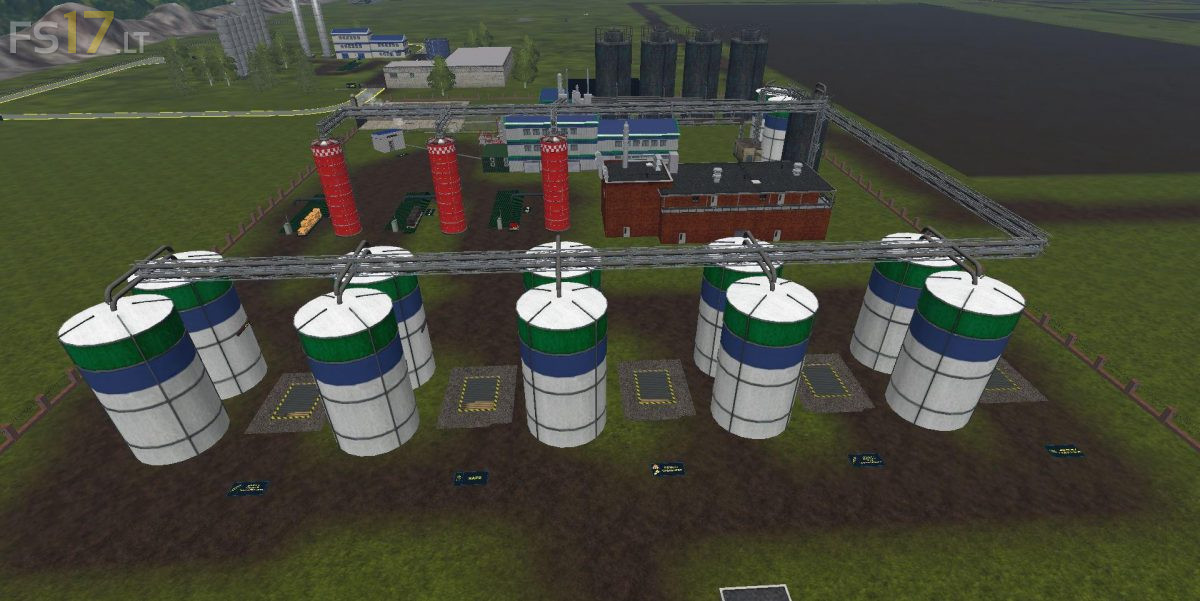
* Bio feed plant was established in the western part of the map.
* Construction of a new cow stall began in the center of the hill.
* Clarify, repair and relocate the Building Market building.
* Creating a new bridge over the highway in the western part of the map.
* The fence separating the freeway has been discontinued.
* Factory and store info have been updated (externally in PDF file).
* Update your PDA.
* Re-examine the sales system.
przy kupnie kombajnów zawiesz się gra