

Claas Axion 980 Limited Edition v 1.0.0.1

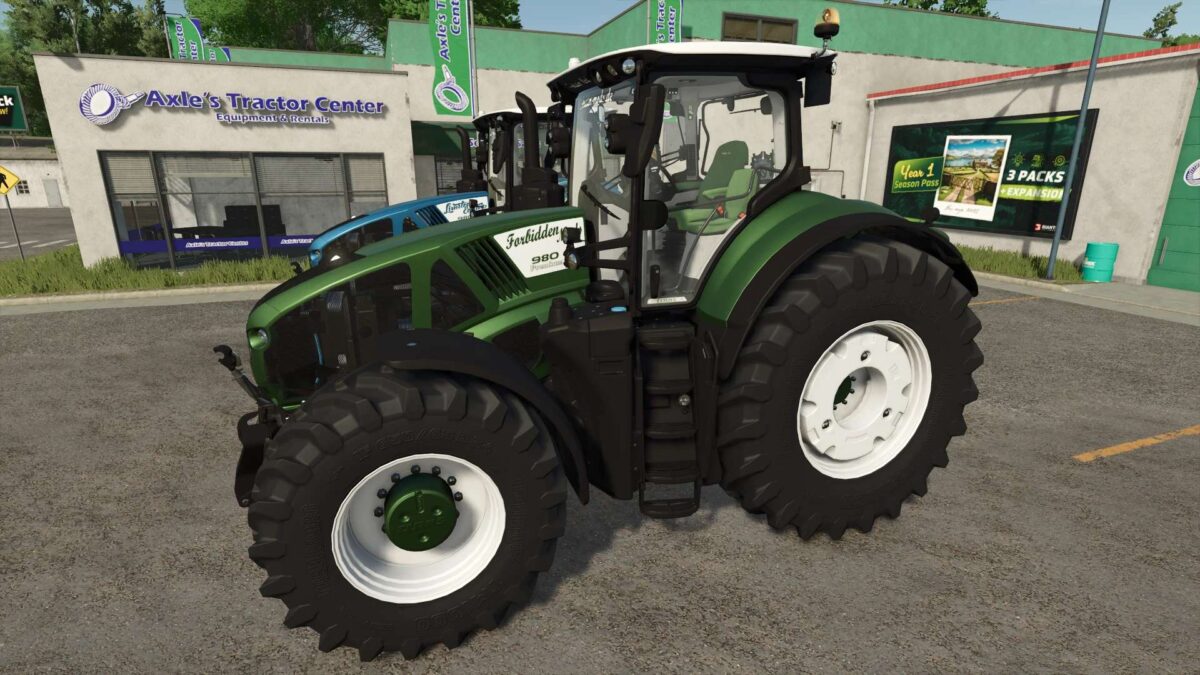
Claas Axion 980 Limited Edition v 1.0.0.1
About the mod:
Price: 251,000
Engine options: the standard, 980TT Ultimate 668 hp, and the 980TT Premium 980 hp
Speed: 53 km/h
Decal options: Standard, Limited Edition, Ultimate Farming, or FBM
Windshield lettering: None, Limited Edition, Ultimate Farming, FBM, or FBM.de
Rear window logo: None, Limited Edition, Dolphins, or FBM
Stickers: None or FC Köln
Premium decal: None, left, right, or Both
Color selection for main color, frame, roof, grille, interior, interior 2, seat, headliner, armrest, rear fender and wheel color
Increased repair interval
Version 1.0.0.1:
* Desktop version adjusted
* Minor fixes
* New logos added
* TestRunner public 0.9.17 checked
Credits:
Dolphin