

Claas Lexion 580/600 TT Pack v 1.0

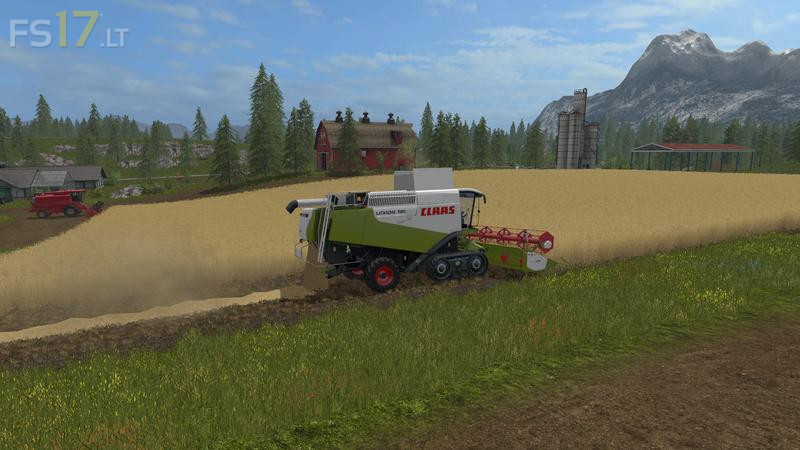
Claas Lexion 580/600 TT Pack v 1.0
Included in the pack:
– Lexion 600 (TT)
– Lexion 580 (TT)
– Vario 660 (6.6 meters)
– Vario 750 (7.5 meters)
– Vario 900 (9 meters)
– Vario 1050 (10.5 meters)
– Vario 1200 (12 meters)
– Cornspeed 6-75 (4.5 meters)
– Cornspeed 8-75 (6 meters)
Features:
– All standard fruits can be threshed
– With Ctrl left + Z you can allow the machine
– With Alt left you can switch through the cameras 1 to 3 and turn off at the power head, the cameras 4 and 5 go only on grain cutting plants
– It is the passenger script installed
– (Cabin view) You can activate or deactivate the straw storage from outside on the left side
– For maize bites, you first have to lower the cutting unit and from the outside, transport protection with R enfährnen.
– Cutting unit must be coupled with Q for cutting trolley and it is possible to uncouple cutting unit and trimming unit simultaneously with keys Ctrl left + I.
WOW