

CLAAS Lexion 8000 Series v2.0.0.0

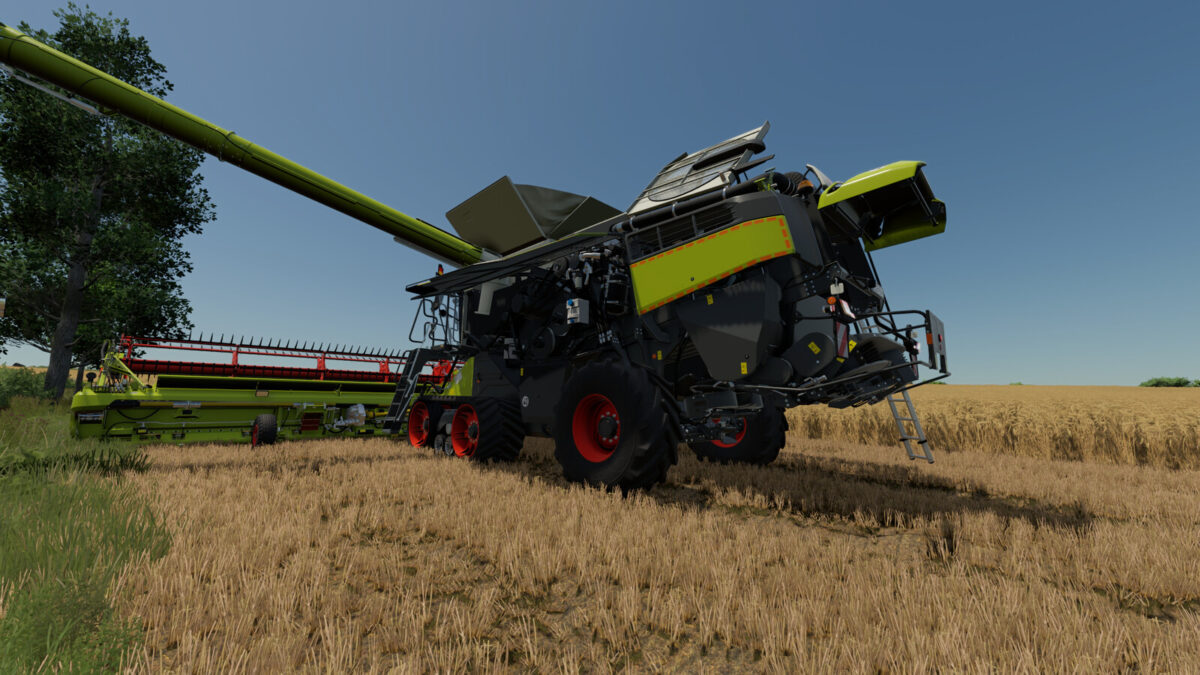
CLAAS Lexion 8000 Series v2.0.0.0
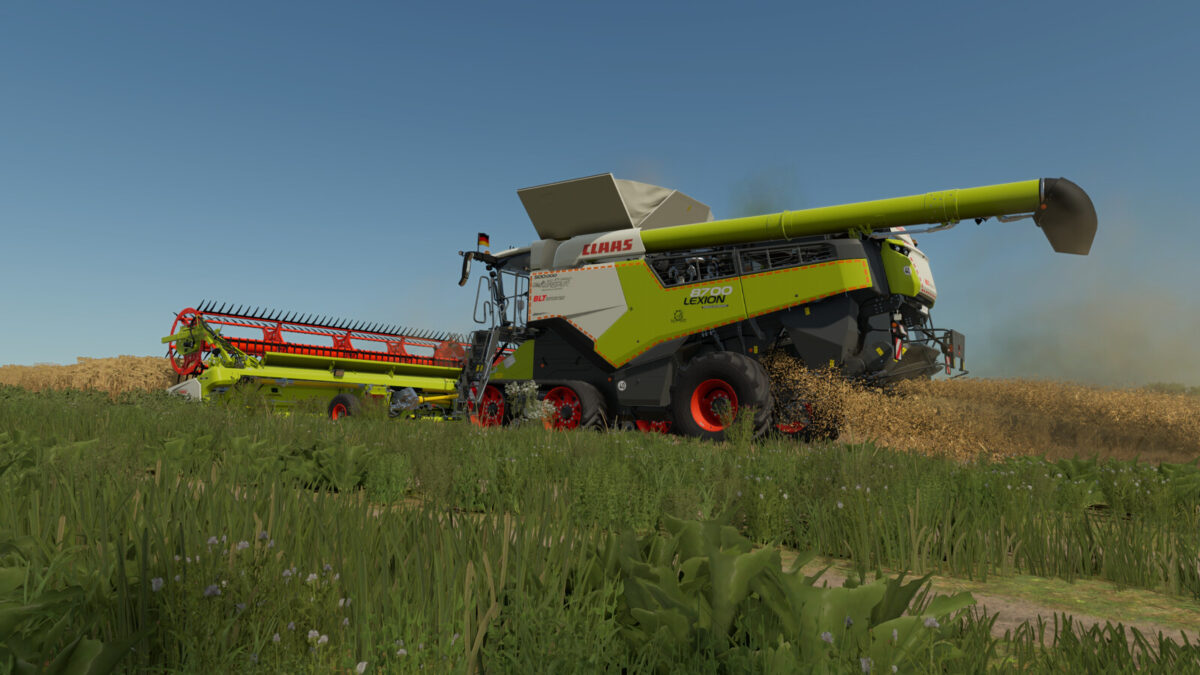
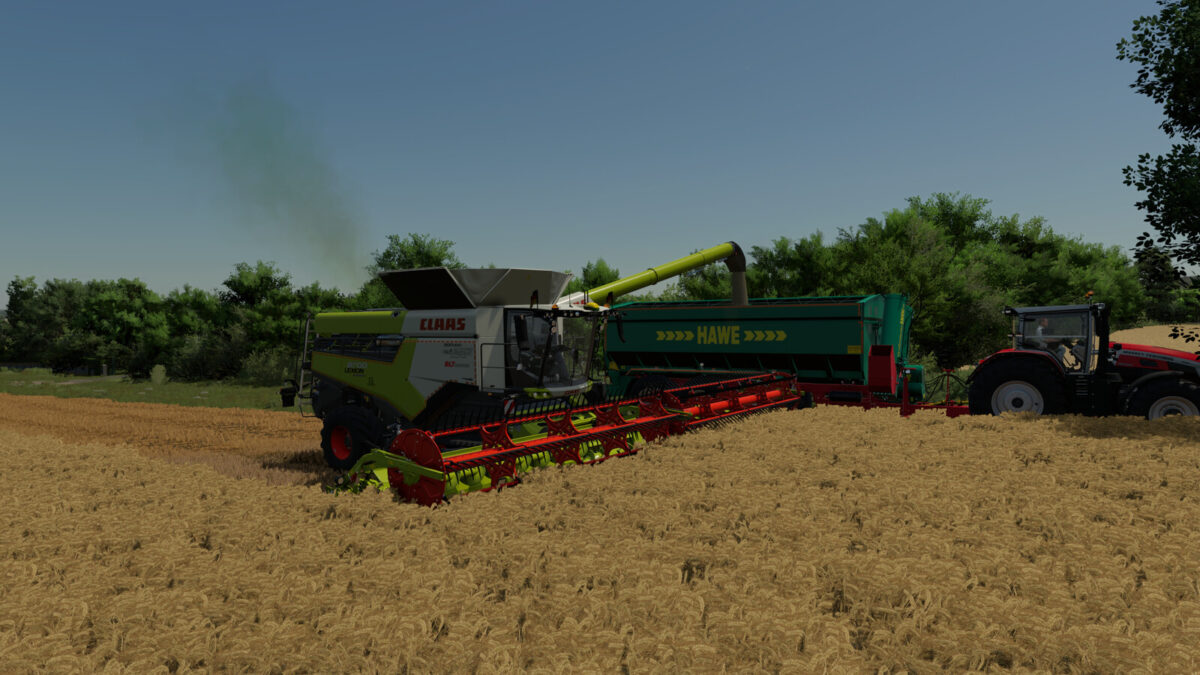
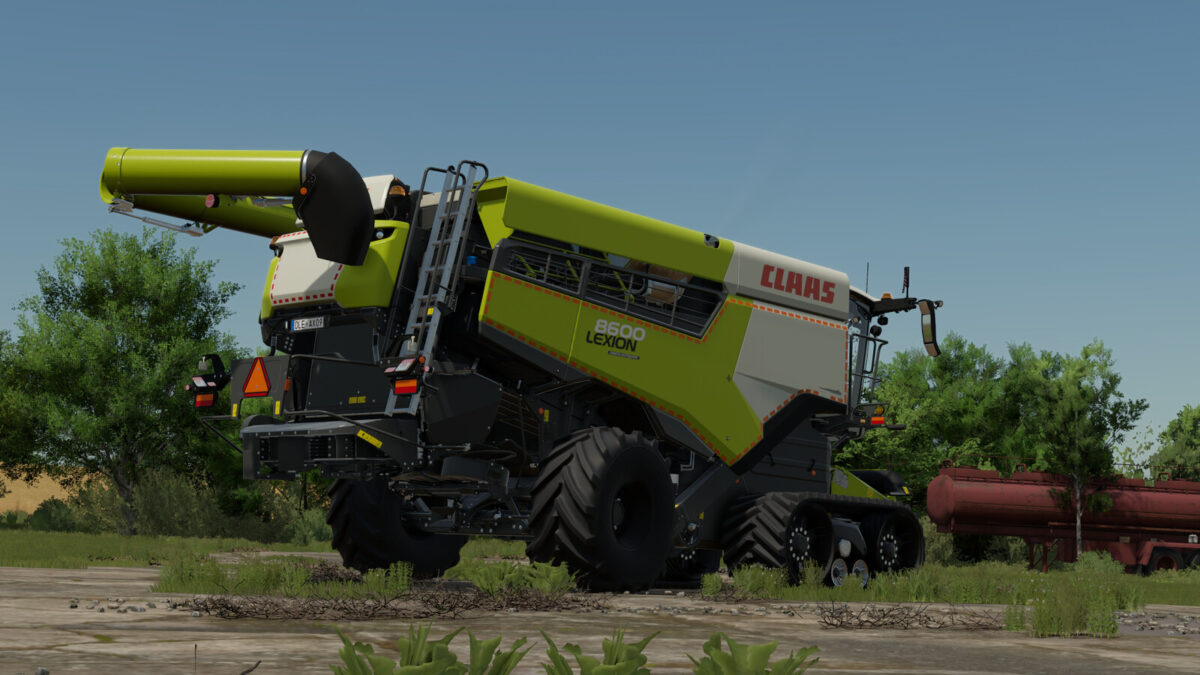
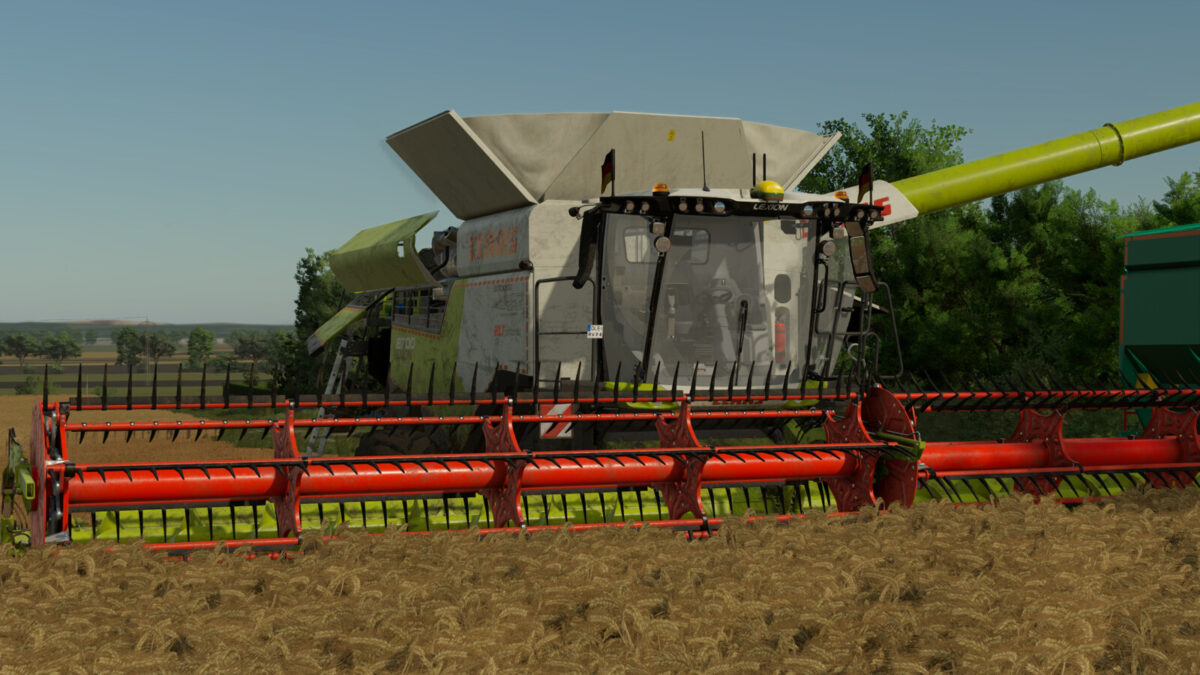
CLAAS Lexion 8000 Series
Shop Category: Combine Harvesters
Price: $494,265 – $642,870
Engine Power: 549 PS – 790 PS
Top Speed: 25 – 40 km/h
Grain Tank Capacity: 13,500 L, 15,000 L, 18,000 L
Reel Lengths: XL – 7XL
Model Year: 2023
Country of registration: EU + US
Engine configurations:
– Lexion 8600 (598 PS)
– Lexion 8700 (646 PS)
– Lexion 8800 (700 PS)
– Lexion 8900 (790 PS)
Important notes!
– When using the tire pressure regulation system in the Terra Trac configuration, it is important to note that the field pressure on the front axle must not fall below 2.2 bar.
To do this, set the field pressure to 2.2 bar in the VTP Mod settings (Ctrl + Alt + U). In the next update of the VTP Mod, belt drives will be completely excluded.
Thanks to HotShotPepper for this.
Configurations:
– Tire configurations (Standard, Terra Trac, RDA)
– Tire pressure regulation system
– GPS (Fieldscanner, Star Fire)
– Rotating lights (Rotating, Stroboscopic)
– Fleet number (1–9)
– Rear stickers (Warning, Agricultural Supply)
– Side decals (agribusiness)
– Straw chopper width
– Reflectors (red, yellow, orange)
– Lexion Evolution and Pios Grain
– Marker light for unloaders (controllable via IC on the seat armrest)
– Flags (various countries)
– Special design (Agrar Lübbersruh, 500000)
Animations via Interactive Control (36 IC points):
– Entry step
– Door
– Window
– Blinds
– Steering wheel
– Side doors (front [right, left], rear [right, left])
– Tailgate
– Rear ladder
– Upper side door
– Engine hood
– Radiator grille
– Mirror folding
– Straw chopper (road mode/field mode)
Features:
– 4 functional cameras (rear, hitch, pipe, grain tank)
– Functional RDA display (with tire pressure configuration)
– 2 different Cebis screens (road mode, field mode)
– Dark and light screen modes (DBL)
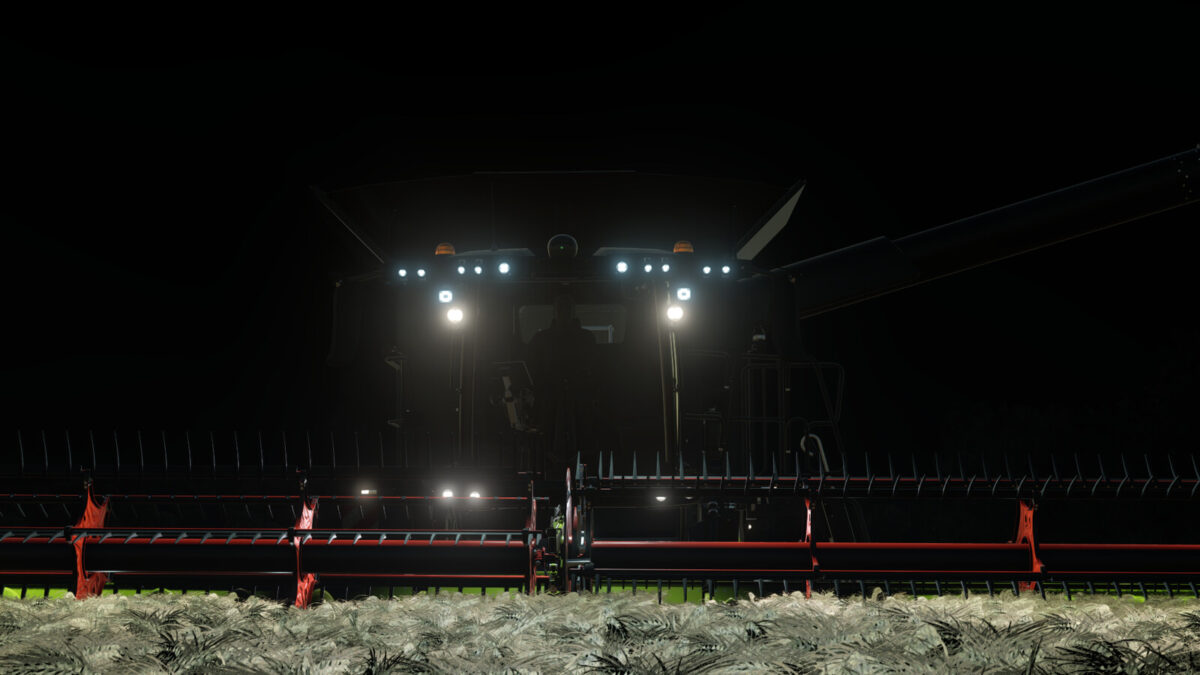
– Custom LED lights + turn signals
– Realistic sounds
– Cab lighting
Credits:
Thanks to Dachhau Agrar for providing the Hella LED pack.
A big thank you goes to RAZER_GAMINGHR for providing his sound pack for the Lexion.
Thanks to B3N for the John Deere RTK receivers, and to Floydy for the 500000 design.
Thanks to AgroTonho for sharing his flags.
The Mercedes-Benz DLC is required to display the cameras.
Compatible with Interactive Control, Variable Tire Pressure, and Dashboard Live.
Changelog 2.0.0.0:
– Added US version
– Pipe lengths (XL–7XL)
– 15,000-liter grain tank
– Added flags (countries)
– Added designs (Agrar Lübbersruh, 500,000)
– Added new tire sizes and rims
– Added sieve animation
– Straw chopper controllable via IC for field and road driving
– Mirrors can be folded in and out via IC
– Added dust animation for inclined conveyor extraction
– Added light in the grain tank
– Expanded unloading animation
– Sounds adjusted
– Exit ladder animation can be set to manual or automatic
– Minor model changes
– Field scanner configurable (JD GPS)
– Second PTO connection added (cover controllable via IC)
– Various bugs fixed
– Reflector colors are now controlled via the color settings
– CLAAS green can now also be changed