

Claas Xerion 3300/3800 v 2.0

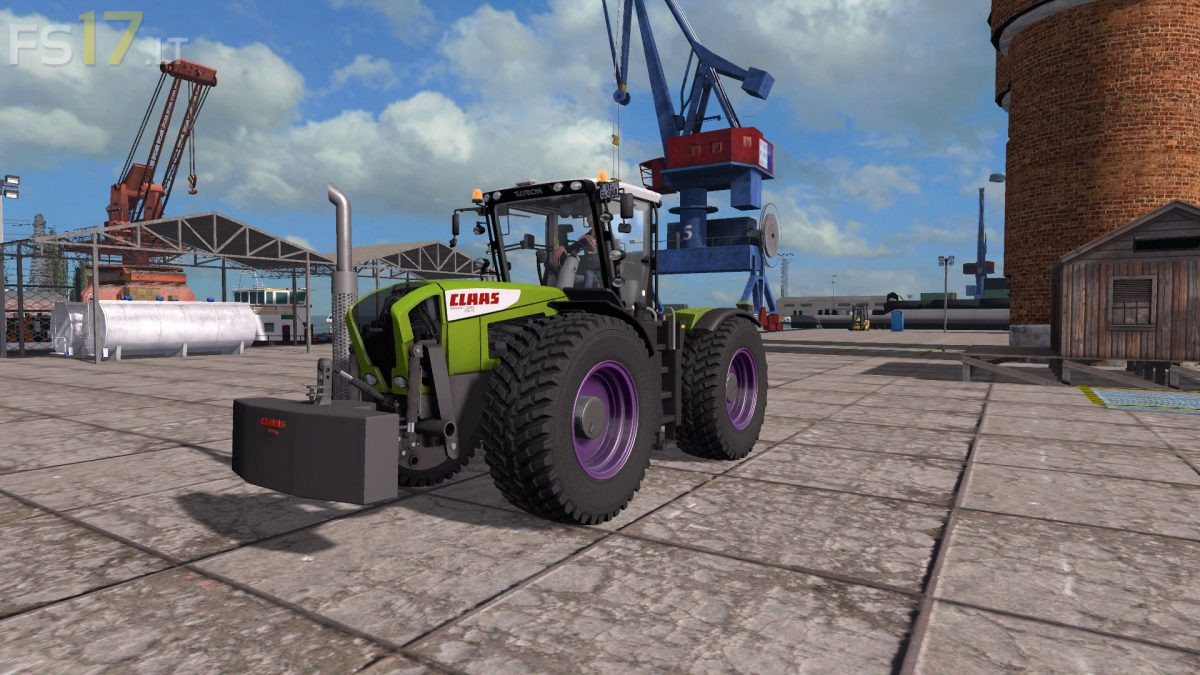
Claas Xerion 3300/3800 v 2.0
– Engine Setup: 335 hp, 379 hp, 420 hp
– Wheel Setup: Standard, Wide Tires, Michelin Tire Set, Twin Wheels, Nokian Tires
– Selectable Attachers: Front Hydraulik, no Hydraulik
– Selectable Design: Normal Grill, White Grill
– Selectable Rim Color
– IC Control
– Washable
– Included Claas 3000 kg Weight
Version 2.0:
* Visual changes in the Textures
* The new exhaust system model
* Dynamic hoses added (front and back)
* New tire configuration (Michelin, Michelin XL, and Nokian)
* New Michelin and Trelleborg tire Texture
* Engine under the bonnet and a new genuine grill
* Show registration tables
* New real dynamic exhaust gases
* Design Configuration with white grill
* Changes in engine performance
* Descriptions of all functions in the shop have been improved (design, front hydraulics, wheels)
* Corrects rim inner edge
* Changes in the rotation of the hydraulics
* Improved suspension and turning radius
* Improve the lights
* Passenger New Script
* New Store Image
* Other visual changes