

Collision Damage v 1.2

Collision Damage v 1.2
Adds additional vehicle damage after stronger collisions.
The mod uses the existing Giants damage system. There are no visible deformations, but the normal damage value of the vehicle increases and can be repaired as usual.
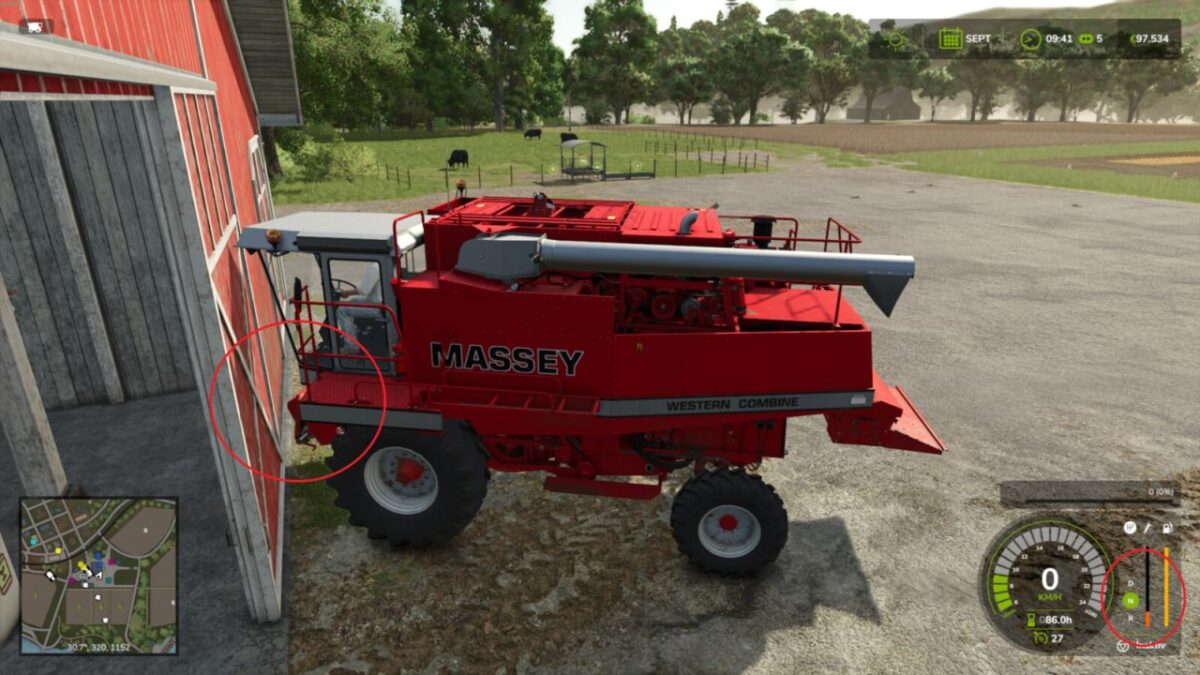
Stronger impacts are detected when the sensor-based check can confirm an external contact in the travel or sensor area. When two usable vehicles, trailers or tools collide, the hit object can also receive the same additional damage value if it has its own damage system.
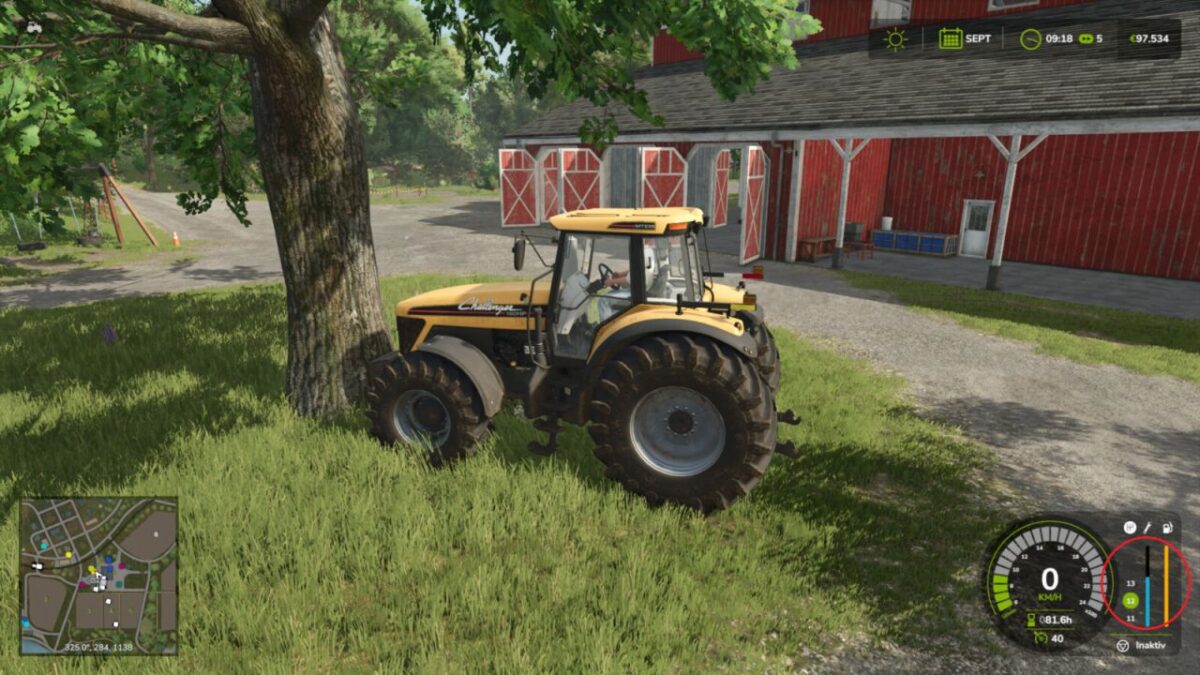
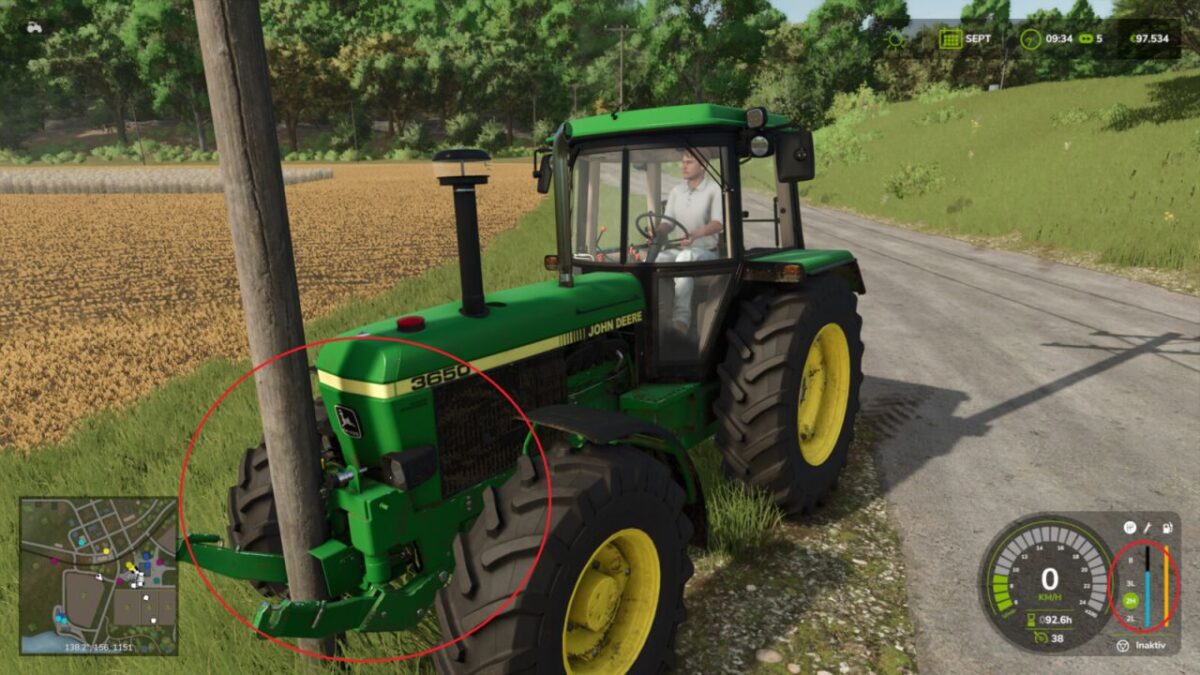
Static obstacles such as buildings or trees are not damaged. The driven vehicle combination’s own attached tools or trailers are not counted as a second crash participant.
Damage calculation runs on the server side and uses the game’s existing saving and synchronization.
Version 1.2:
* Collision detection completely reworked
* Impact damage is now detected more reliably
* Collisions involving front loaders, buckets and other attached equipment are better taken into account
* Fewer false triggers while braking, steering, attaching or detaching equipment
* Improved performance and stability