

Color Adjustment v 1.0

Color Adjustment v 1.0
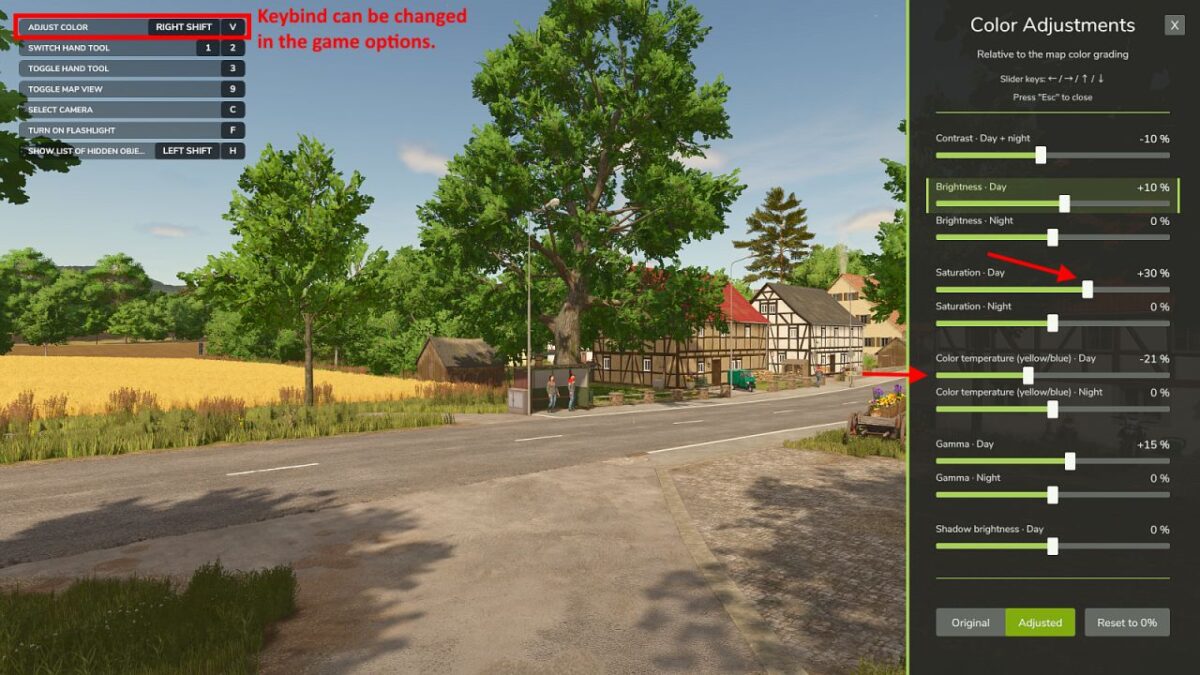
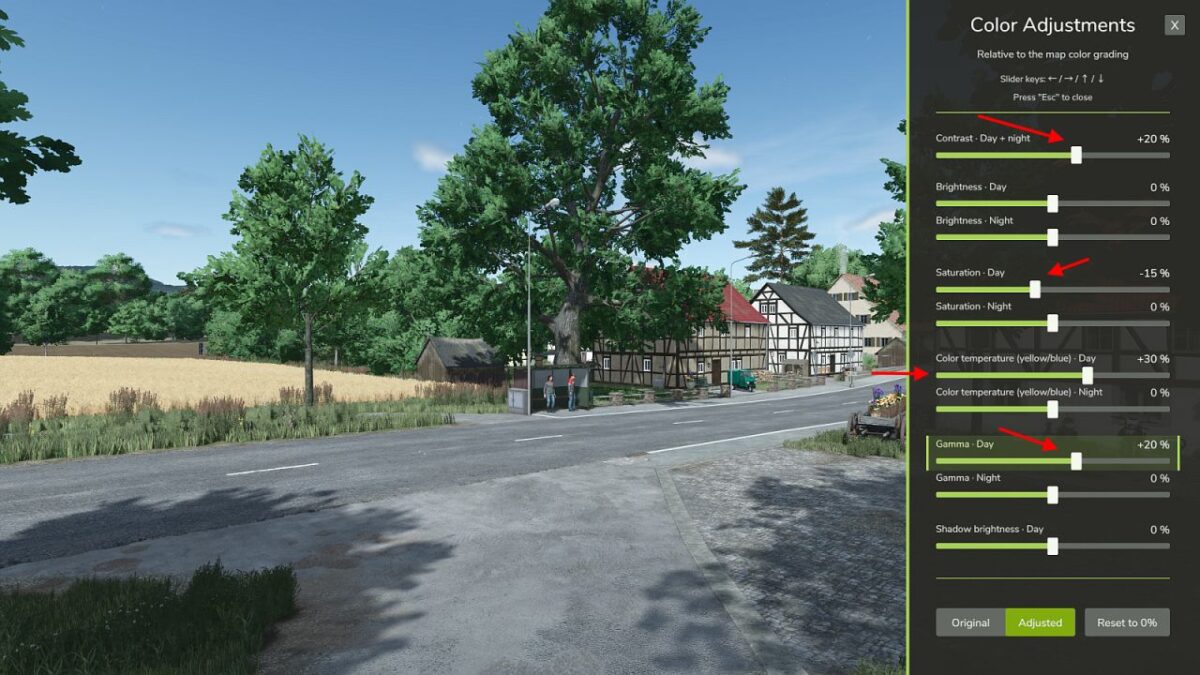
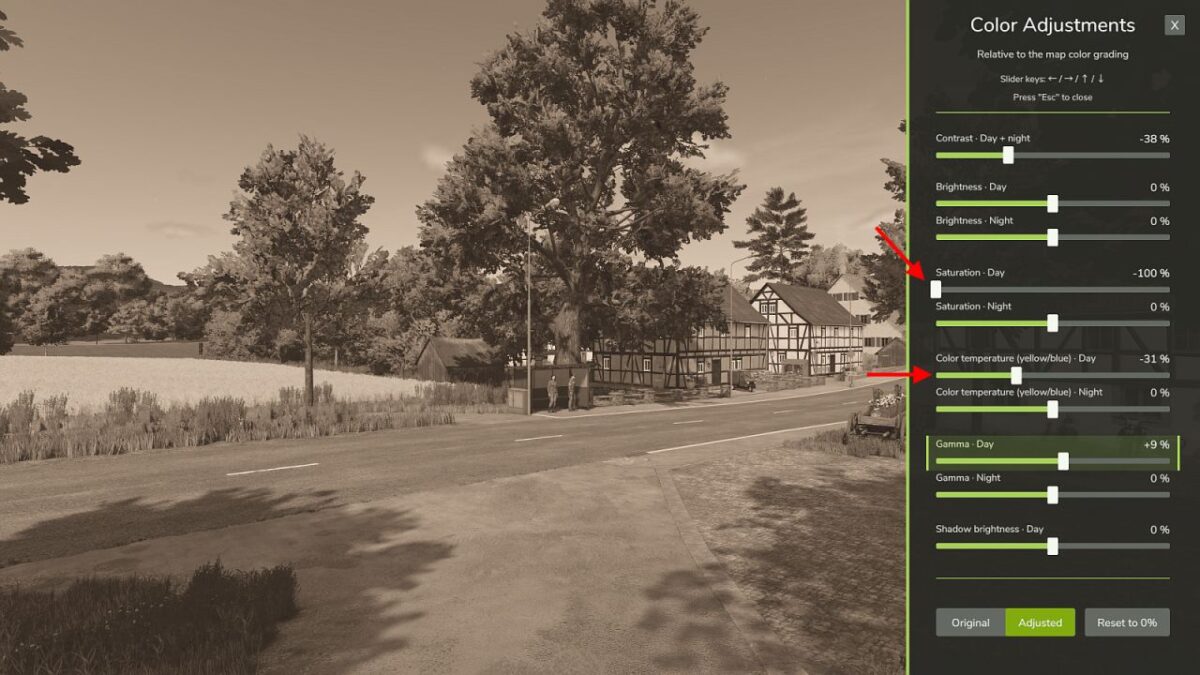
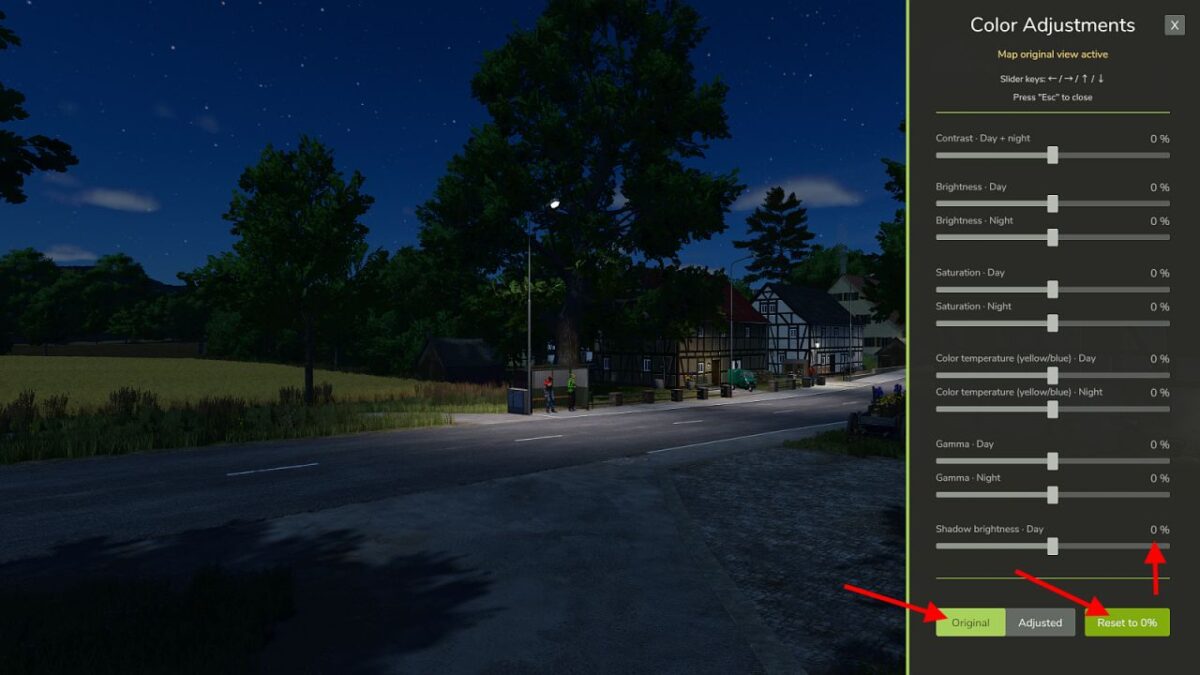
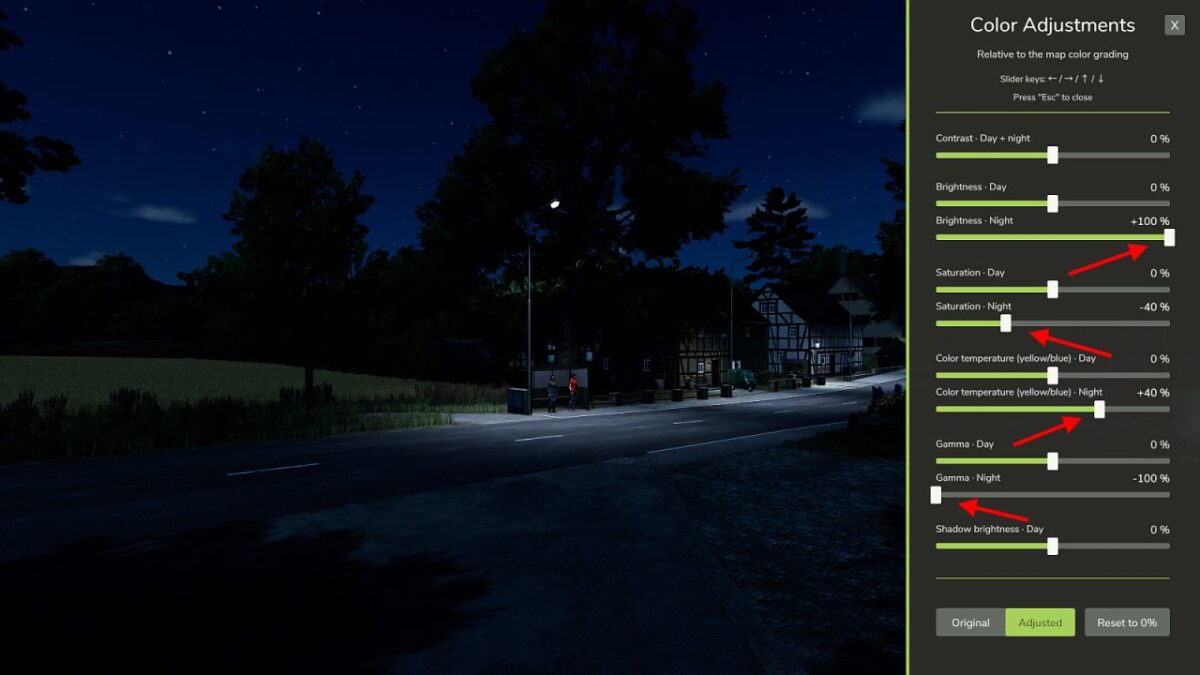
The mod “Color Adjustment” lets you adjust the color grading of the current map directly in the game.
Available sliders:
Contrast – day and night
Brightness – day
Brightness – night
Saturation – day
Saturation – night
Color temperature – day
Color temperature – night
Gamma – day
Gamma – night
Shadow brightness – day
All sliders range from −100% to +100% in 1% steps. At 0%, the map default remains unchanged.
Key features:
Separate settings for day and night
Separate settings for each map
Directly accesses the FS color grading
No FPS loss
HUD colors stay the same
Clear and easy-to-use sidebar
Works with ReShade and NVIDIA Game Filter
Works with DLSS 5 Neural Rendering
The mod uses the game’s color grading. This lets the GIANTS Engine create smooth color transitions in the evening and morning, even with very different day and night settings.
Please note: The bottom “Shadow brightness” slider changes other dark colors and image areas in addition to shadows. This slider works only during daytime.
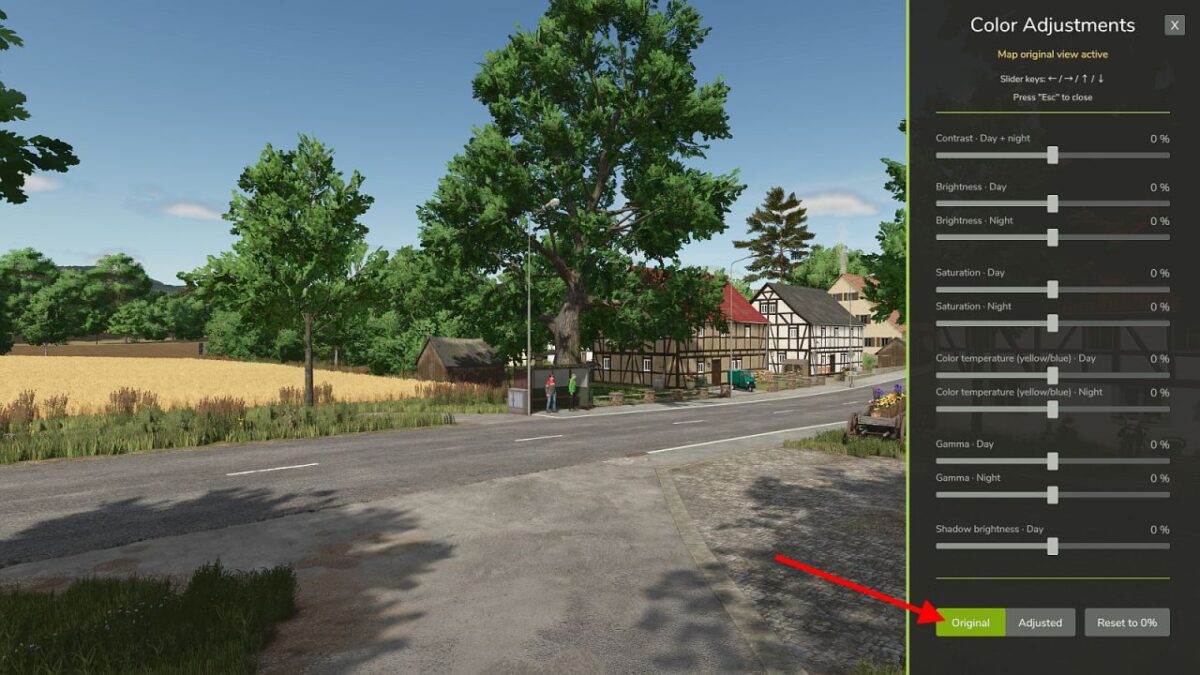
The “Original / Adjusted” switch lets you compare the map’s original colors with your settings. The “Reset to 0%” button resets all sliders after you confirm. Your settings are saved automatically for the current map and used as the default for new maps.
In multiplayer, only your own view changes. The mod does not change what other players see.
Default shortcut to open or close the dialog:
Right Shift + V
You can change this shortcut under Options > Controls.