

Courseplay v 5.03.00049 BETA

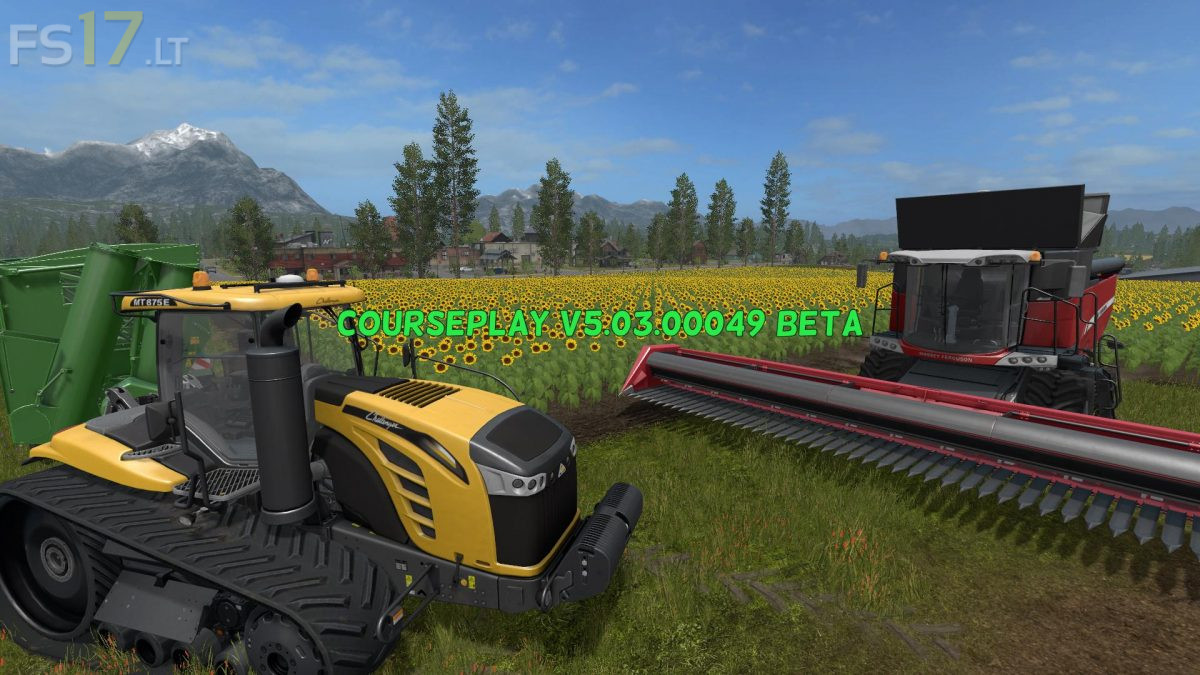
Courseplay v 5.03.00049 BETA
Courseplay is a modification for Farming Simulator 17. This allows you to have a variety of different vehicles that move autonomously and automatically to do field work, unload combine harvesters, bring fruit to sales points, fill a bunker or trailer with a bucket, level and compact silo and much more.
Version 5.03.00049 BETA:
* Pathfinding for mode 4 and 6 for Field course
* Setting the course generator
* Added support for RO
* New Traffic recognition System
* The direction of field work can also be selected manually
* Support for large Islands
* Multiplayer enabled
* Support for straw harvesting
* A new option to generate a course to bypass small Islands in the Fields
* Added support for Addon sprayer (with friendly support from David Fontaine)
* Added option of combined convoy
* Turn the maneuver to the turning corners to avoid the loss of fruit
* Added the option to align with the 1st waypoint in modes 2, 4 and 6
* Added a simple setting for several tools in one field of work
* Support for Plantium Edition (still in progress)
* Error correction