

Courseplay v 5.3

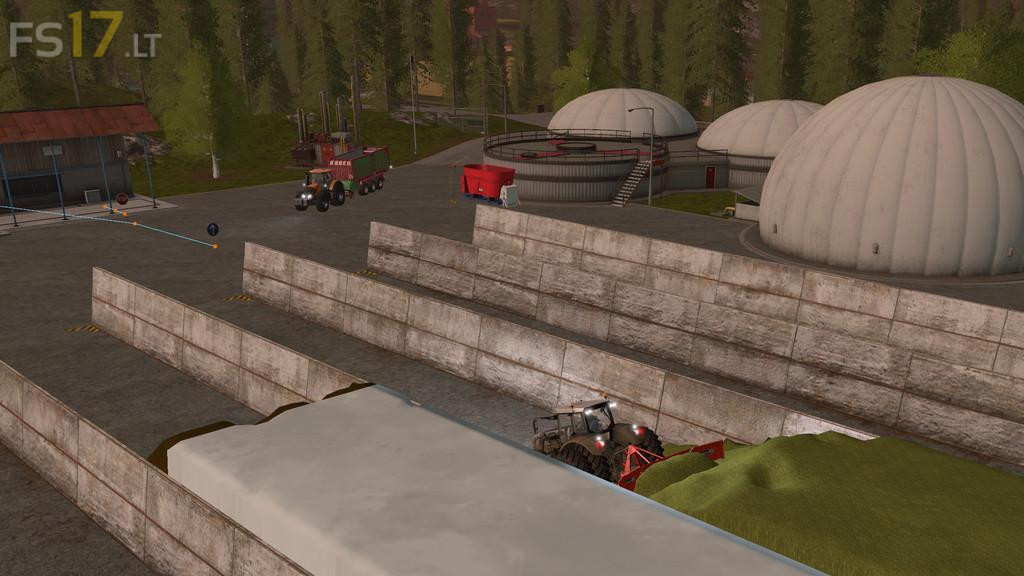
Courseplay v 5.3
Courseplay is a modification for Farming Simulator 17. It allows you to have many different vehicles driving around autonomously and automatically, have them do field work, unload combines, drive fruit to selling points, fill a bunker or a trailer with a shovel, level and compact silage and much more…
Version 5.3:
* Course generator setting GUI
* Added support for RO
* New traffic recognition system
* Fieldwork row direction can also be selected manually now
* Support for big islands
* Multiplayer enabled
* Support for straw harvest addon
* New option for course generation to bypass small islands in fields
* Added support for sprayer Addon
* Added combine convoy option
* Turn maneuver for headland corners to avoid missing fruit
* Added option to align to 1st waypoint in mode 2, 4 and 6
* Added easy setup for multiple tools on one field work course
* Support for Plantium Edition (Still Work In Progress)
* Bug fixes
COURSEPLAY does not work on baltic sea map