

Cow Breeds (RLRM) v 1.0

Cow Breeds (RLRM) v 1.0
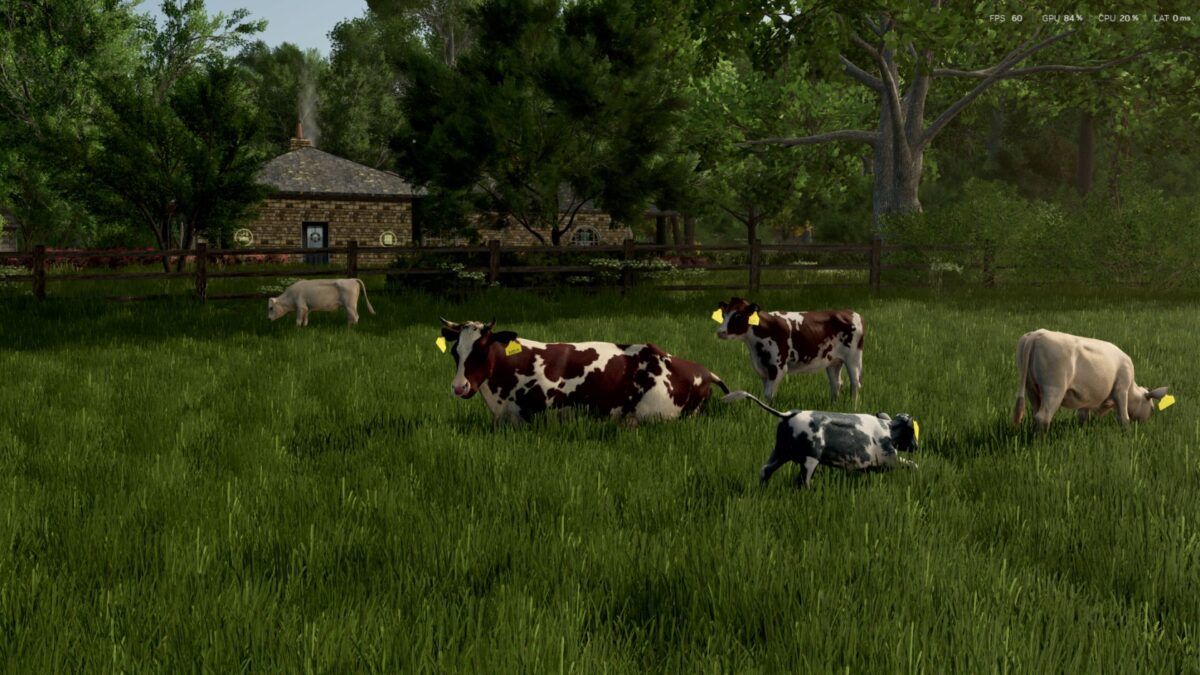
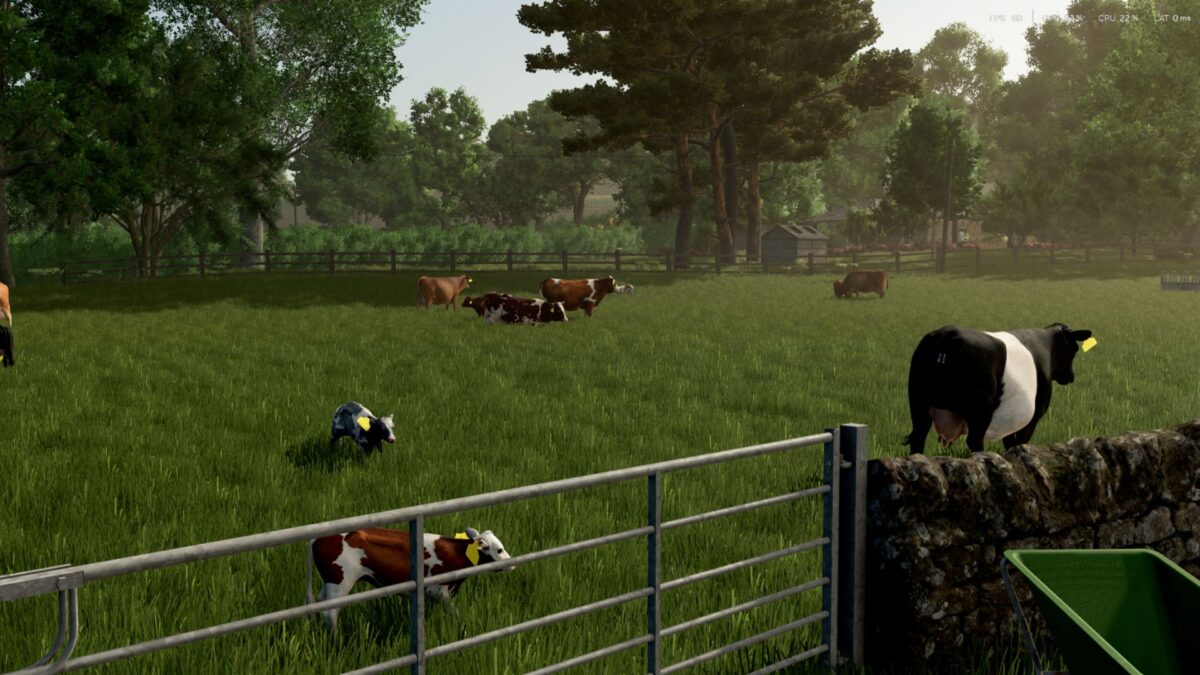
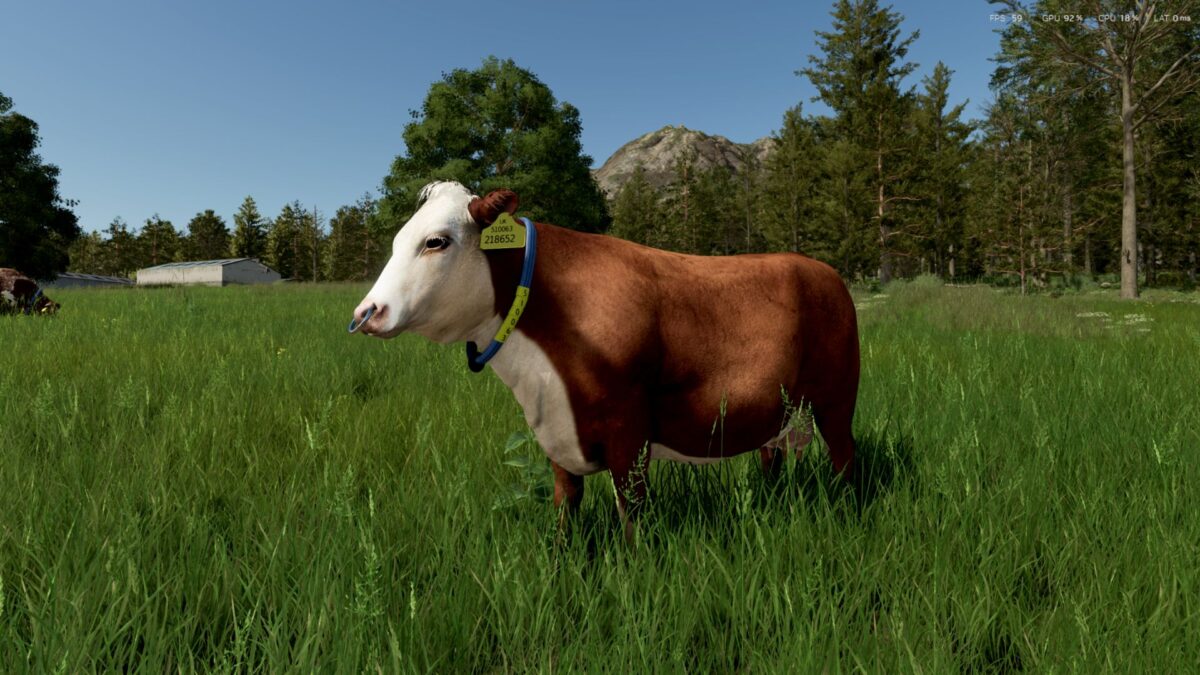
With the help of Ritter in creating the base structure of the mod, we are able to introduce 12 new cow breeds to the FS25_RealisticLivestockRM mod. This is a companion mod to work with FS25_Realistic_livestock RM. This mod only adds new breeds with corresponding textures for each one. It does not replace the 3D models of the cows in the game. Therefore, the 3D assets may appear larger than the actual breed of cow. Single Textures for the moment.
Features
12 new breeds and values adjusted to represent the breed, Holstein gives most milk while Charolais and Angus gain most weight for beef production.
FOUR NEW DAIRY BREEDS
Red Holstein
Ayrshire
Jersey
Guernsey
EIGHT NEW BEEF BREEDS
Red Angus
Hereford
Charolais
Shorthorn
Irish Moiled
British Blue
Belted Galloway
Simmental
Installation
download the FS25_CowBreedsRLRM.zip folder of the newest release.
Place FS25_CowBreedsRLRM.zip in your mods folder.
If adding to existing save game, please refresh the animal dealer in settings to get new breeds to show up straight away or wait some in game days.