

Creator Tools v 1.5

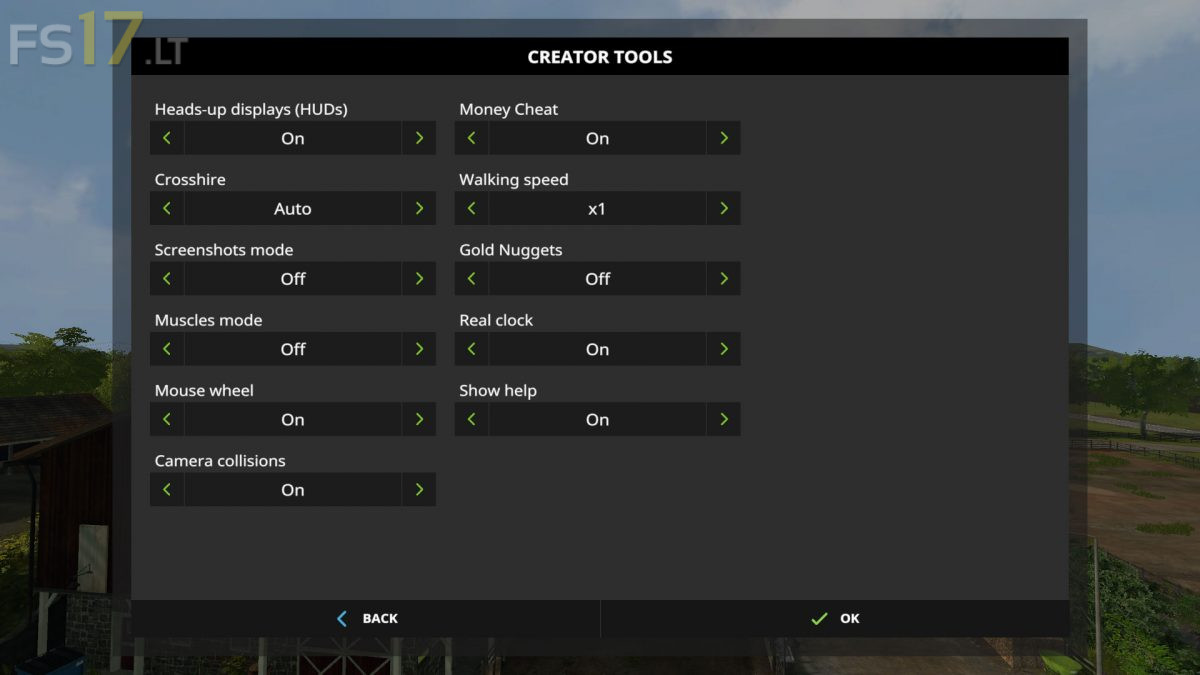
Creator Tools v 1.5
About the mod:
Creator Tools allow you to do magics with HUD, camera and much more.
Version 1.5:
* Fixed commands on multiplayer
* Fixed huds hider
* Fixed gui keyboard navigation
* Fixed muscle mode in multiplayer
* New golden nuggets function
* New screenshots mode
* New vehicle camera collision function
* New crosshair function
* New mouse wheel function
* New translations
* New time scales
Credits:
TyKonKet
You need to check this mod because, when I try and shut the game down it freezes my game.
If I press Ctrl, Alt & Del at the same time then click on start task manager, I have to shut it down that way; and I get a message saying – Giant’s have stopped working.
When I disable this mod my game shuts down perfectly.