

Crop is ready Alert v 1.0

Crop is ready Alert v 1.0
Tired of forgetting to harvest your crops and watching them spoil at the end of the month?
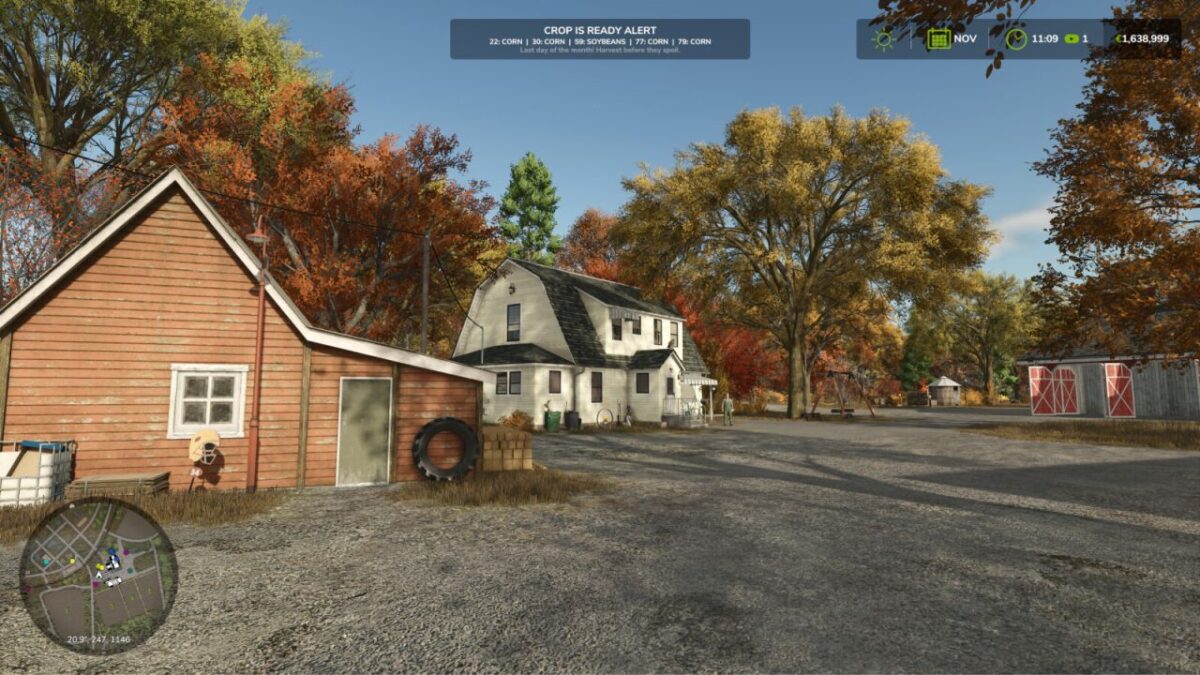
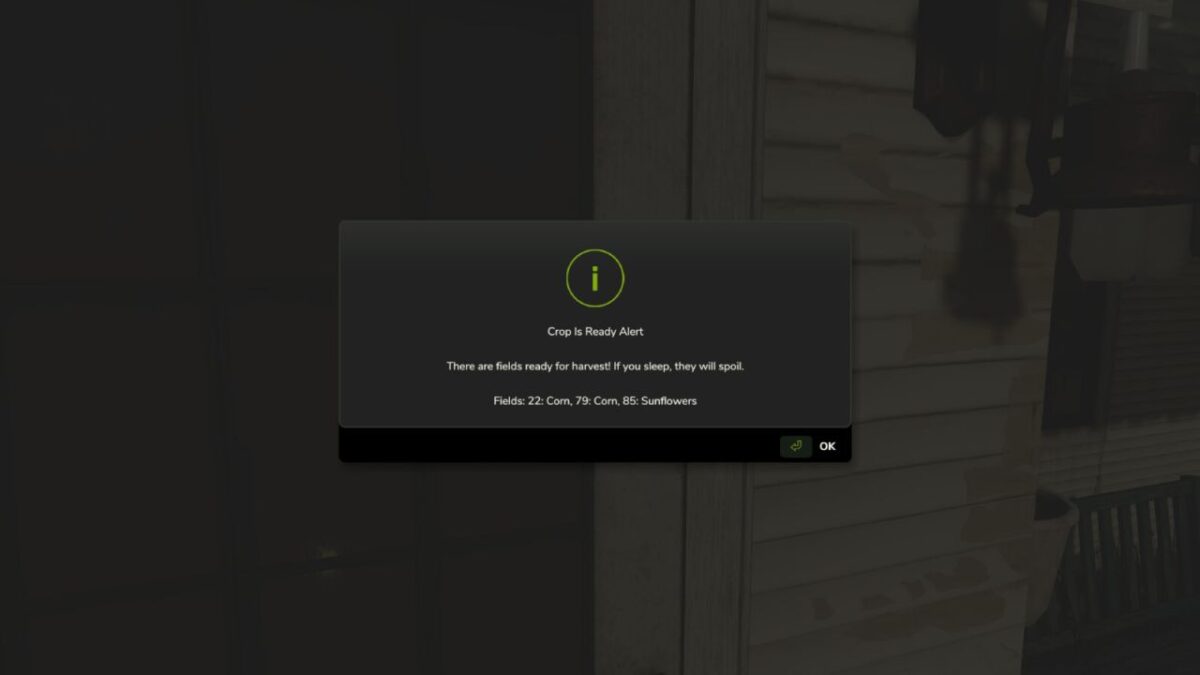
This mod alerts you when crops are ready for harvest, helping you avoid losing valuable crops.
You’ll receive warnings in these situations:
When you attempt to sleep on the last day of the month
When the game is running at 360x speed on the last day of the month
FEATURES:
Alerts only appear on the LAST day of the month to avoid spam
Only shows warnings for crops that can actually spoil
Smart seasonal detection: alerts only in the LAST HARVESTABLE MONTH for each crop
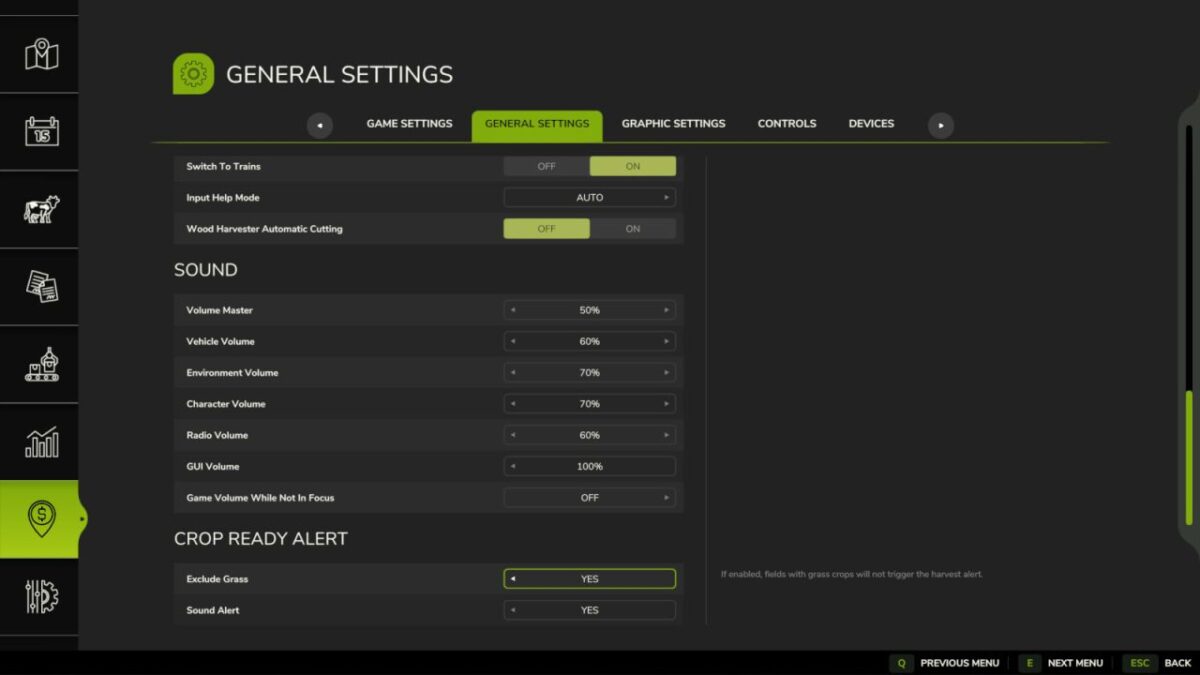
Optional audio alert plays once with the visual warning
In-Game Settings menu: toggle to exclude grass/hay crops
Global settings saved automatically in modSettings
The mod respects your game speed and only triggers alerts at 360x speed and when trying to sleep, giving you control over when you’re notified.