

Crop Rotation Pro v 1.0.2.2

Crop Rotation Pro v 1.0.2.2
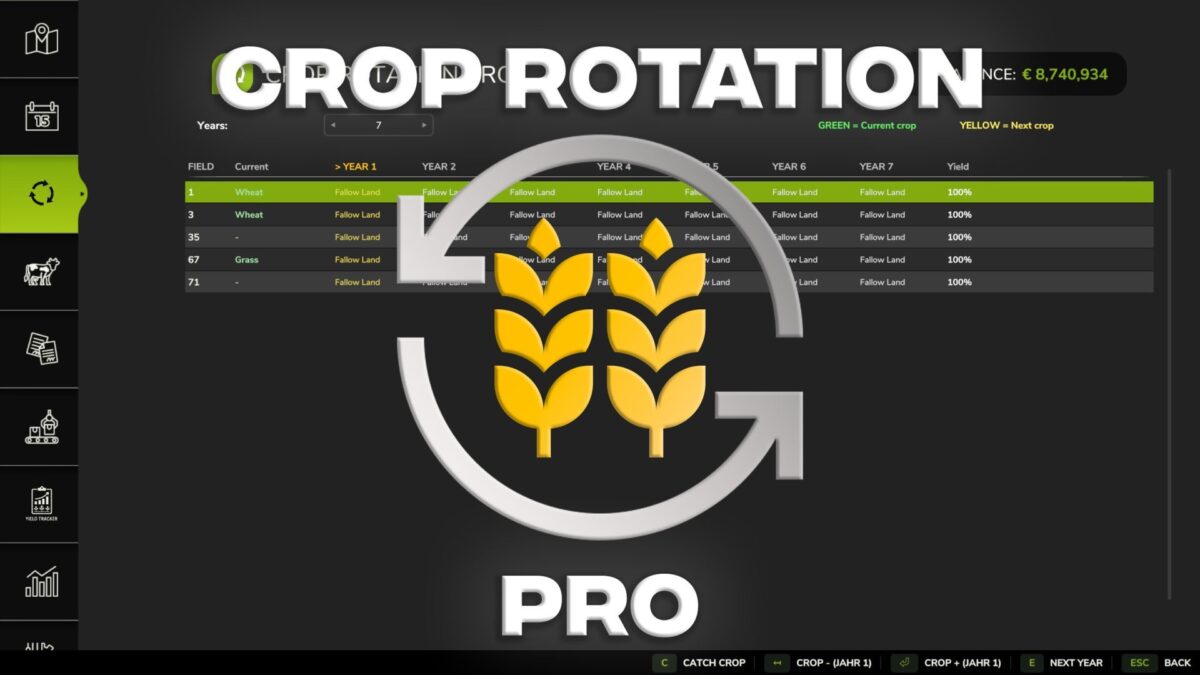
Crop Rotation Pro bring realism and strategic depth to your farming with Crop Rotation Pro for Farming Simulator 25.
This system simulates the complex effects of different crop rotations on soil quality and your yield.
Every decision you make today will influence your harvests for years to come!
Key Features:
Realistic Yield System: Your yield is significantly influenced by which crops were grown on the field in previous years.
Good sequences improve soil quality, while monocultures deplete the soil.
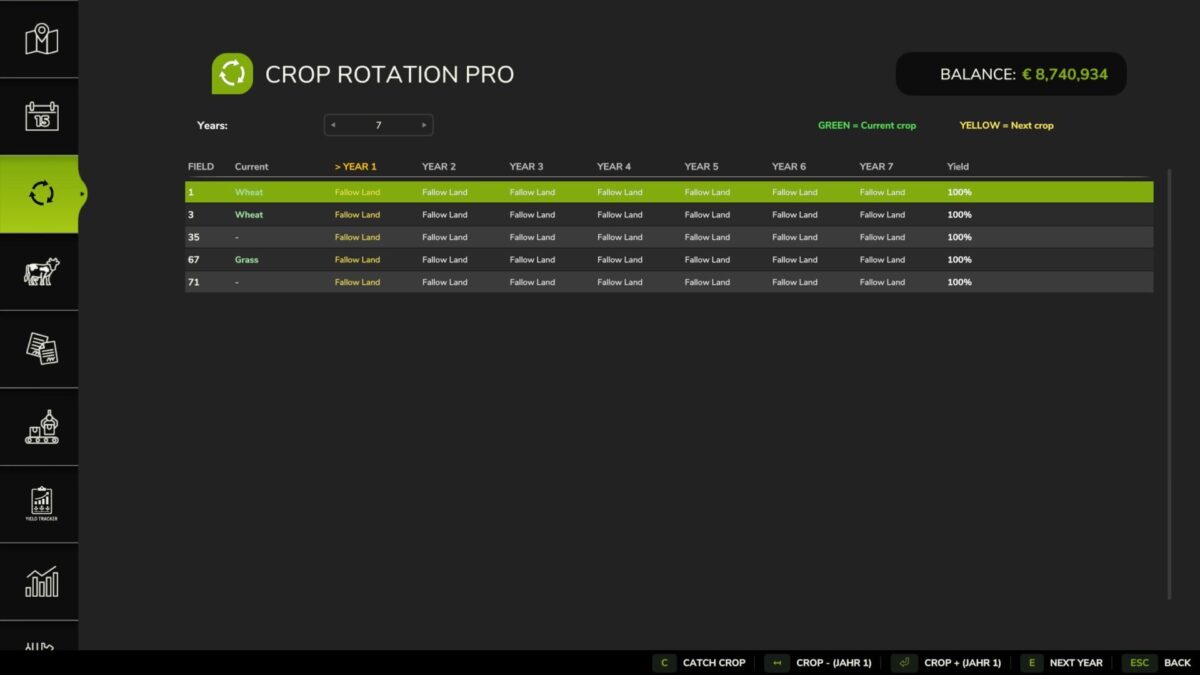
Flexible Crop Rotation Planner: Plan your fields for a period of 3 to 7 years.
The system automatically detects the current crop and loops back to the first year after the cycle ends.
Cover Crop Support: Use oilseed radish, grass, clover, or alfalfa as cover crops.
They regenerate the soil and provide a yield bonus for the next crop without taking up a permanent slot in your main planning.
Live Crop Detection: The mod automatically detects all crops growing on your fields, including special crops like poppy or rice.
Intuitive Operation: A new, clear menu allows for easy planning. Thanks to bi-directional control, you can scroll forward and backward through the crop list.
Strategic Planning: Pay attention to crop breaks and avoid yield losses through clever crop rotations.
Support for 3-7 years planning.
Full integration of cover crops.
Version 1.0.2.2:
* Fix: Monoculture penalty now applies to ALL fruits (including spinach, grass, etc…)
* Fix: Fallow land bonus corrected (no more incorrect cultivation break penalty)
* Fix: Fallow land (value 0) in history is no longer counted as fruit
* Fix: Improved planner simulation for empty fields and multi year planning
* Improved fruit detection on mod maps