

Daytime Running Lights (Prefab) v 1.0

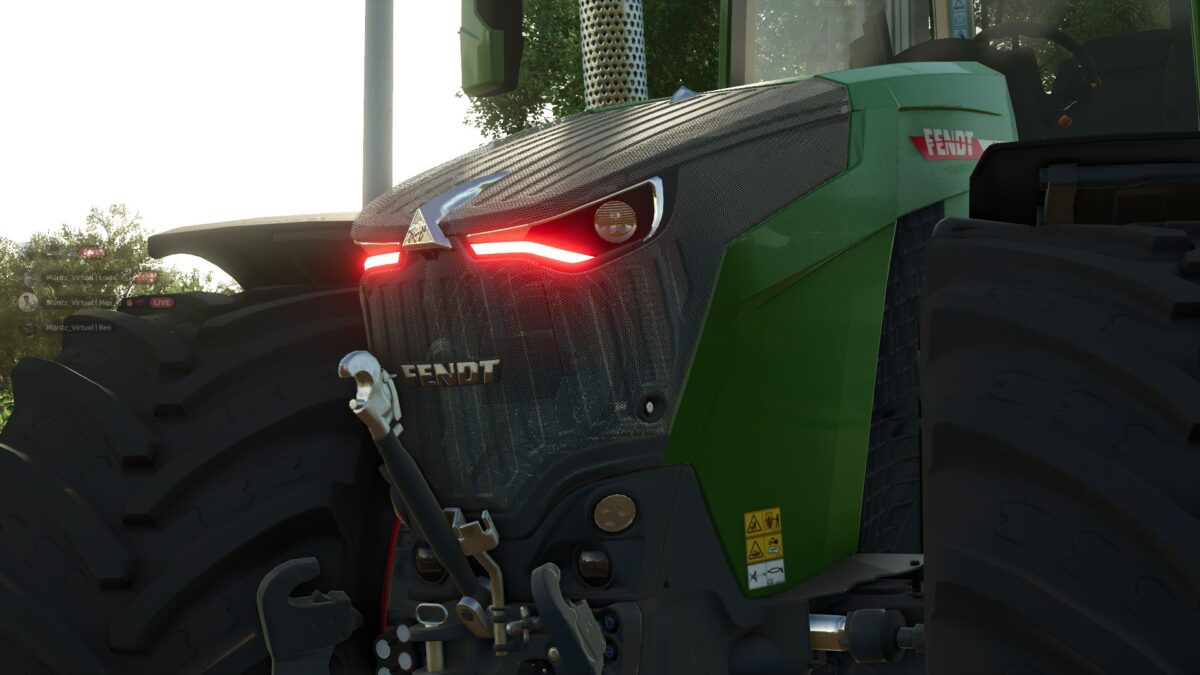
Daytime Running Lights (Prefab) v 1.0
About the mod:
Daytime Running Lights Prefab for Farming Simulator 25
With this prefab, you can install daytime running lights on your vehicles. The prefab is suitable for modders who want to equip their vehicles with additional daytime running lights.
Features
Daytime running lights as a prefab
For Farming Simulator 25
Installation via XML
Installation guide included
Easy to integrate into your own vehicles
Installation
An installation guide with the required XML entries is included in the download.
Please follow the instructions for correct installation in your vehicles.
Note
The prefab is intended for FS25. When using it in your own mods, please follow the included installation guide.
Credits:
XimILP, Agrarluca3177