
Dedelow X4 In GDR v1.1.0.1

FS25 mods

Dedelow X4 In GDR v1.1.0.1

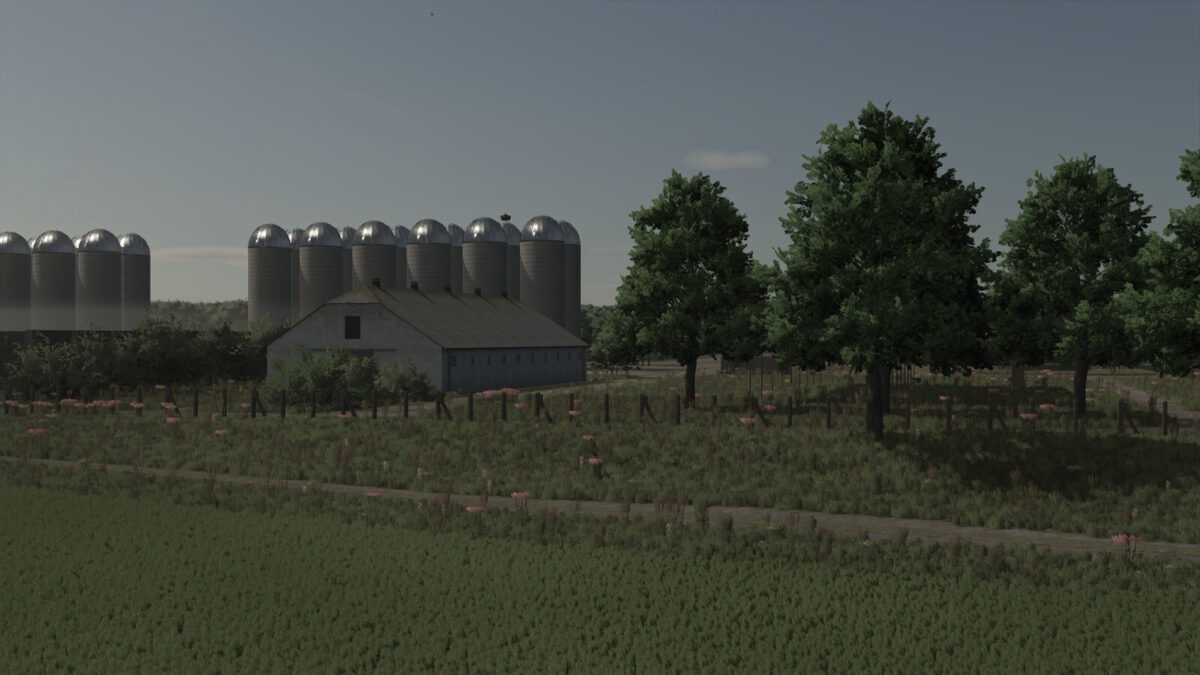
Dedelow X4 In GDR v1.1.0.1
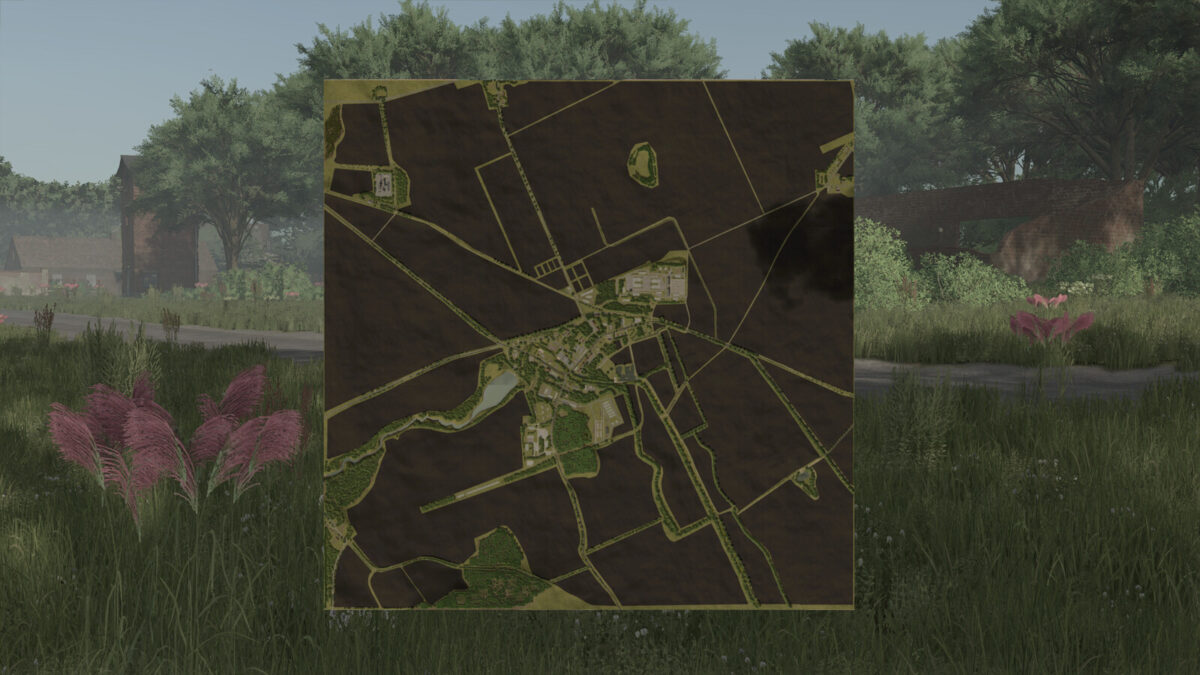
Dedelow X4 In GDR v1.1.0.1
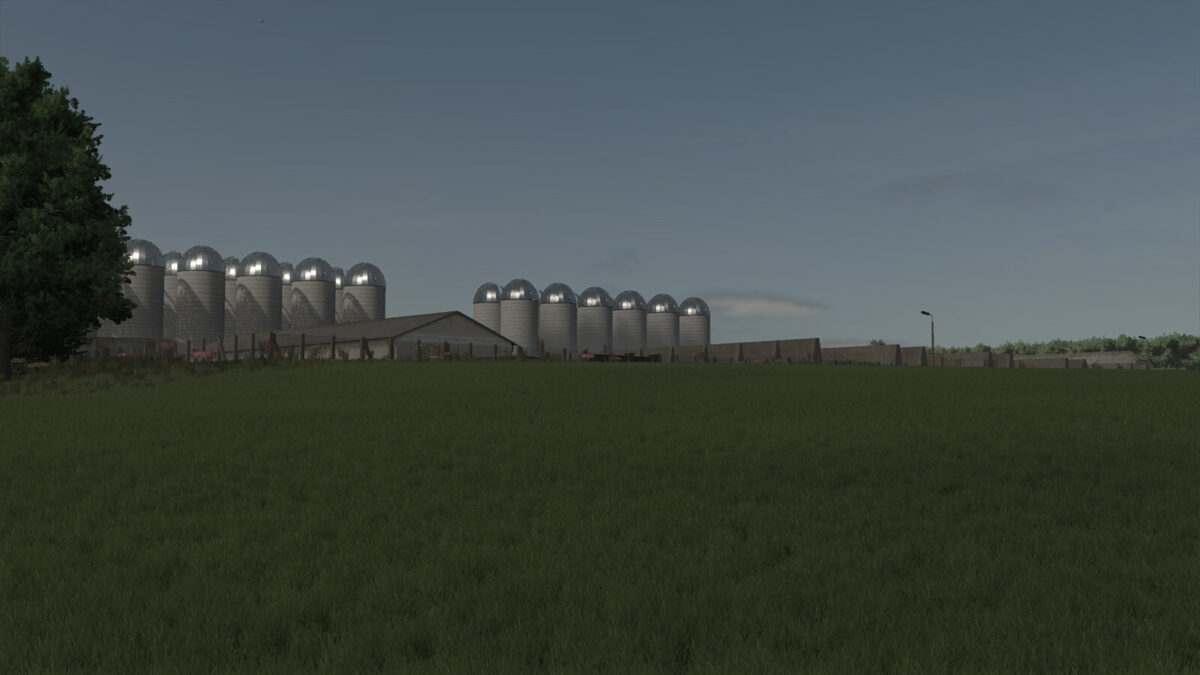
Dedelow X4 In GDR v1.1.0.1
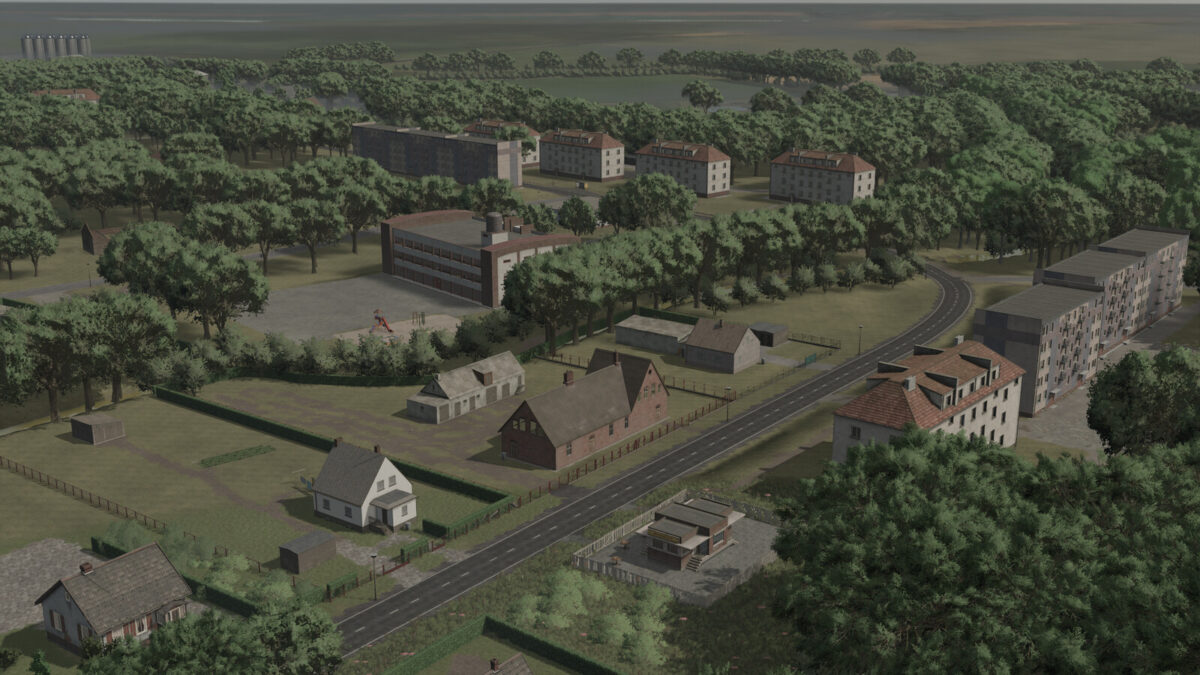
Dedelow X4 In GDR v1.1.0.1
Dedelow X4 In GDR v1.1.0.1
About the mod:

Welcome to Dedelow in the 80s.
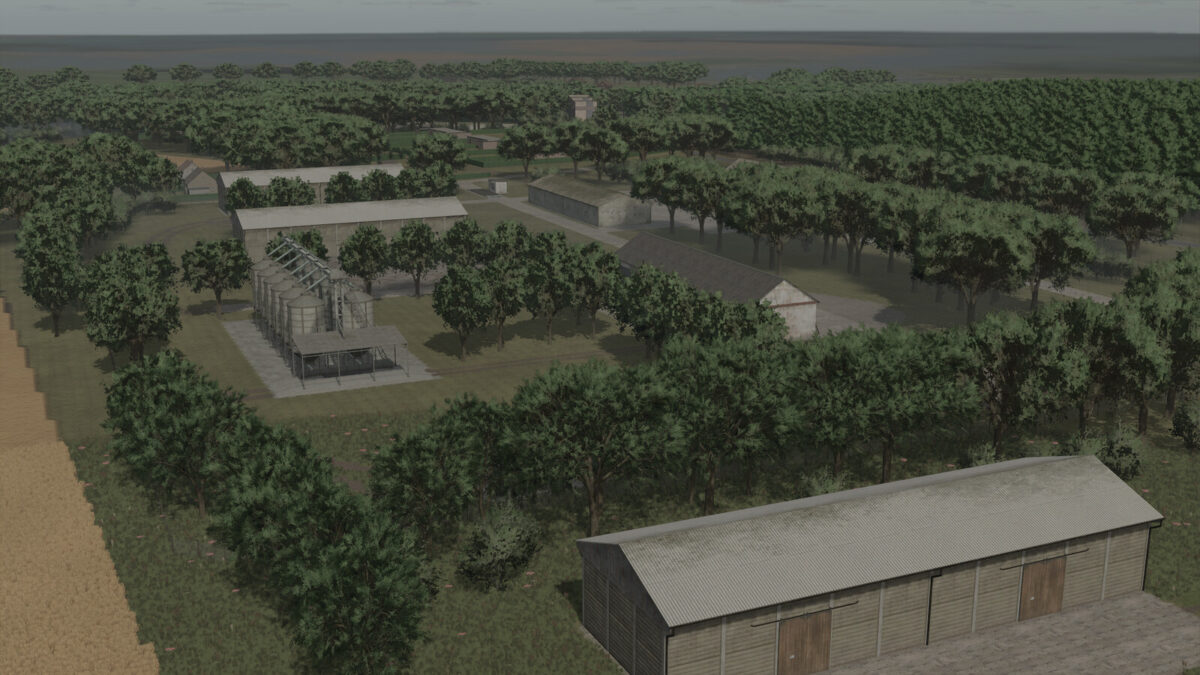
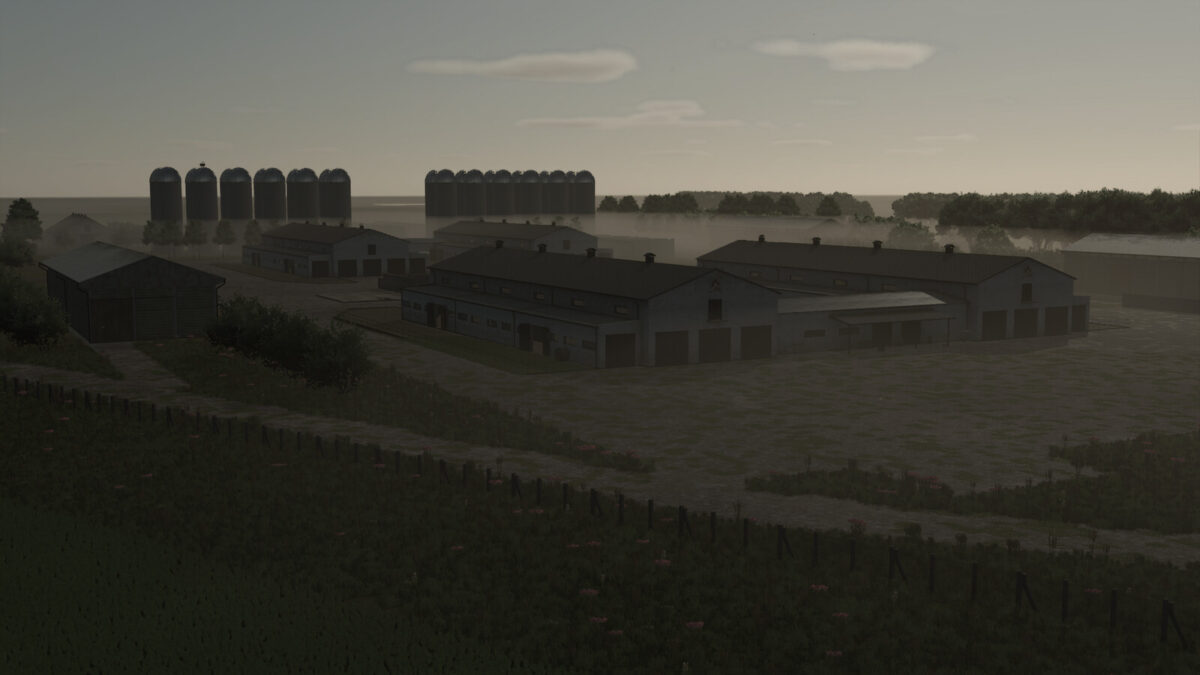
This map is a loving recreation of the town of Dedelow in the Uckermark region. The atmosphere of the map is primarily intended to be a journey back in time for young and old.
Experience expansive fields, narrow roads, and the associated hurdles.
Features:
– Environment and color grading adjusted
– 50 fields, with a total area of 1277 hectares
– 13 farms
– 4 large-scale operations
– Various sales stations
– Transport missions for additional income opportunities
I hope you enjoy this journey through time.
Changelog 1.1.0.0:
– Map edge collisions updated
– Map edge reworked
– Paintable textures added
– Fixed collisions on buildings
– Added license plates
– Reworked railroad crossings
– AI traffic enhanced
– Fixed paved path collisions
– All garages made usable
– AI license plates adjusted
– Decoration enhanced

Credits:
H3LLRVIZ3R

How to install FS17 mods?

Firstly find a mod which you like and want to download. Then download a mod to your PC. Mods are usually in .zip format file. But sometimes it can be in .rar. If a mod file is a .zip format no needed additional actions. If a file is in .rar, then you must unarchive mod with software like WinRar or Zip7. Windows 10 users no need to use software for archives, Win10 itself has a feature to unarchive files.

The next step is to find mods folder in your PC. Usually, it is in Documents/My Games/Farming Simulator 17/2017. Open the "mods" folder and put downloaded .zip archive or unarchived .rar file to this folder.

Last step. Enjoy of FS17 mods!

Leave a Reply

Your email address will not be published. Required fields are marked *