

Deutz Fahr Series 8 8980 TTV Limited Edition v 1.0

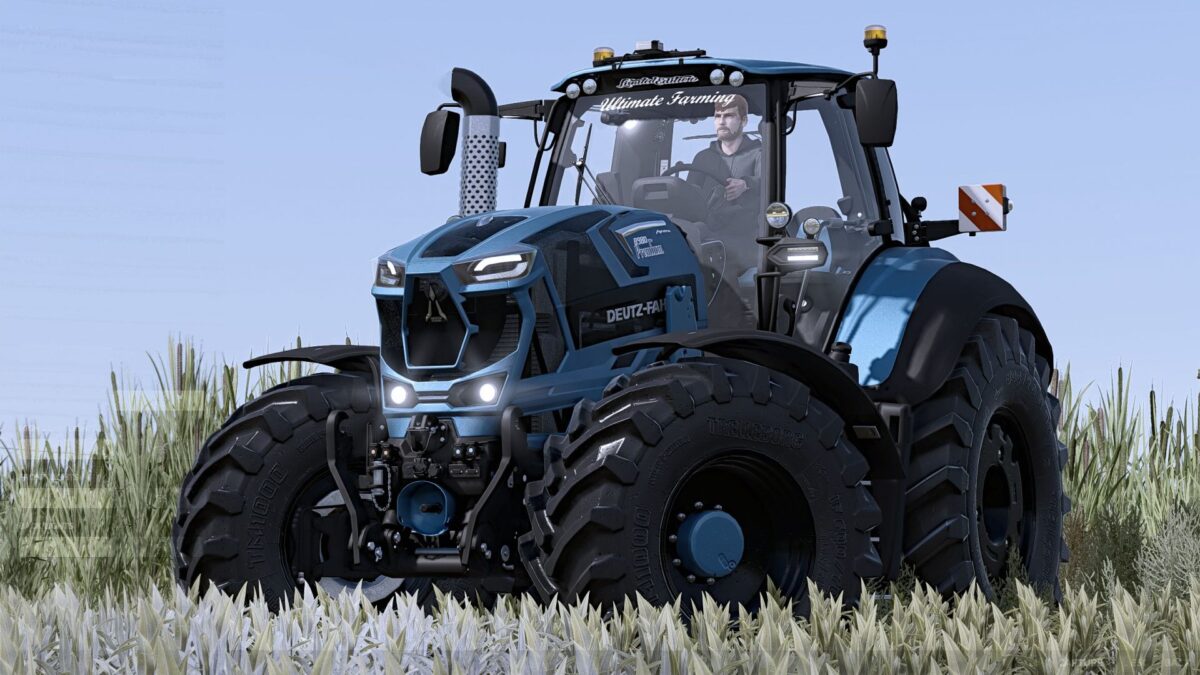
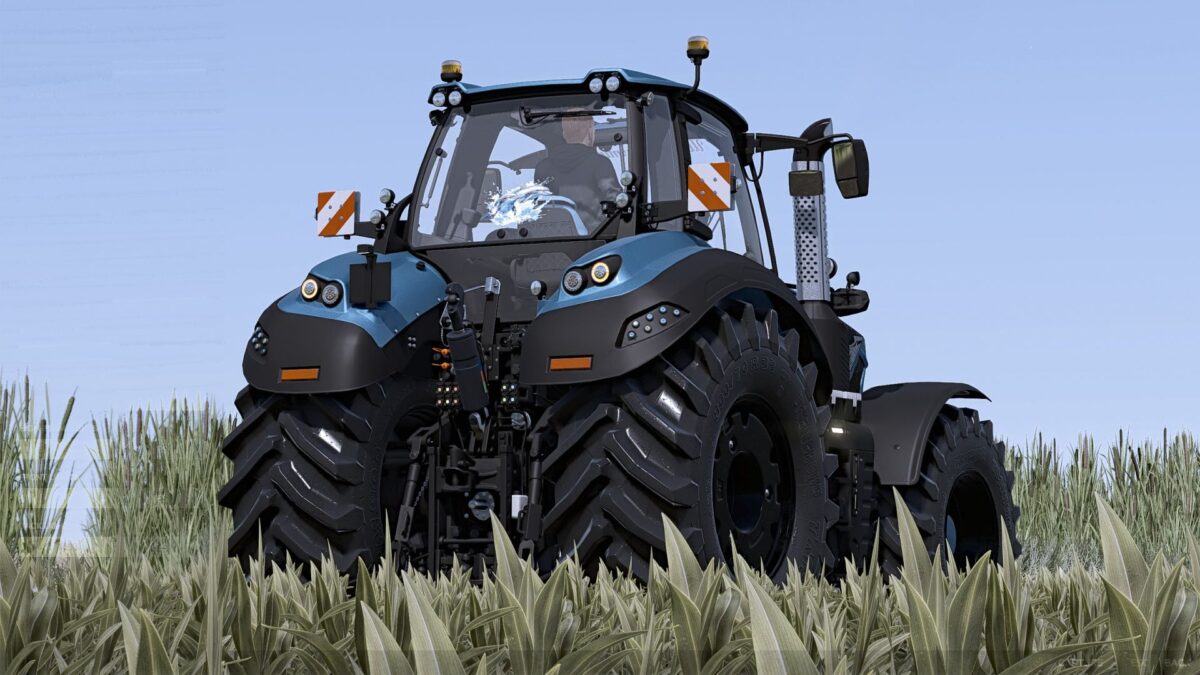
Deutz Fahr Series 8 8980 TTV Limited Edition v 1.0
Engine options are standard and the new 8980 TTV Premium 980 hp Evolution engine
Top speed 63 km/h
Frontloader option (limited edition or without), warning signs option (with or without)
Decals (standard,limited edition), windscreen (none, limited edition, Ultimate Farming,or premium logo)
Rear window (none, limited edition, Dolphins)
Warrior Arrow decal option (with or without)
Stickers (none or FC Köln)
Color selection for main color, design color, frame, interior design, interior design 2, armrest/belt, seat, front loader console, engine grille, lettering and rim color, and increased repair interval
Front loader Q7M Limited Edition
Price 8500
Selection of decals: Standard, Limited Edition
lettering (bottom only), Limited Edition, Ultimate Farming
lettering (top only), Premium
Choice of colors for main color, design color and lettering
Increased repair interval