

Dirty Tire Tracks v 1.0

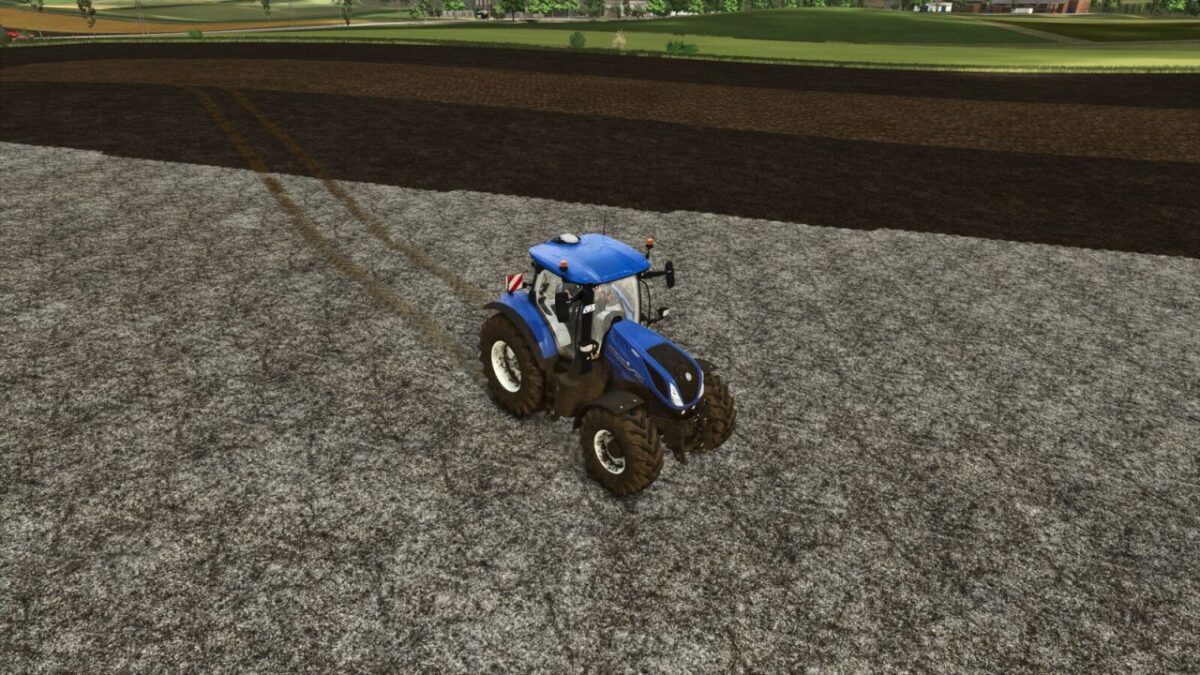
Dirty Tire Tracks v 1.0
About the mod:
Introducing the Dirty Tire Tracks mod, designed to bring a whole new level of immersion and realism to your farming experience.
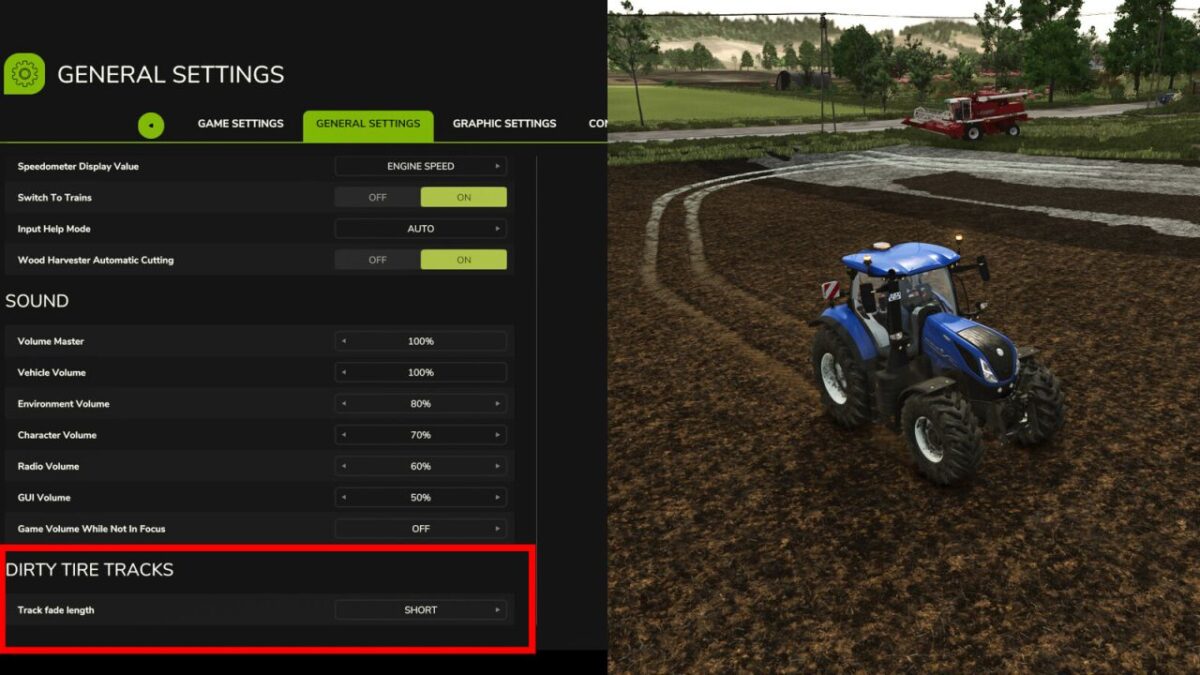
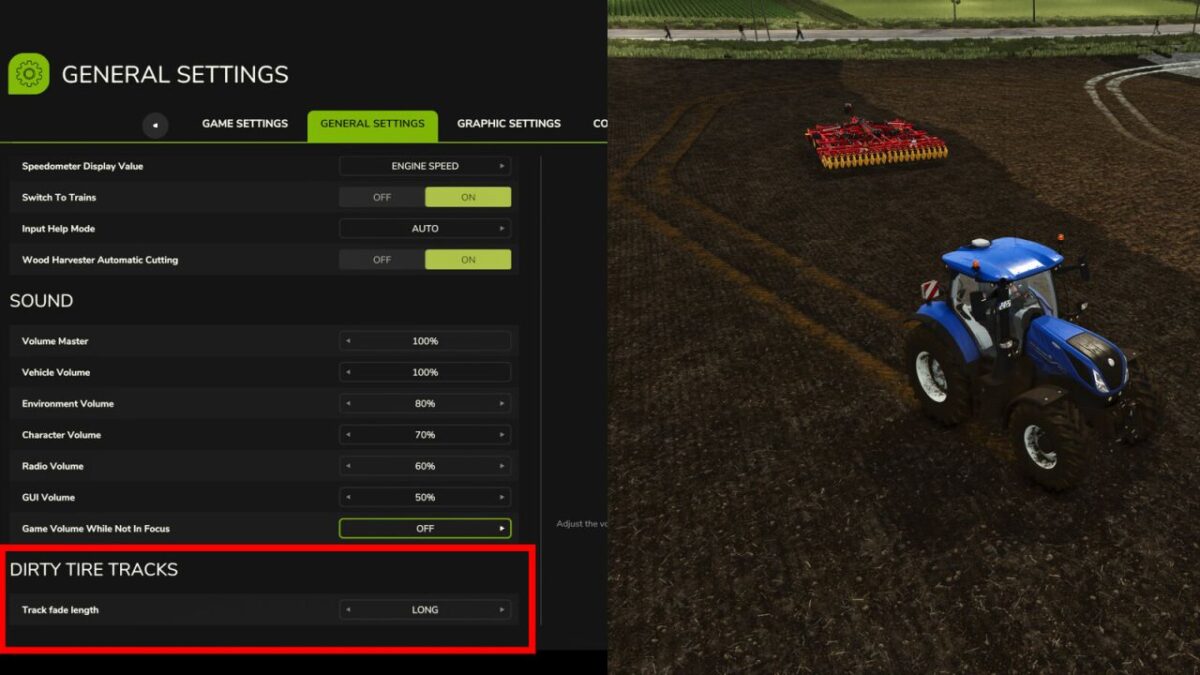
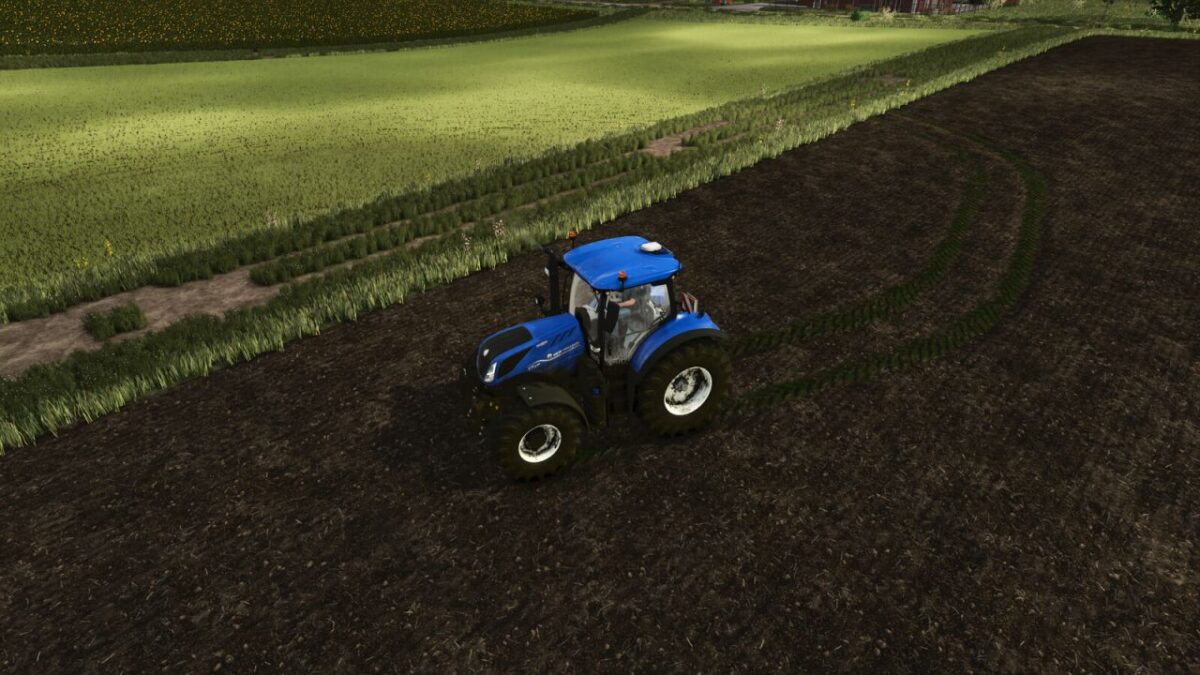
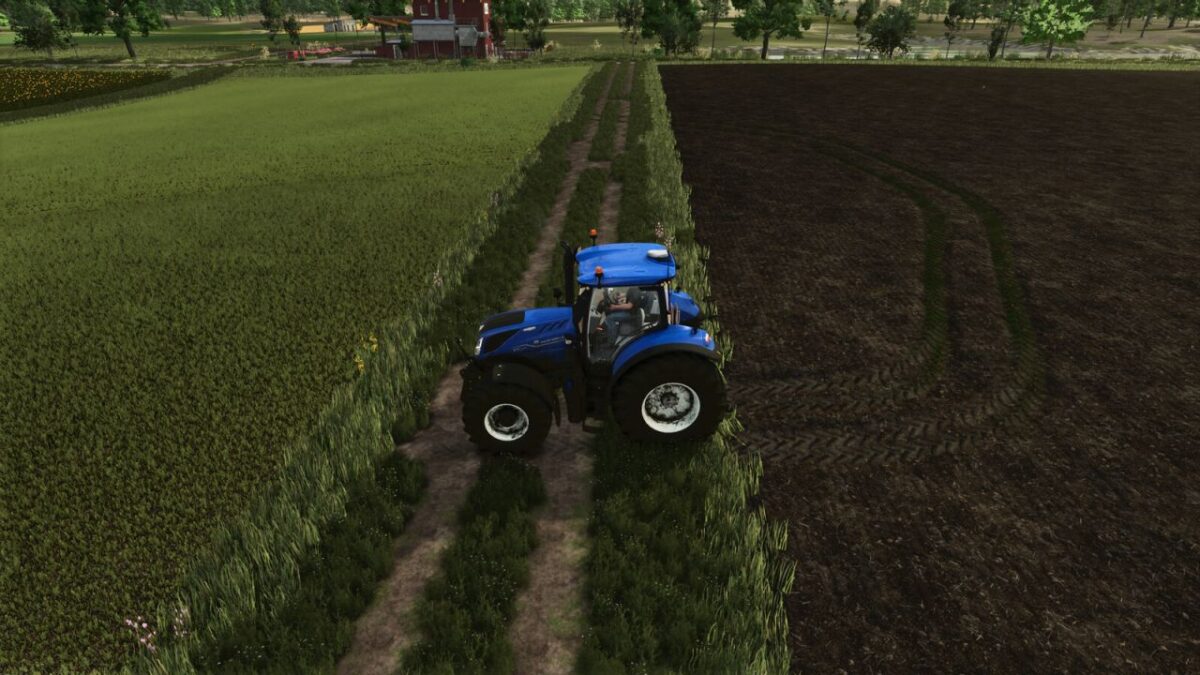
This dynamic mod tracks the materials your tractor drives over and leaves realistic, surface specific trails behind your vehicle.
If you drive through a patch of lime, your tires will pick it up and leave distinct white tracks as you continue down the field or road.
Similarly, driving over manure will result in authentic, dark manure tracks trailing behind your tires.
It is the perfect addition for players who want to see their hard work and the realistic mess that comes with it accurately reflected in their game world.
This mod require Real Dirt Color only for tractor dirt.
Credits:
Sumro Gaming