

Distribution Redux v 1.1

Distribution Redux v 1.1

Replace Farming Simulator 25’s standard distribution system with a smarter, demand-driven logistics network.
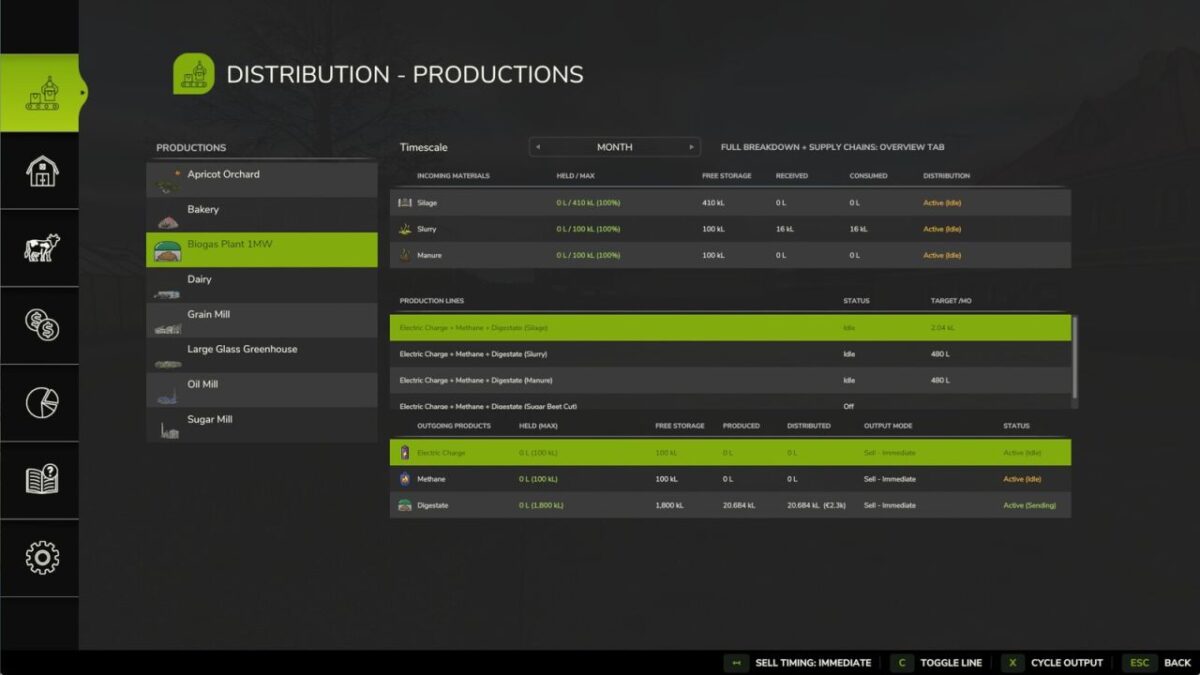
Distribution Redux automatically moves resources between productions, animal husbandries, silos, and storages based on actual demand. It prioritises the nearest available source, supports automatic feed, straw, and water distribution, and gives you full control over how each output is handled.
Features
No additional placeables required
Works with existing productions, storages, silos, and animal husbandries
Demand-driven distribution based on real consumption
Automatic feed, straw, and water supply
Multiple output modes: Hold, Distribute, Sell, Store, and combinations
Hold Internal mode: keep bulk product in a production and spawn pallets on demand
Proximity-based or whole-farm distribution
Per-building and per-product configuration
Multiplayer supported
Compatibility
Designed for the base game and compatible with most standard mods. Some custom buildings may require additional support.
Version 1.1:
* Over 39 bug fixes
* Over 17 QoL additions
* Compatibility added for many mods, with the code strengthened to improve overall mod compatibility
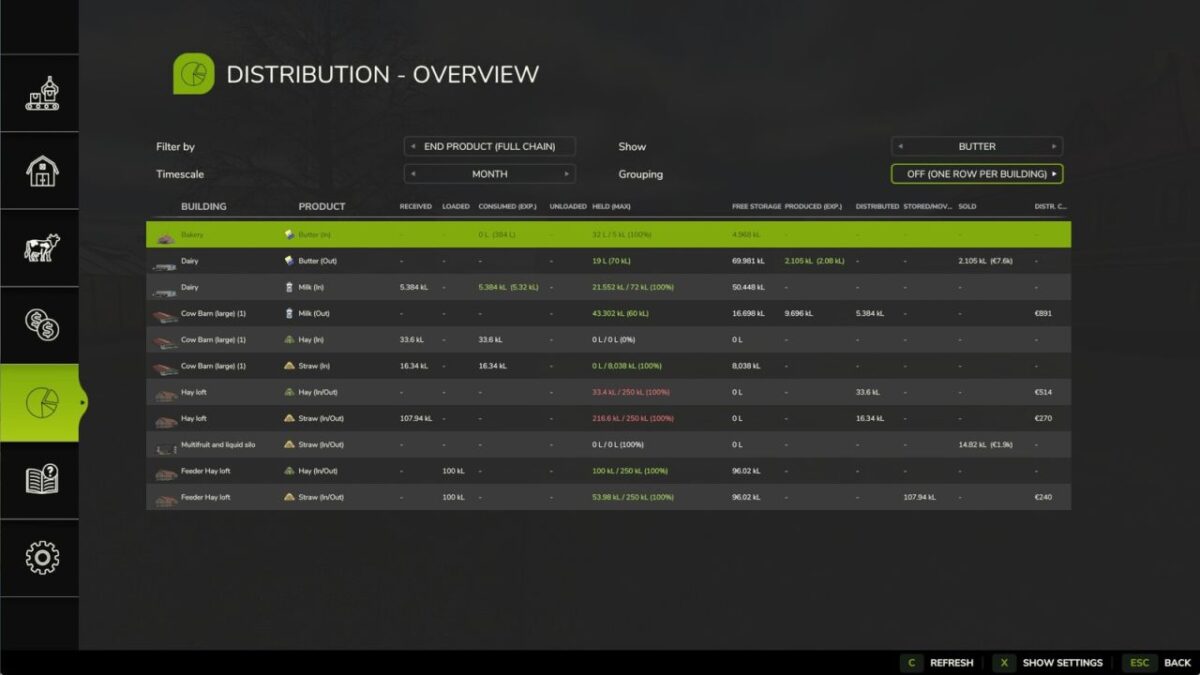
* Added an Overview tab that allows you to view all distribution activity and distribution settings for all buildings in one place (includes filters and can be set to show all sources and productions contributing to a specific end product).
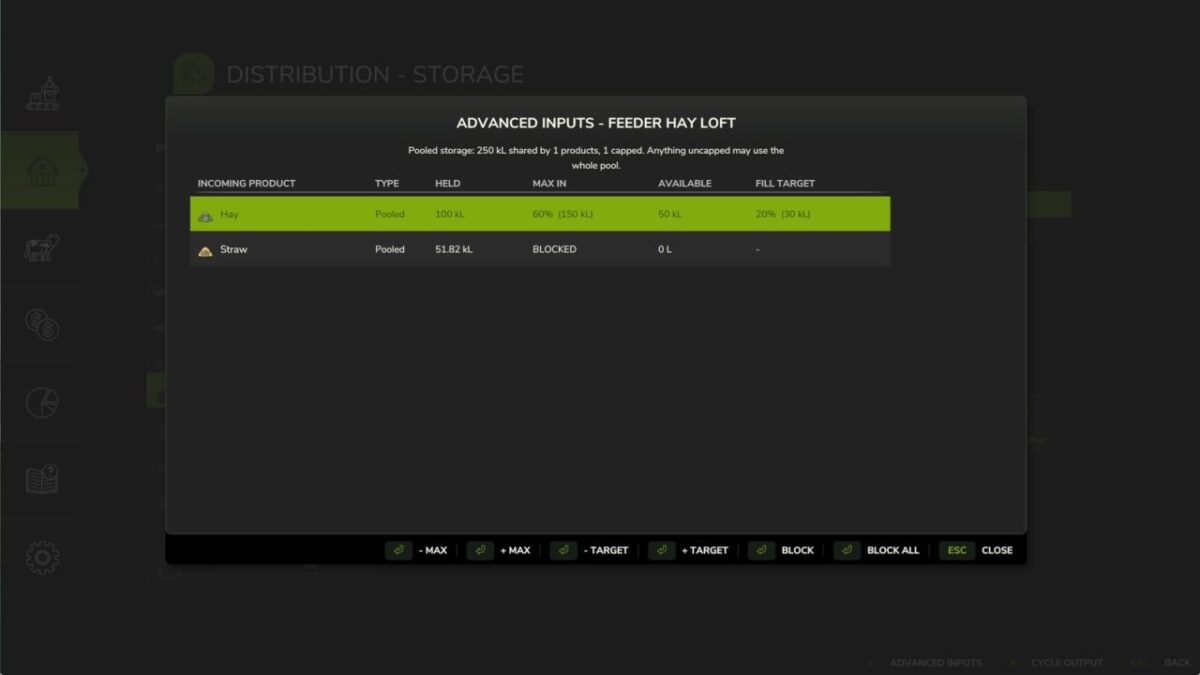
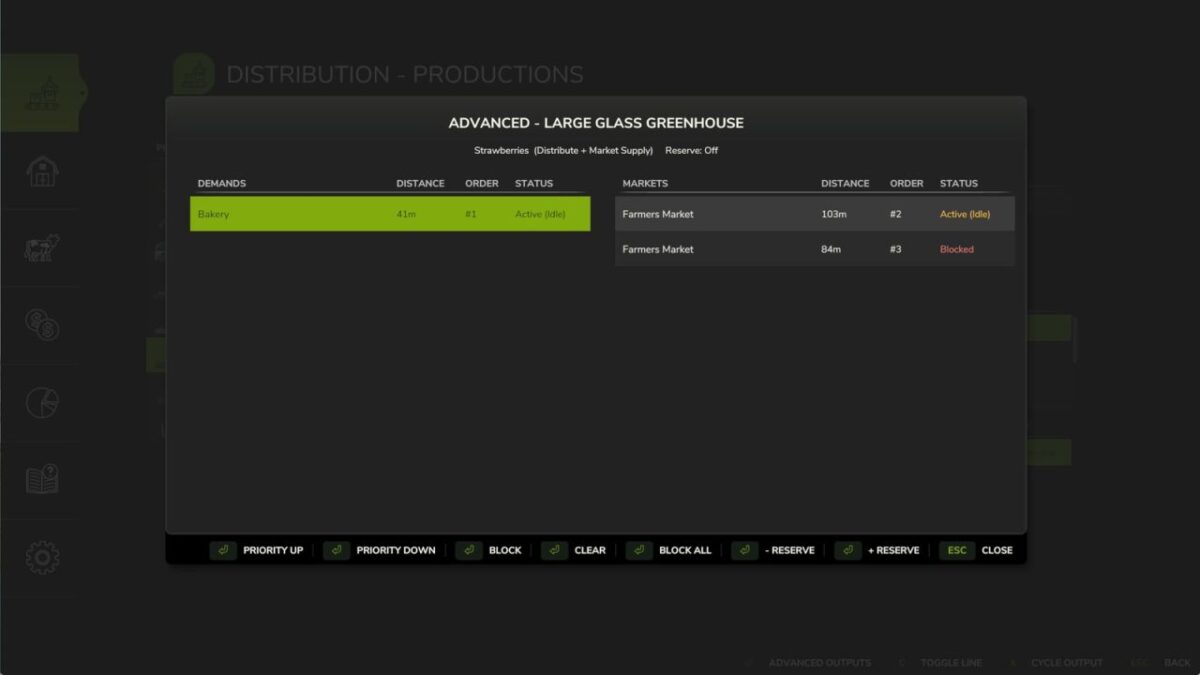
* Added advanced input and output management (block, prioritise, reserve stock, fill target, max in) for all buildings
* Added the ability to move and sort products between storage facilities (i.e. silos, pallet stores, etc.)
Bones
How do I install Farming Simulator mods?
Find a mod that you like and want to download first. Then, on your PC, download a mod. Mods are typically in.zip format. However, it is sometimes in.rar format. If the mod file is in.zip format, no additional actions are required. If a file is in.rar format, you must unarchive it using software such as WinRar or Zip7. Windows 10 users do not need to use archive software; Win10 includes an unarchive feature.
The next step is to locate the mods folder on your computer. It is typically found in Documents/My Games/Farming Simulator [Your FS game version, e.g. 2022]. Open the "mods" folder and place the downloaded.zip archive or unarchived.rar file there.
The final step. Have fun with Farming Simulator mods!