
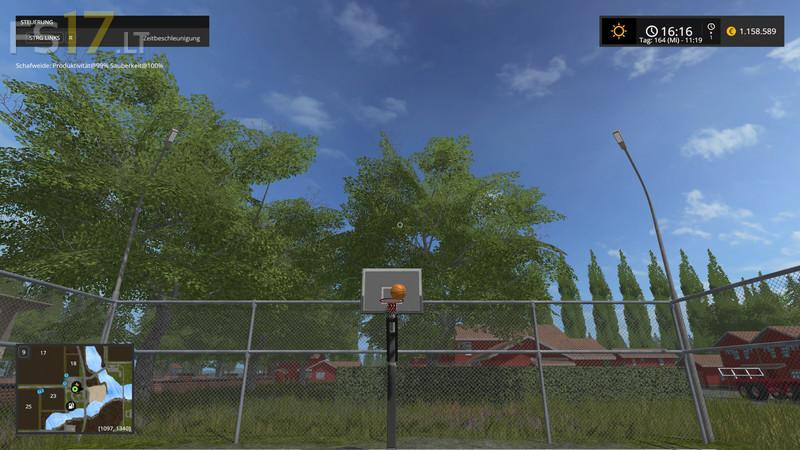
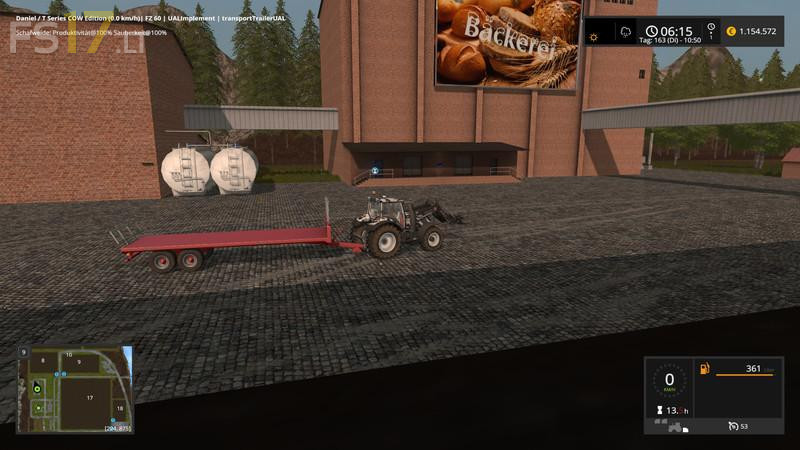
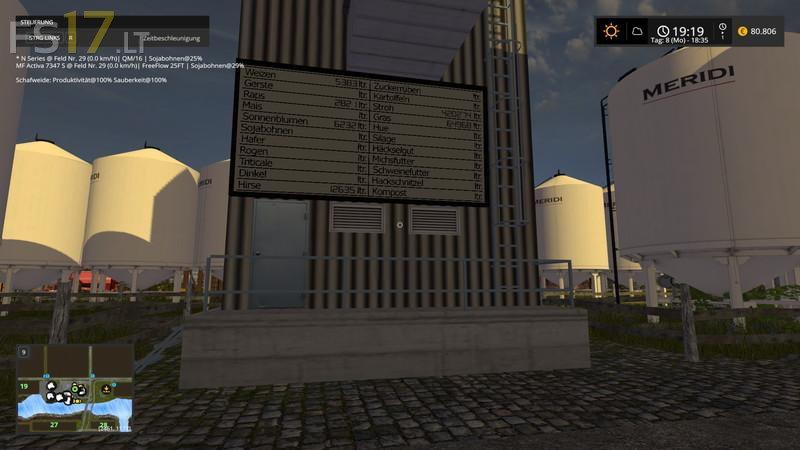
Dondiego Map v 1.0
About the mod:
– New fruits incorporated (oats, roe, spelled, triticale, millet)
– Large yard with central storage for all fruits and products with capacity of 1500000 liters
– All animals on the farm
– Water in the yard is free
– Fillable Hoftankstelle, Werkststt with configuration Trigger
– Plenty of room for Placeable objects
– Sawmill – boards and chips
– Grain Mill – three varieties of flour on pallet
– Bakery – Bakery Products pallet
– Compost master compost
– Soymilk Production
– Milk trigger for the cows – milk sales trigger in dairy
– Biorefinery (7:00 to 18:00) – Diesel (fuel)
– Supermarket sales outlet for flour and bakery product
– Baumarkt Toon (10:00 to 18:00) – Internet shop boards
– Traffic and pedestrians
– Gold nuggets
– Postponed reset point to the yard
Credits:
Kastor, Mike Modding, farmerads, möchtegernebauen, El Cid, BlackShep, RC-Devil, Blacky-BPG, kevink98, Farmer_Andy, Marhu, fasi, fqC art, auwgl, Nigels, Nils23, slowtide63
How to install FS17 mods?
Firstly find a mod which you like and want to download. Then download a mod to your PC. Mods are usually in .zip format file. But sometimes it can be in .rar. If a mod file is a .zip format no needed additional actions. If a file is in .rar, then you must unarchive mod with software like WinRar or Zip7. Windows 10 users no need to use software for archives, Win10 itself has a feature to unarchive files.
The next step is to find mods folder in your PC. Usually, it is in Documents/My Games/Farming Simulator 17/2017. Open the "mods" folder and put downloaded .zip archive or unarchived .rar file to this folder.
Last step. Enjoy of FS17 mods!