

Enhanced Mod Menu v 1.6

Enhanced Mod Menu v 1.6
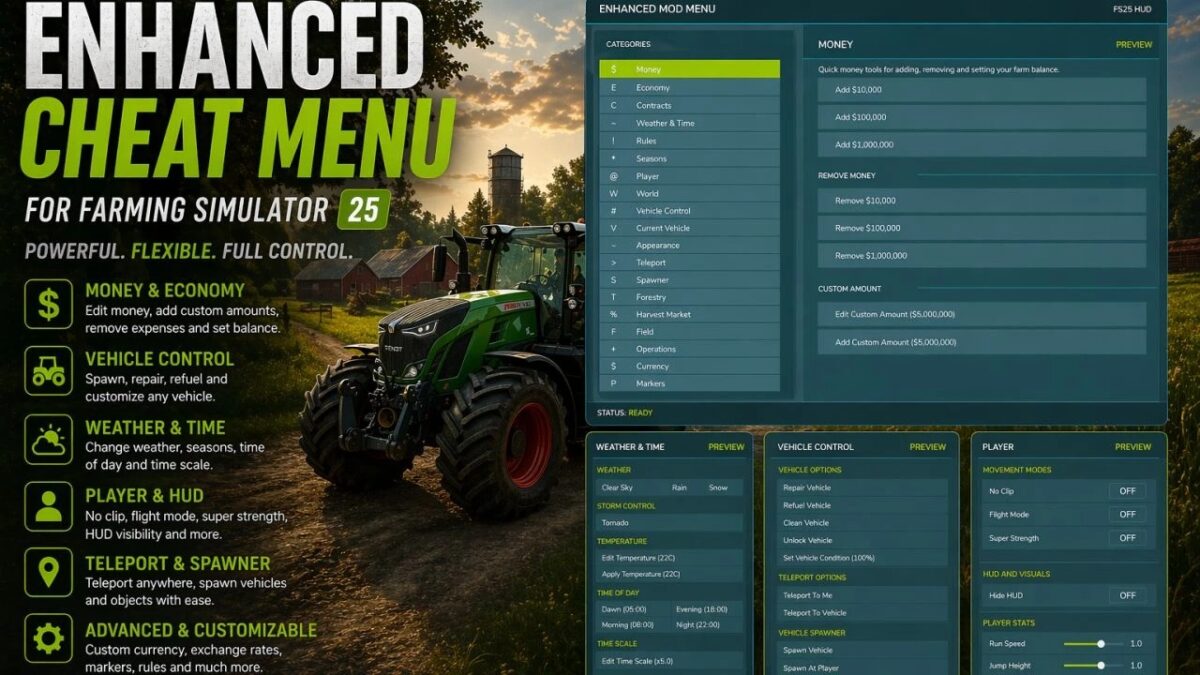
This FS25 modification adds a mod and cheat menu with a huge range of functionality. Dozens of features are available.
General Menu Features:
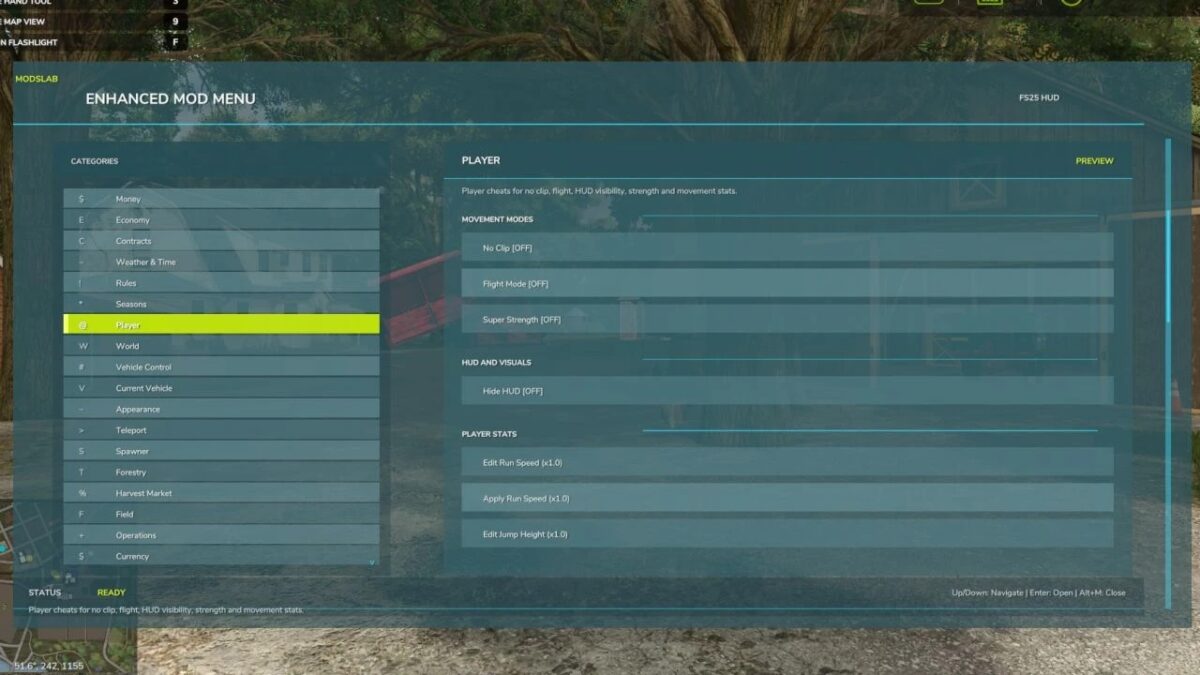
– Full in-game Enhanced Mod Menu for Farming Simulator 25, opened with Left Alt + M;
– Favorites system for quick access to frequently used functions;
– Recent actions section;
– Function search with search results;
– Active cheats overview;
– Undo option for the last action;
– Reset button to restore supported changes to default values;
Money And Economy:
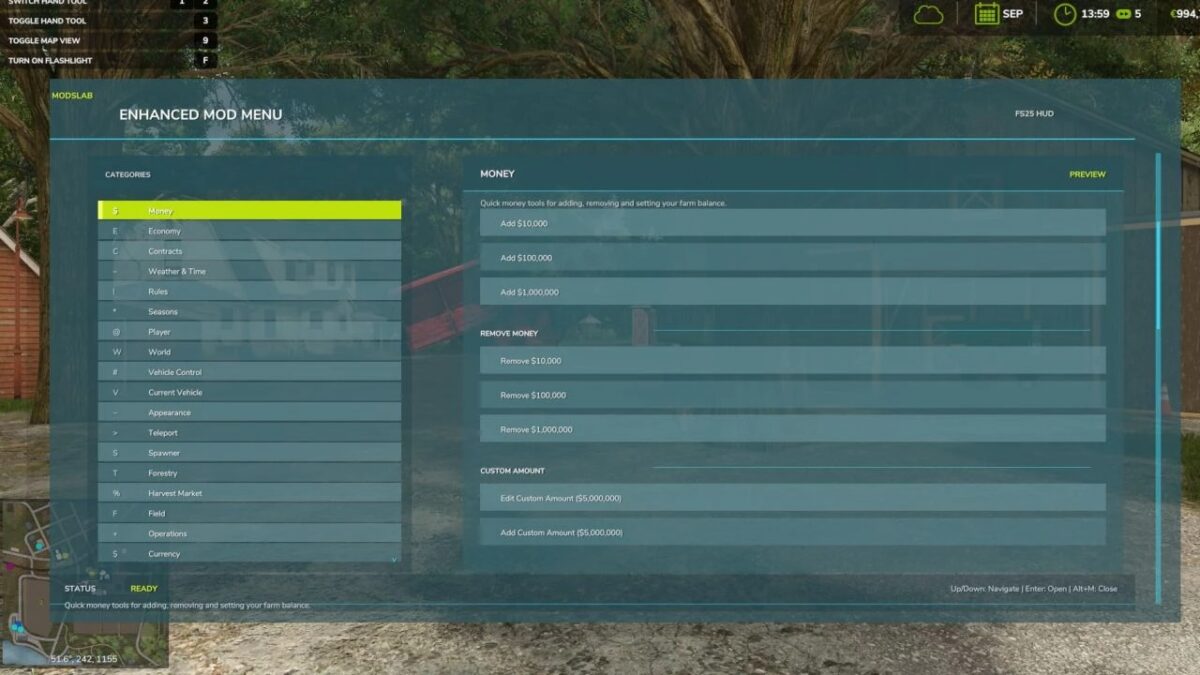
– Preset money options: add or remove $10,000, $100,000, or $1,000,000;
– Custom money editing: add, remove, or set the balance to a custom amount;
– Ideal Market option;
– Dynamic Difficulty Breaker option;
– Refund All Costs;
– Free Purchases;
– Free Buildings;
– Daily costs toggle;
– Instant Production Payback;
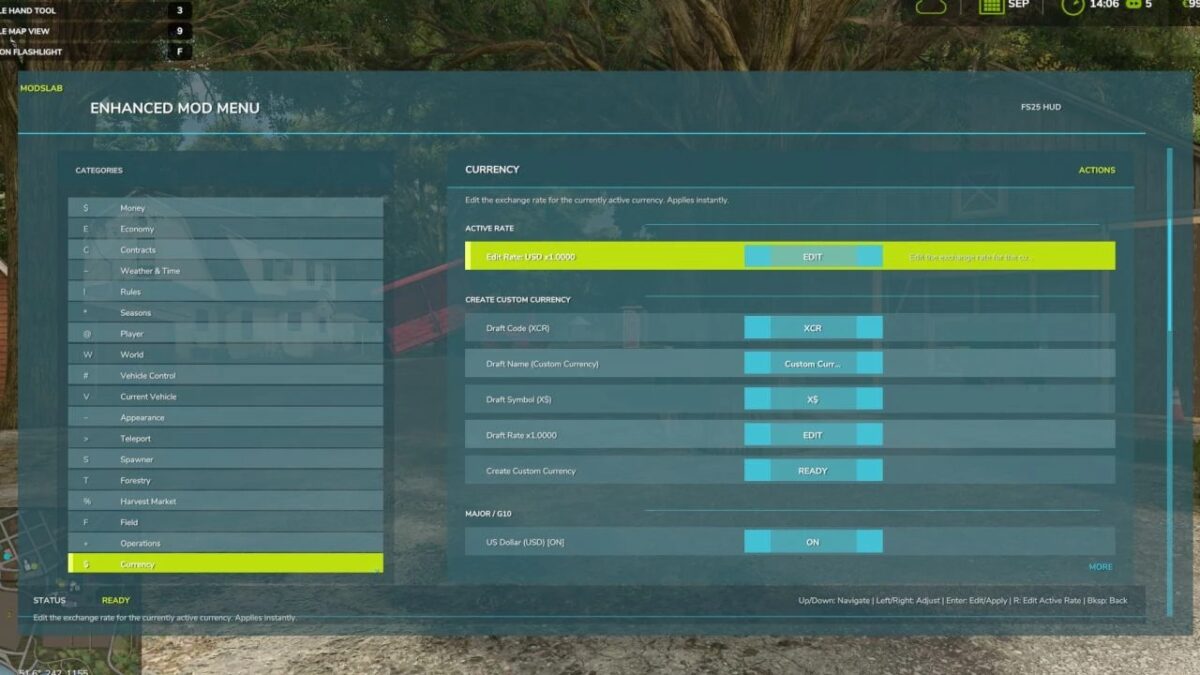
– Currency selector with multiple currencies;
– Custom currency creation with editable code, name, symbol, and exchange rate;
Contracts:
– Infinite Contracts;
– Custom contract reward multiplier;
– Instant completion for all contracts;
– Contract board refresh;
Time, Weather And Seasons:
– Weather control: clear sky, rain, snow, and tornado;
– Editable temperature;
– Calendar date selection;
– Custom clock and time editing;
– Quick time presets: dawn, morning, noon, evening, and night;
– Time skip options: 1 day, 2 days, 7 days, 1 month, 3 months, 6 months, or 1 year;
– Editable time scale;
– Freeze Time option;
– Season switching: spring, summer, autumn, and winter;
– Field requirements override;
– Weather impact override;
– Always Ideal Conditions mode;
Player Tools:
– No Clip mode;
– Flight Mode;
– Super Strength;
– Player Invisible mode;
– Default HUD toggle;
– Editable player run speed;
– Editable player jump height;
World Cleanup And Markers:
– Traffic toggle;
– Pedestrian toggle;
– Owned pallet cleanup;
– Owned bale cleanup;
– Loose owned freight cleanup;
– Tracking markers for owned pallets and bales;
– Freight marker cleanup;
Vehicle Tools:
– Vehicle repair;
– Fuel refill;
– Full tank refill for all vehicle tanks;
– Vehicle washing;
– Vehicle dirt option;
– Paint wear removal;
– Paint wear adding;
– Full vehicle appearance restoration;
– Vehicle cloning;
– Current vehicle selling;
– Current vehicle deletion;
– Prevent Vehicle Flips mode;
– Vehicle teleportation to the map marker;
– Repair for all attached implements;
– Full tank refill for the attached vehicle/tool chain;
– Lift all attached implements;
– Lower all attached implements;
Vehicle Editing:
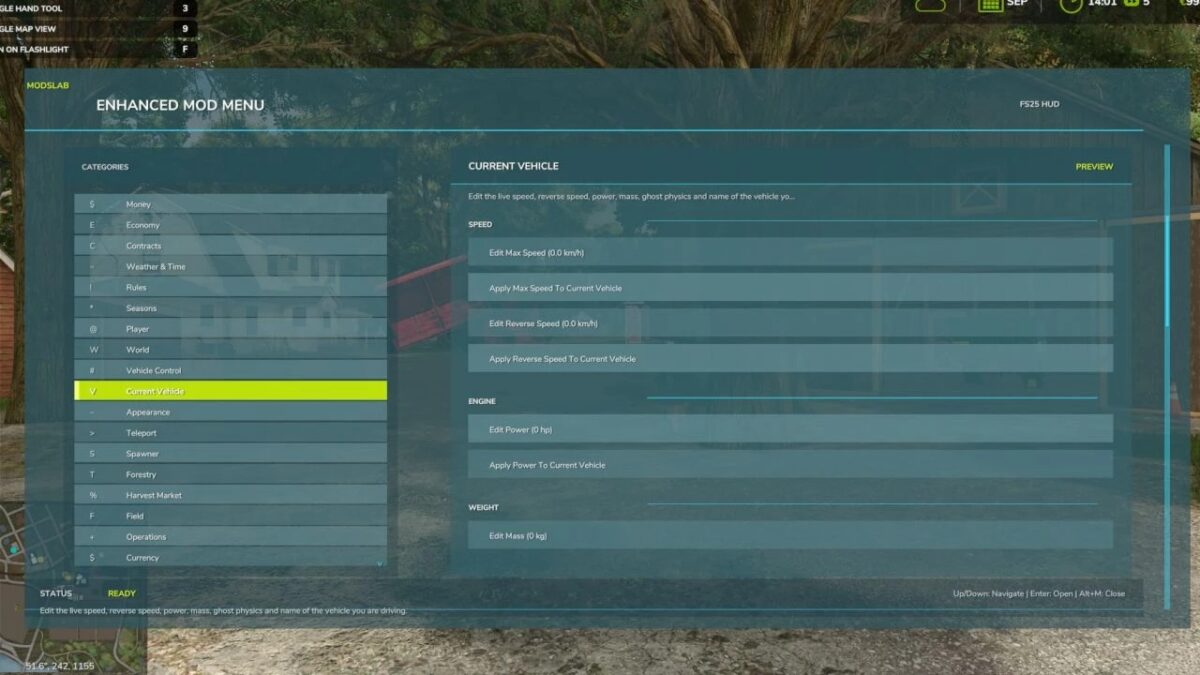
– Current vehicle max speed editing;
– Current vehicle reverse speed editing;
– Current vehicle power editing;
– Power reset option;
– Current vehicle mass editing;
– Crop damage toggle for the current vehicle;
– Ghost Mode for the current vehicle;
– Vehicle name editing;
– Vehicle configuration browser;
– Vehicle configuration option switching;
– Selected vehicle configuration application;
– Vehicle configuration information display;
Tool Editing:
– Current tool target selection;
– Tool work width editing;
– Tool work speed editing;
– Required power editing for tools;
– Current tool cloning;
Teleportation:
– Teleport destination filters;
– Destination selection;
– Teleportation to selected destinations;
Spawner:
– Spawner menu with category selection;
– Selected item spawning;
– Pile material selection;
– Custom pile amount editing;
– Pile spawning;
Forestry:
– Tree selection;
– Tree growth stage selection;
– Plant one tree ahead of the player;
– Plant five trees ahead of the player;
– Chainsaw Crosshair;
– Chainsaw speed switching;
– Remove living trees within 15 meters;
– Remove cut stumps within 25 meters;
– Remove the nearest cut stump;
– Clear cut logs within 25 meters;
AI Helpers:
– Free Helpers;
– Finish all AI workers;
– Teleportation to an active helper;
Traffic Control:
– Traffic cleanup around the player within 50 meters;
– Freeze Traffic;
– Traffic respawn;
Market And Crop Prices:
– Insider Trading for the harvest market;
– Peak Forecast information;
– Auto Trader;
– Custom harvest sales multiplier;
– Sales multiplier reset;
– Emergency restoration of all crop prices;
– Crop selection;
– Custom crop price editing;
– Set selected crop to the maximum price;
– Restore selected crop to the normal market price;
Field And Crop Tools:
– Perfect Field;
– Custom growth editing;
– Instant Grow;
– Instant Harvest;
– Crop selection for field planting;
– Plant selected crop;
– Auto Remove Weeds;
– Disable Stones;
– Soil state cycling;
– Instant plowing;
– Instant cultivating;
– Instant sowing;
– Instant fertilizing;
– Instant rolling;
Field Ownership And Field State:
– Selected field switching;
– Field selection by number;
– Field under player selection;
– Free purchase of the selected field;
– Selected field selling;
– Make all fields owned by the player;
– Reset ownership on all fields;
– Field state controls: lime, mulched, plowed, and rolled;
– Field fertilizer controls: 0%, 50%, and 100%;
– Weed removal for the selected field;
– Stone removal for the selected field;
Custom Map Markers:
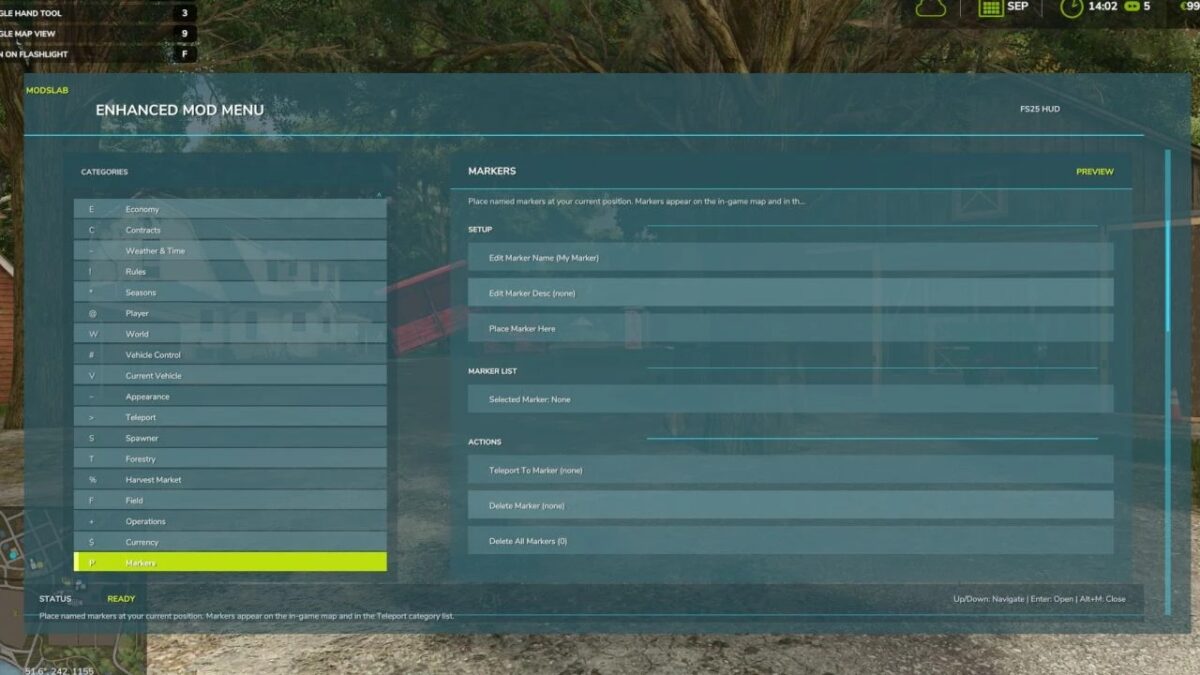
– Custom map markers;
– Marker name editing;
– Marker description editing;
– Place marker at the player position;
– Marker selection;
– Teleportation to selected markers;
– Marker deletion;
– Delete all custom markers.
Conflicts:
– Grow now (thanks CollapsingVoid for test)
– Other scripts that interact with the same code/functions as the Mod Menu.
Version 1.6:
* Added a simple Photo Mode, which can be enabled in the “System” category. In Photo Mode, you can: Move around in free camera mode, with Flight Mode and NoClip enabled by default
* Change the weather, season, and time of day
* HUD is automatically hidden
* Time is stopped
* Enable/disable traffic
* Enable/disable the player model
* Zoom the camera in/out with the mouse wheel
* Change brightness