

Equipment Demo v0.1.12.0 BETA 2

Equipment Demo v0.1.12.0 BETA 2
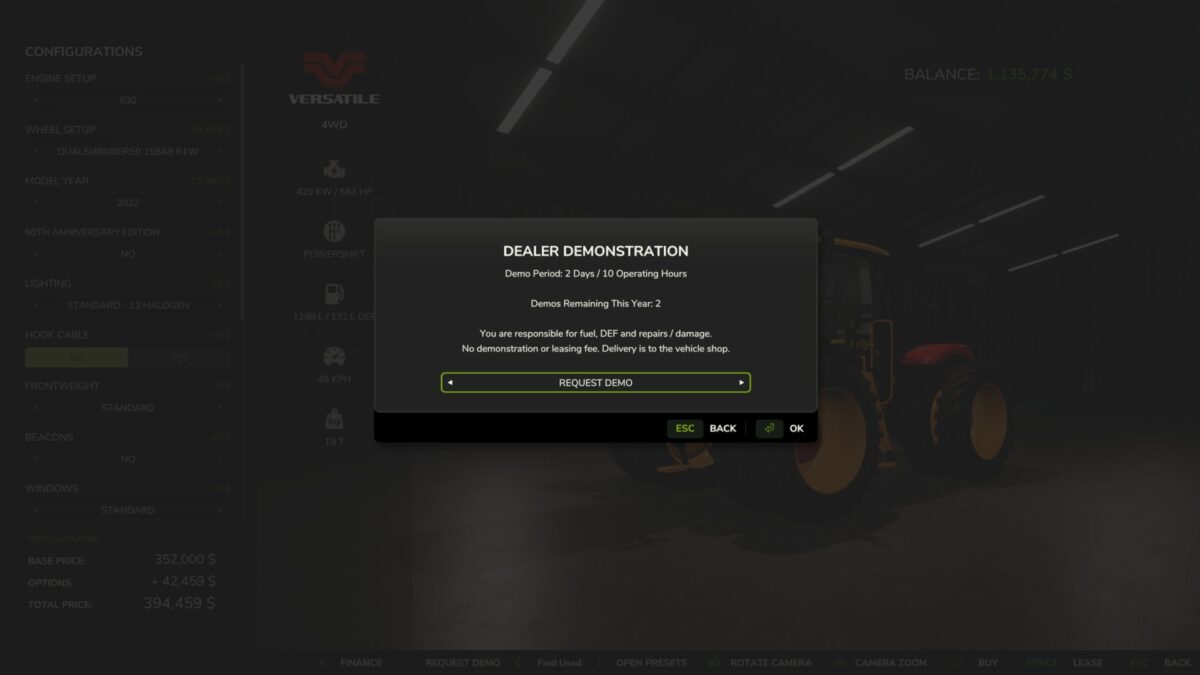
Want to see how a tractor handles your implements or how a combine performs on your farm before spending the money? Equipment Demo lets you request free dealership demonstrations directly from the shop.
Choose your configuration, request a demo, and put the equipment to work.
Features
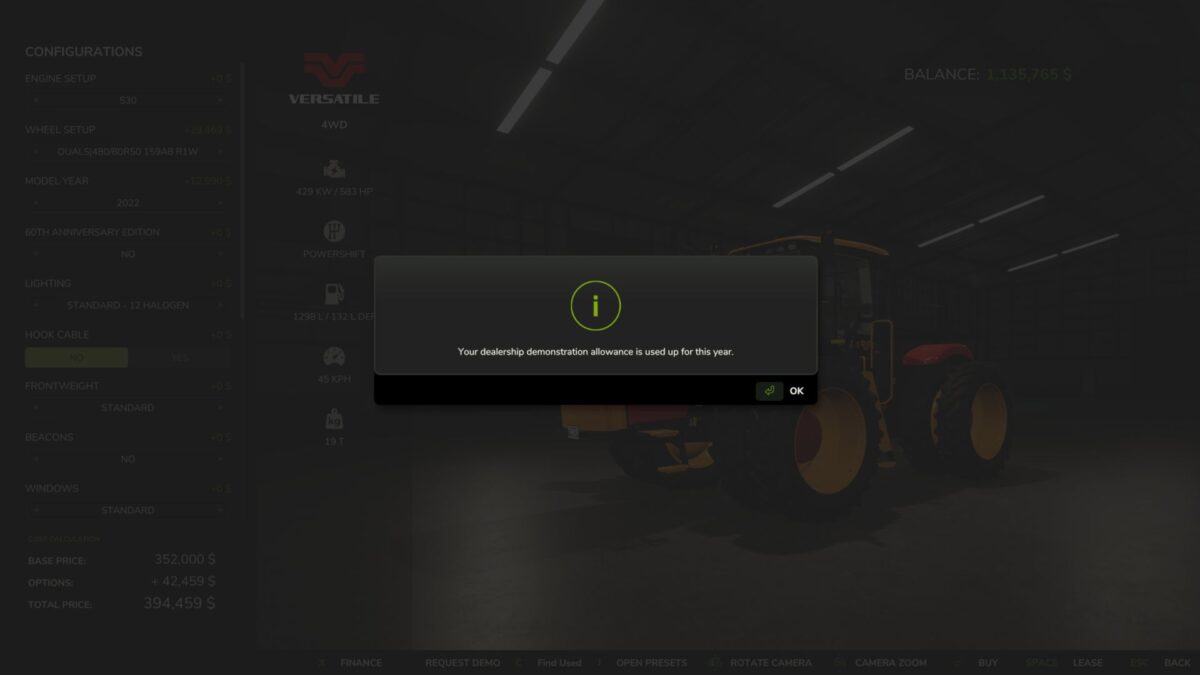
Two free demos per in-game year, with up to two active at once.
Try equipment together, such as a combine and header. Each item uses one demo allowance.
Two in-game days or ten operating hours per demo, whichever comes first.
No demo or leasing fee. Normal fuel, DEF and repair costs still apply.
Simple shop controls: Request Demo changes to Return Demo on that equipment’s shop page.
Buy the machine you tested, keeping its configuration, hours, wear, dirt and contents.
Save and continue later. Demo progress and yearly usage persist across reloads.
Demo equipment cannot be sold.
Version 0.1.12.0 BETA 2:
* Demo usage now tracks the machine’s native FS25 operating hours meter instead of maintaining a separate operating hours clock
* Existing saves are migrated without resetting their current demo limits
* Improved handling of operating hour data after saving/reloading
* Demo machines now use the actual current FS25 vehicle value when you choose to purchase them, including the game’s normal depreciation factors. Custom price rounding and price caps have been removed
* Enforced the intended limit of 2 equipment demos per year
* Demo duration remains 2 ingame days OR 10 operating hours, whichever comes first
* Existing return safety systems and protections against selling demo equipment remain in place
* This remains a single-player public test build
* 126 automated behavioural/compatibility checks and 5 separate GIANTS SDK source replays are passing