

Estancia Sao Carlos Map v 1.0

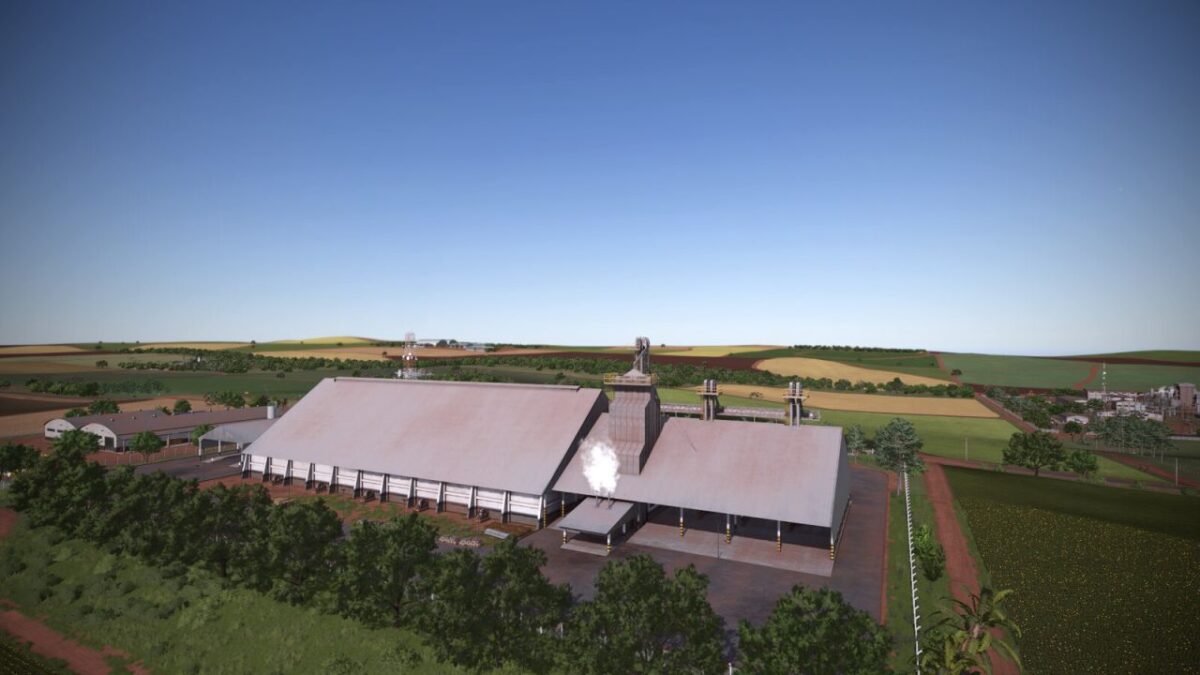
Estancia Sao Carlos Map v 1.0
– 36 medium and large fields, all with missions
– All 99 farmland areas can be purchased. Some objects only become functional after the land is bought
– Latitude with seasons adjusted to the southern hemisphere
– There is no snow on this map, as winter in the region is only cold and dry
– Most companies close their doors at the end of the day, so stay alert
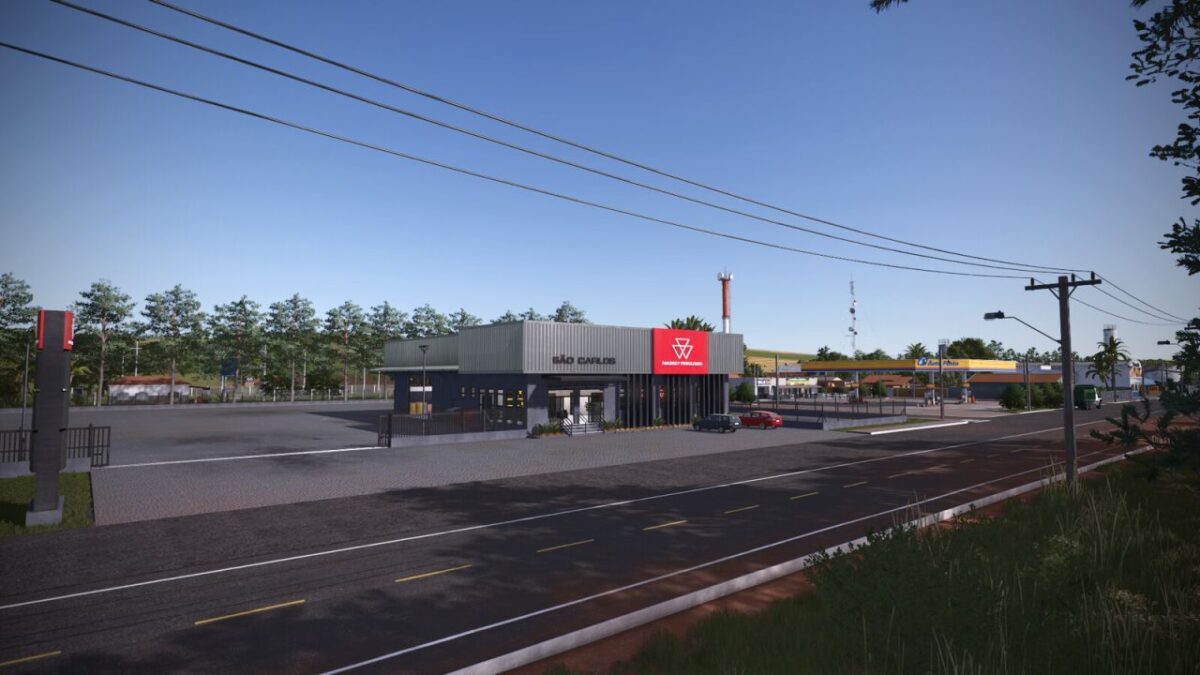
– The map shop includes a workshop for vehicle maintenance
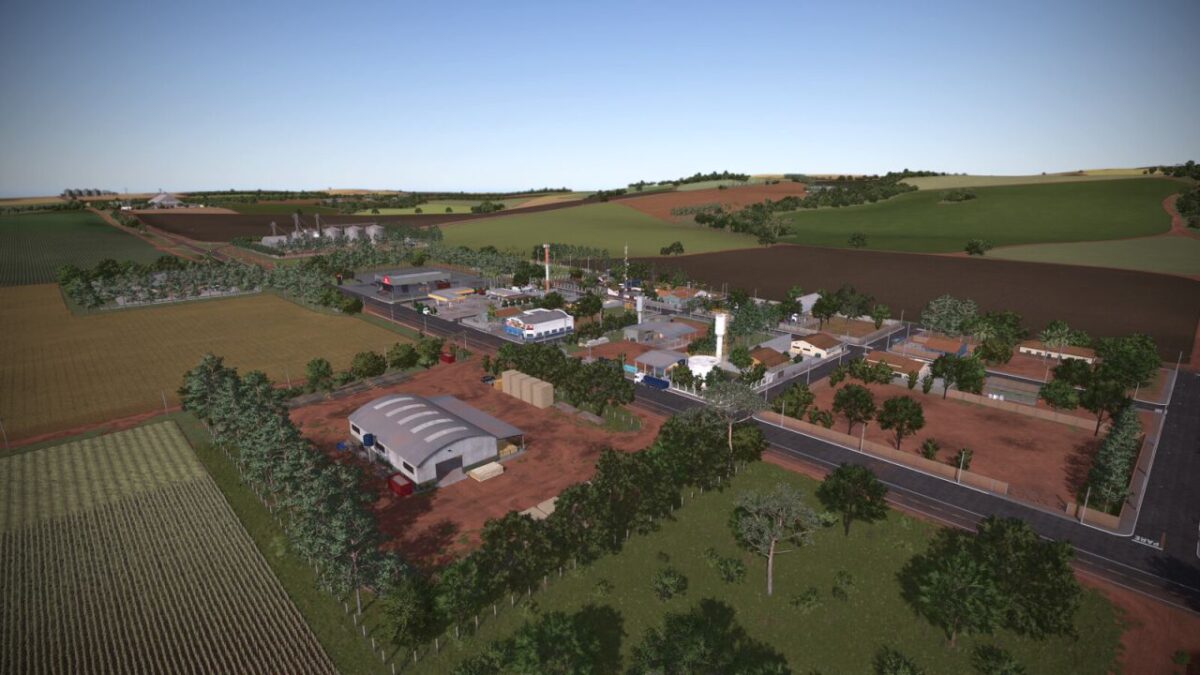
– The town includes a workshop, water refill point, houses with functional gates and a soccer field
– Grains in general can be sold at the three warehouses. Wood can also be sold at these locations
– Market, fair and cooperatives for selling various products
– Bales can be sold at the cotton plant
– Sawmill for selling wood and producing boards
– Dairy for selling milk and producing dairy products
– Bakery for selling and producing goods
– Plant for selling sugarcane, with ethanol production and a purchase point for vinasse (Liquid Manure)
– To transport ethanol, buy the “MKS 32” tank in the “Trailers” category
– Fuel station for selling ethanol, refueling and workshop services
– If you need lime, take a trailer to the lime seller. Stones can also be sold there
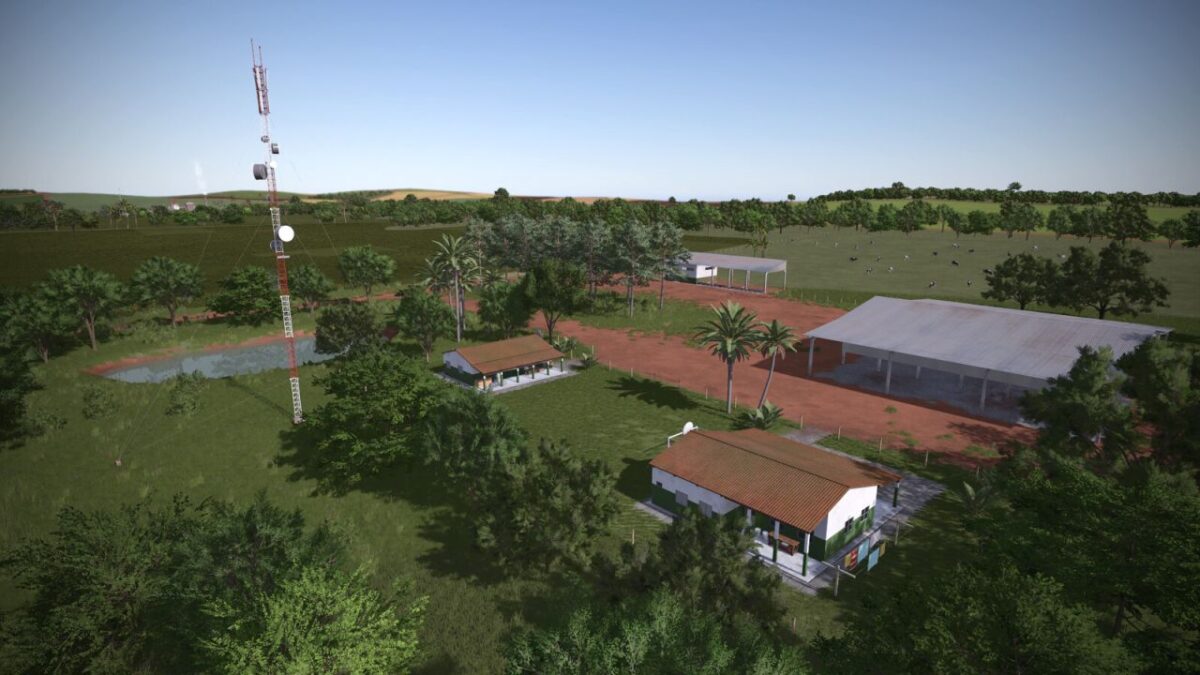
– The main farm includes two sheds, two houses, a cow pasture and an open chicken coop
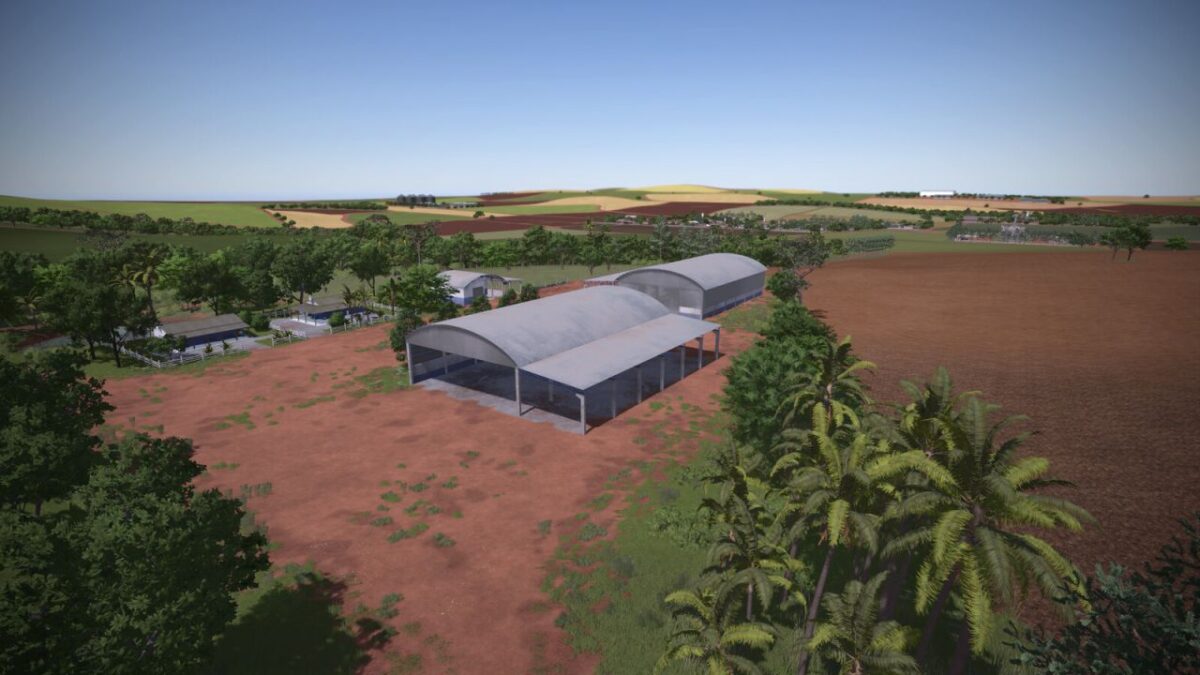
– The secondary farm has a large machinery shed, two houses and a cow pasture
– New trees: Mango Tree, Californian Palm, Queen Palm, Pine, Stone Pine, Ponderosa Pine and Pagoda Dogwood
– New crops: Alfalfa, Rye, Black Bean, Mustard and Clover
– New foliage paintings for decoration
– Mercosul Brazilian License Plates (Prefab by Luan Tavares)
– 20 collectible toys