Everything Constructable v 1.0.0.2

FS25 mods

Everything Constructable v 1.0.0.2
1 Star2 Stars3 Stars4 Stars5 Stars
About mod:

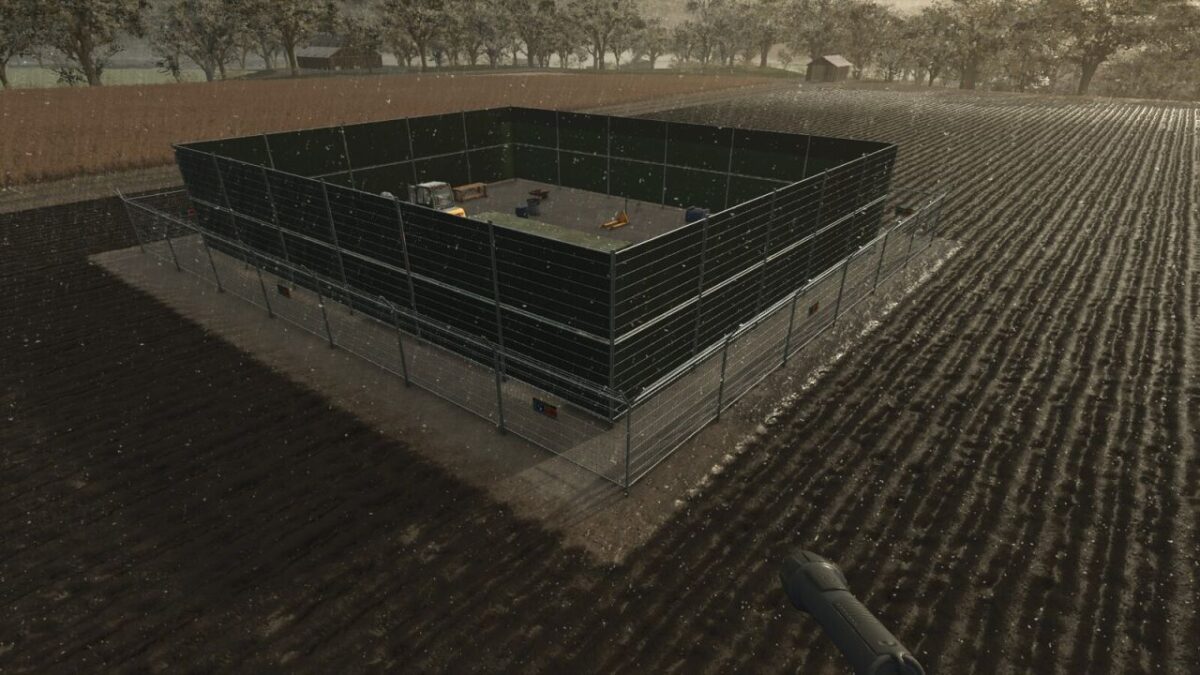
Buildings no longer appear instantly. Instead, placing a building creates a realistic multi-phase construction project with fenced sites, monthly progress, and resource delivery.
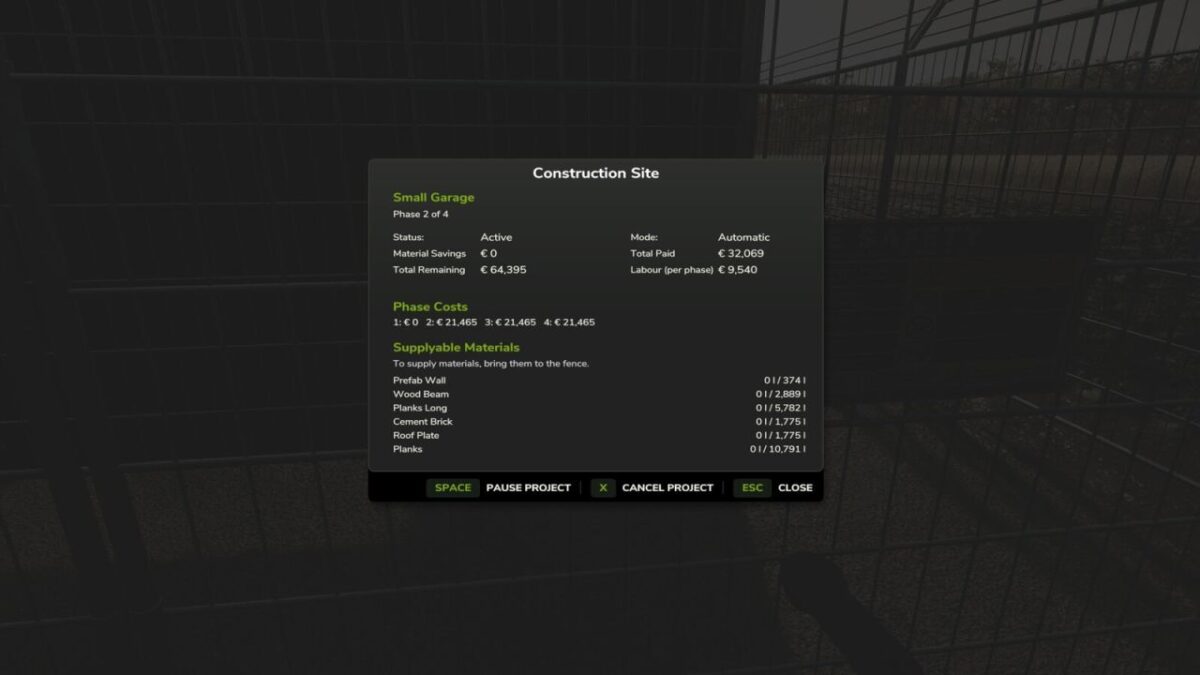
You can disable and enable this process at will. For construction projects, you can deliver material yourself to reduce the cost. Projects will take a number of months, depending on the cost.
You can pause a project if you want to wait and supply materials. You must always pay for labour, but can configure the portion of the total cost for labour vs materials.
Fully supports multiplayer. Excludes base game simple pastures and those in FS25_FencelessPastures.

Version 1.0.0.2:
* Reworked construction site fences to use direct i3d placement, resolving multiplayer sync errors that caused missing fences and stream errors when placing sites
* Add CZ translation file

Credits:

Ozz

* By clicking [Download this mod from filehost] button you agree to leave this website. The link opens in the new tab. File is hosted in the external website. We are not responsible for the content of the external page and the possibility of free download of the file.

How do I install Farming Simulator mods?
Find a mod that you like and want to download first. Then, on your PC, download a mod. Mods are typically in.zip format. However, it is sometimes in.rar format. If the mod file is in.zip format, no additional actions are required. If a file is in.rar format, you must unarchive it using software such as WinRar or Zip7. Windows 10 users do not need to use archive software; Win10 includes an unarchive feature.

The next step is to locate the mods folder on your computer. It is typically found in Documents/My Games/Farming Simulator [Your FS game version, e.g. 2022]. Open the "mods" folder and place the downloaded.zip archive or unarchived.rar file there.

The final step. Have fun with Farming Simulator mods!

Leave a Reply

Your email address will not be published. Required fields are marked *