

Extended Vehicle Maintenance v 1.0

Extended Vehicle Maintenance v 1.0
Extended Vehicle Maintenance adds a more immersive maintenance system to Farming Simulator 25.
Instead of simply repairing machines instantly and moving on, this mod makes maintenance feel like part of everyday farm management.
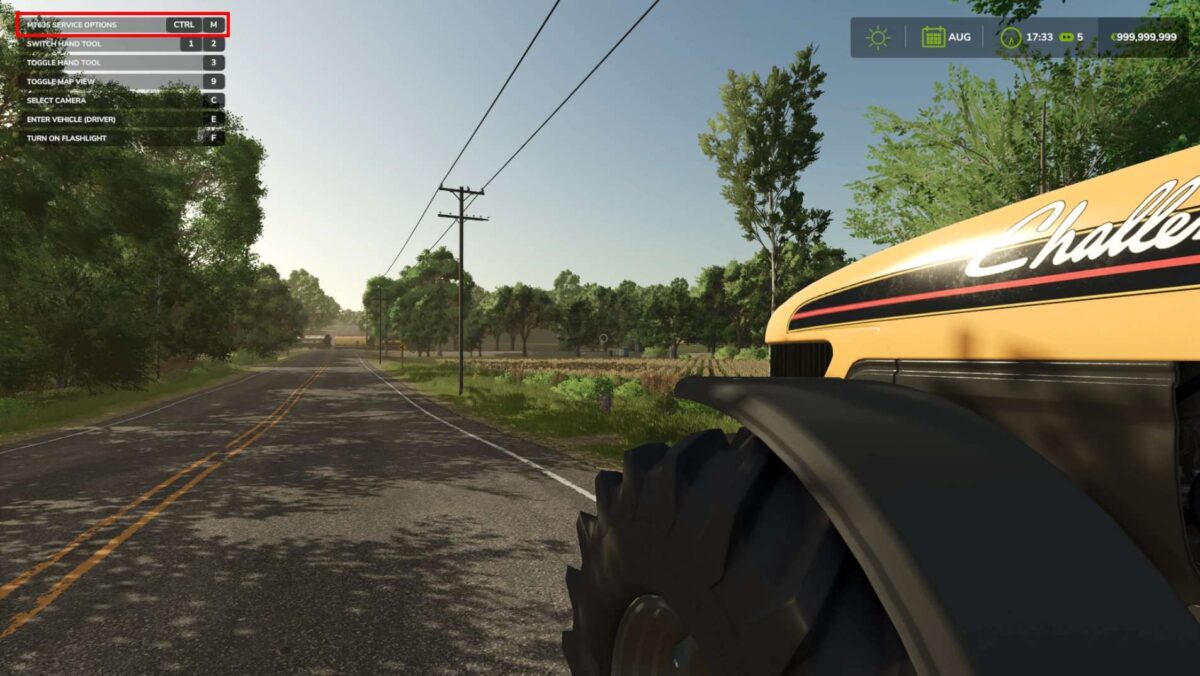
Drivable machines need service after operating hours, can be sent into maintenance, and remain unavailable while the work is being carried out.
The mod only affects machines that can be driven by the player, such as tractors, trucks, harvesters and other self-propelled vehicles.
Implements and passive attachments are not part of the maintenance system.
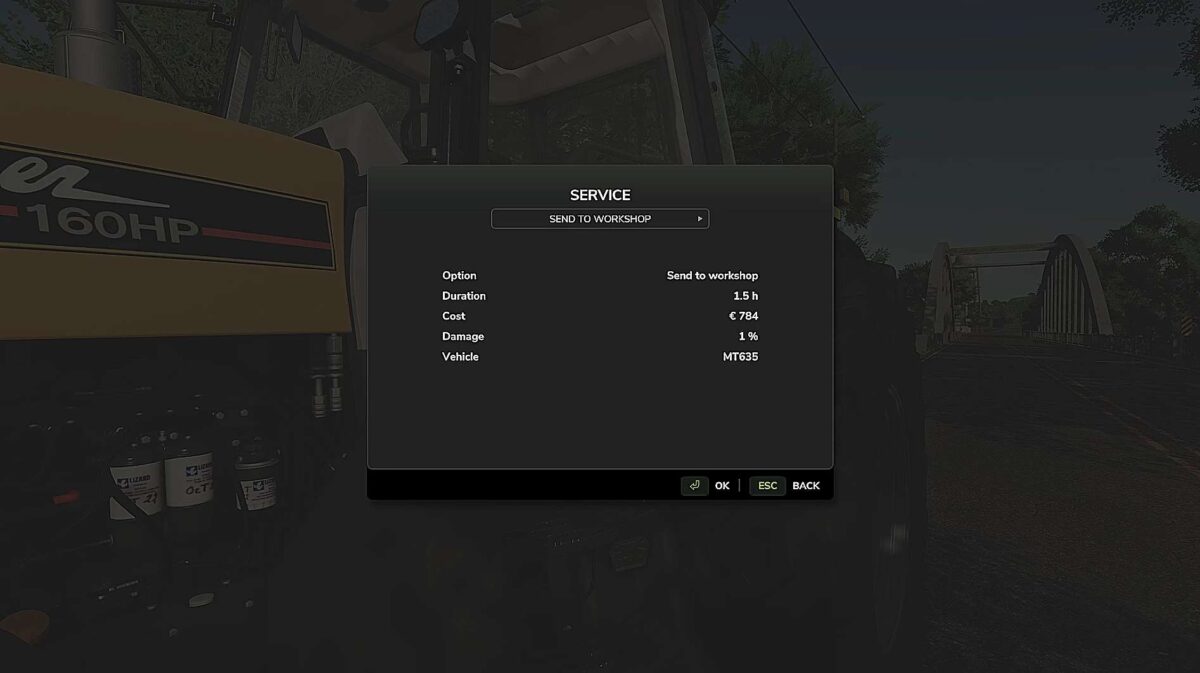
Depending on the situation, different service options are available.
You can send a machine to the workshop, call a technician, or repair it yourself.
Each option has its own balance between cost and time:
the technician is the most expensive option, while self-repair is the cheapest but takes the longest.
Extended Vehicle Maintenance also includes a malfunction system.
Machines can suffer from issues such as engine problems, RPM/emergency-mode failures, flat tires or battery-related problems.
Poorly maintained machines can become unreliable and may cause trouble during work.
A battery simulation is included as well. Batteries can discharge when electrical consumers are active and recharge while the engine is running.
Extended Vehicle Maintenance also includes a collision damage system.
Strong impacts can damage vehicles depending on the collision speed, making careful driving and realistic vehicle handling more important.
Please note that the system is still in beta.