

Fancy Doghouse v 1.0

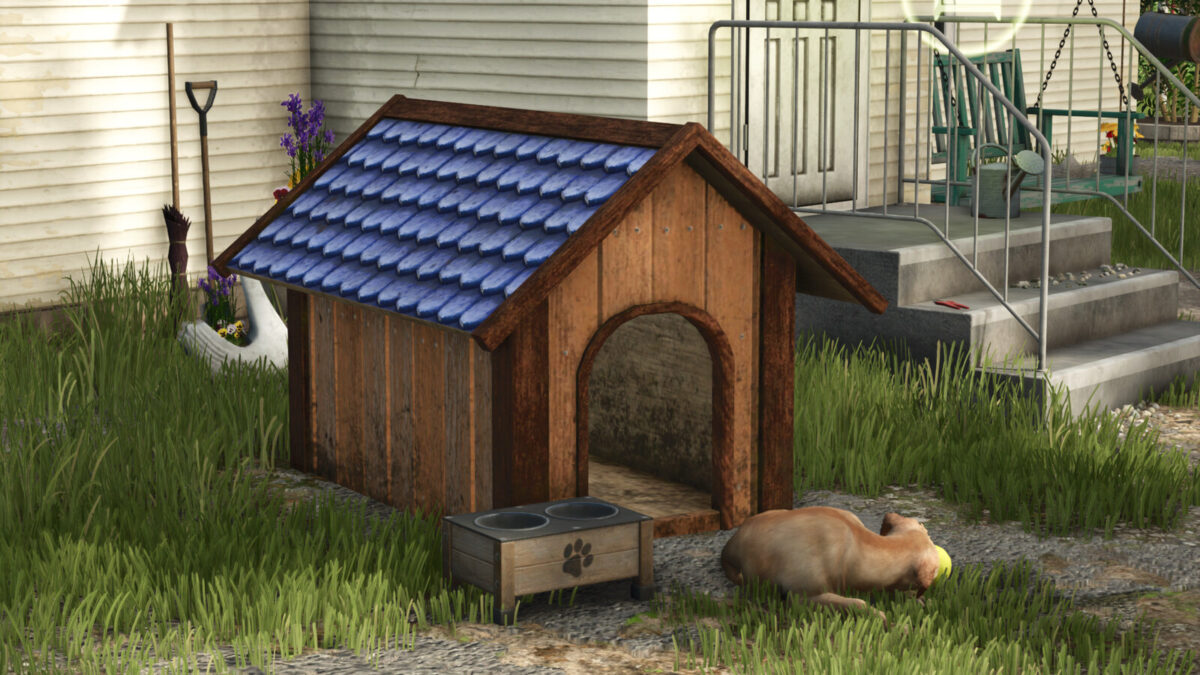
Fancy Doghouse v 1.0
About the mod:
The Fancy Doghouse v 1.0 offers a stylish wooden shelter designed specifically for your canine companions. Featuring a blue roof, this doghouse not only provides protection from the elements but also adds a decorative touch to your farmyard.
You can purchase it for $1,199, and it has a minimal upkeep cost of $5. This mod enhances your farming experience by allowing you to care for your virtual pets, making your farm feel more alive and homely. Ideal for players looking to create a more immersive environment, the Fancy Doghouse seamlessly fits into the aesthetic of any farm layout.
Credits:
Neyluu