

Farm Economy v1.0.0.0

Farm Economy v1.0.0.0
Brings a farm’s income and expenses closer to reality – without a bad setting ever ruining the operation. Nothing needs to be configured after installing.
TOGETHER WITH FARM OVERVIEW
Farm Economy works on its own. Its year comparison (net worth, income, expenses and result against the previous year) is shown by the Farm Overview mod in its Finances area, if that mod is installed as well.
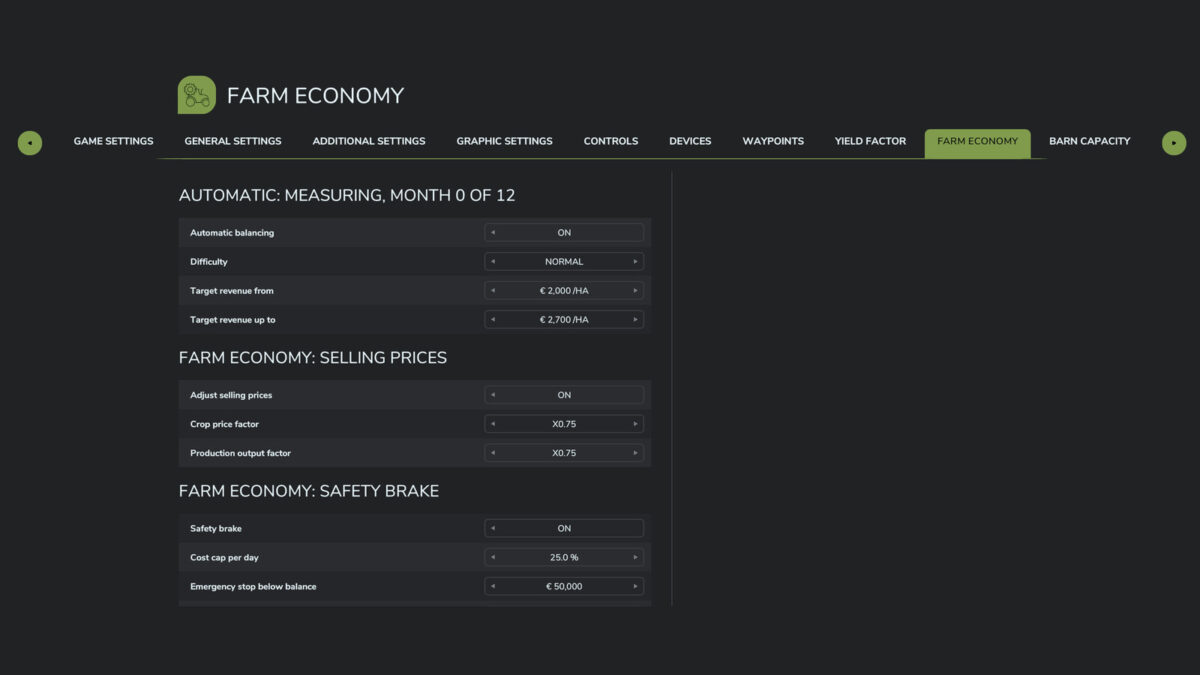
– Selling prices: separate factors for crops and production output. Animal products, bales, biogas power, wood and contracts stay untouched.
– Automatic balancing: once per in-game year the mod adjusts the selling price factors itself until revenue per field hectare matches the chosen difficulty (Easy, Normal, Hard, Realistic or a custom target range). On by default at Normal.
– Fleet tax: running costs per owned vehicle and implement, with a grace period for new purchases. Machines that did not work during the billing period and vehicles parked under a roof pay less, so a well filled shed does not cost as much as a fleet in daily use.
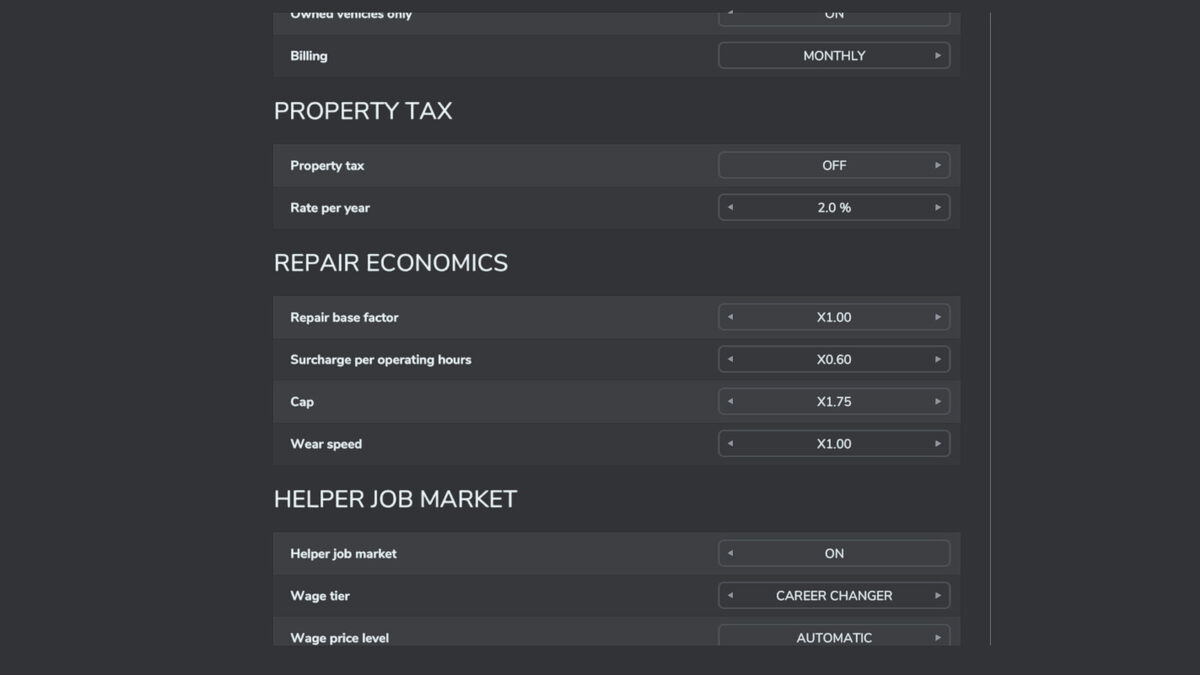
– Property tax: running costs on owned land – the only item that scales with acreage (off by default).
– Interest on savings: monthly interest on balance minus loan, tiered so that large savings do not grow without limit (off by default).
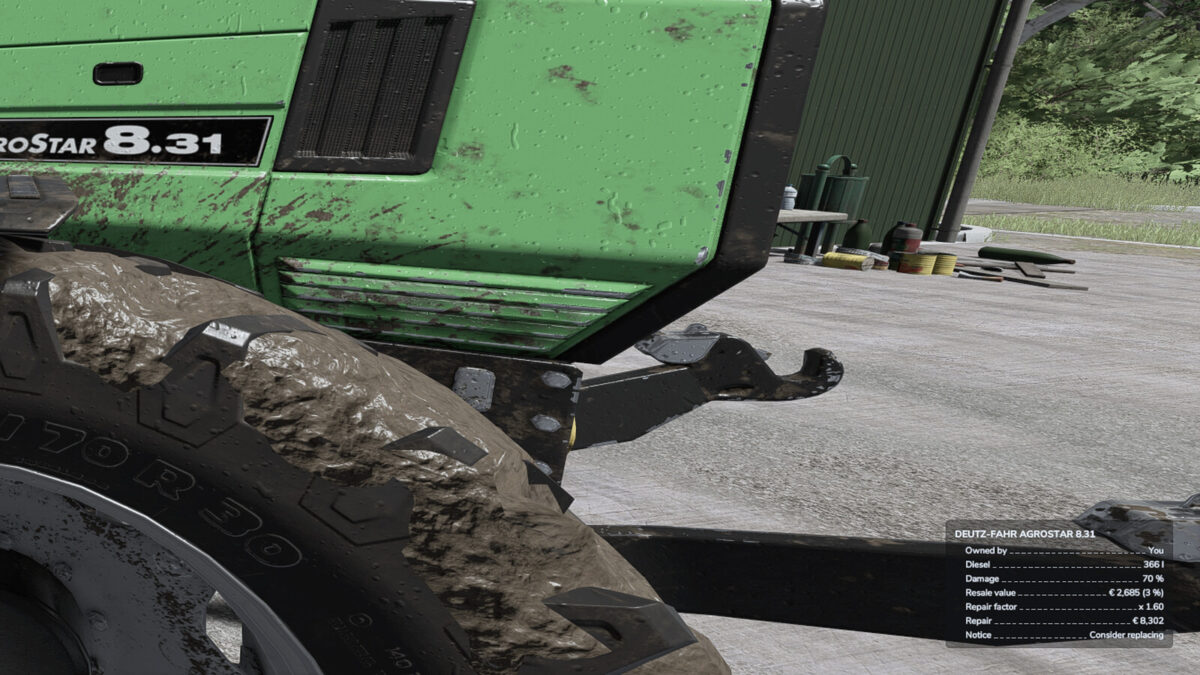
– Repair economics: repair costs rise with operating hours and number of repairs.
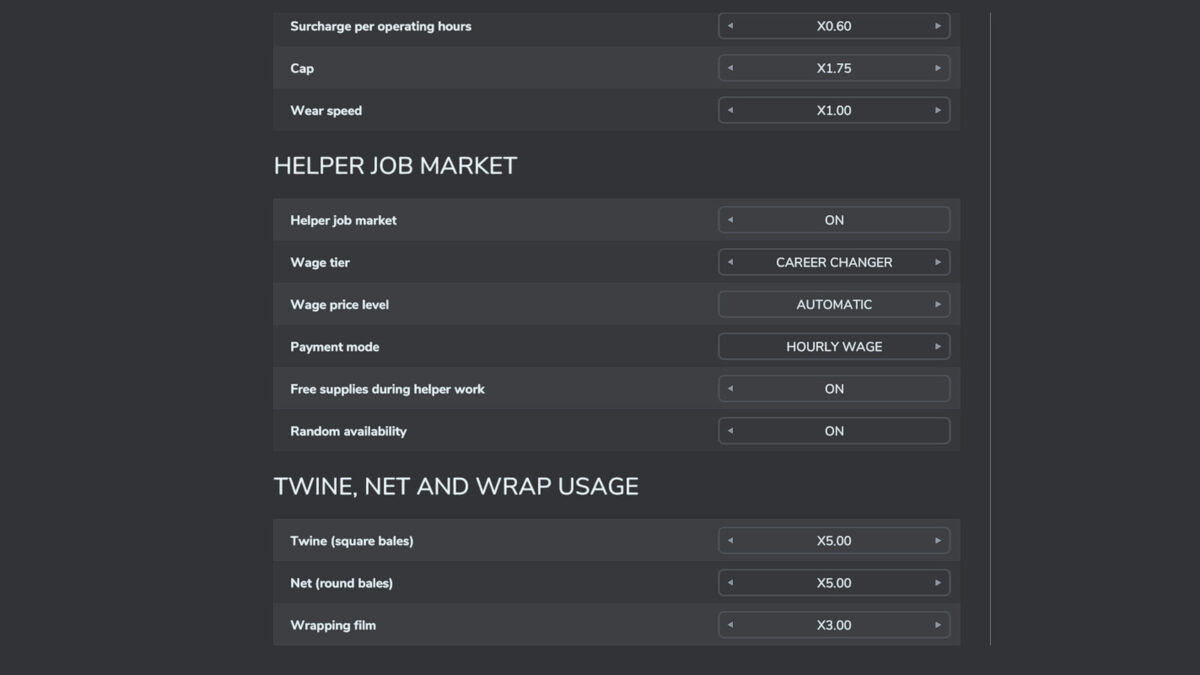
– Helper job market: wage tiers or a fixed price per job that is only due for finished work, plus random availability instead of a flat helper wage.
– Consumables: twine, net and wrap usage at an adjustable multiple. Contract and leased machines keep the original usage.
– Fuel consumption: freely adjustable instead of three fixed steps, separately for work and driving, optionally derived from engine power and with a load curve that makes heavy work at low engine speed more expensive, with a consumption readout in the speedometer. Off by default.
– Production speed: one factor for all productions, individual buildings can differ, running costs scale along (off by default).
– Year comparison: records net worth, balance, loan, vehicle, building and land value plus income, expenses and result. It is shown – each against the same period of the previous year – in the Farm Overview mod under Finances, if installed.
SAFETY BRAKE: The recurring charges from this mod are capped at a share of average daily income, and below a configurable balance nothing is charged at all. A harsh setting or a vehicle bought on credit cannot crush the farm.
Map independent: price scaling hooks the finance category of the booking, not a crop list. It therefore also works on crops the base game does not know.
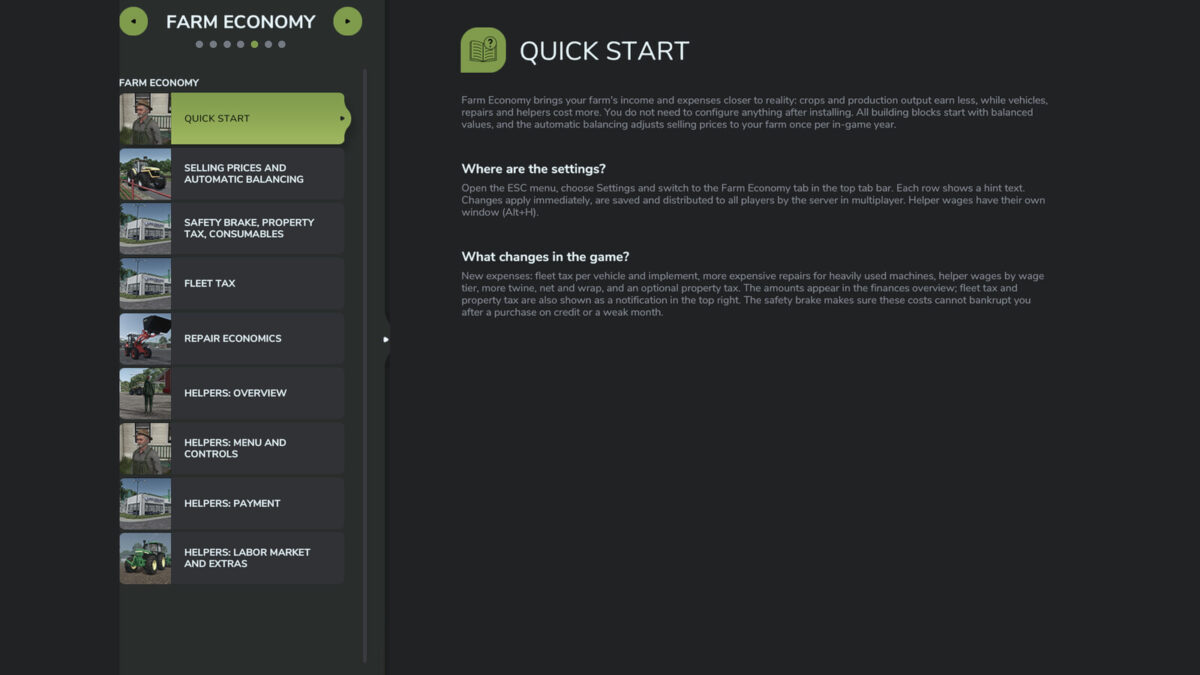
Settings in the ESC menu under Settings, in its own Farm Economy tab. Server authoritative and multiplayer ready; in multiplayer only admins can change the settings. A detailed guide is available in game in the ESC menu under Help, Farm Economy. Console commands: aoStatus, aoAutoBilanz, aoConfig name value, aoReload, aoSprit.
PC/Mac only (script mod).