

Farmer Working Assistant v 1.0

Farmer Working Assistant v 1.0
No more empty roads – it’s time to bring your world to life!
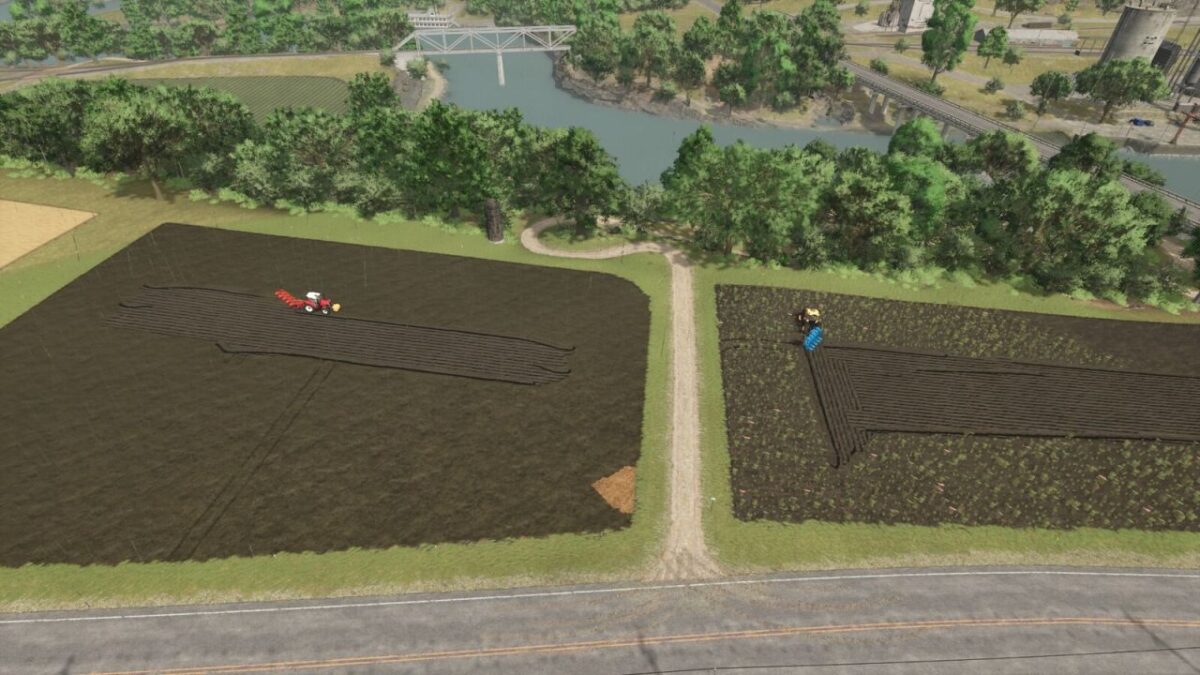
Why should you be the only one working? With this mod, your neighbors are busy too! AI farmers spawn at the shop, drive independently to their fields, and carry out their work – from sowing to harvesting. Afterwards, they head back, just like in real farming life.
Suddenly, there’s action everywhere: tractors on the roads, work on the fields, and a world that finally feels alive. You’re no longer alone – the competition never sleeps!
Features:
– Active AI farmers with their own vehicles
– Trips from the shop to fields and back
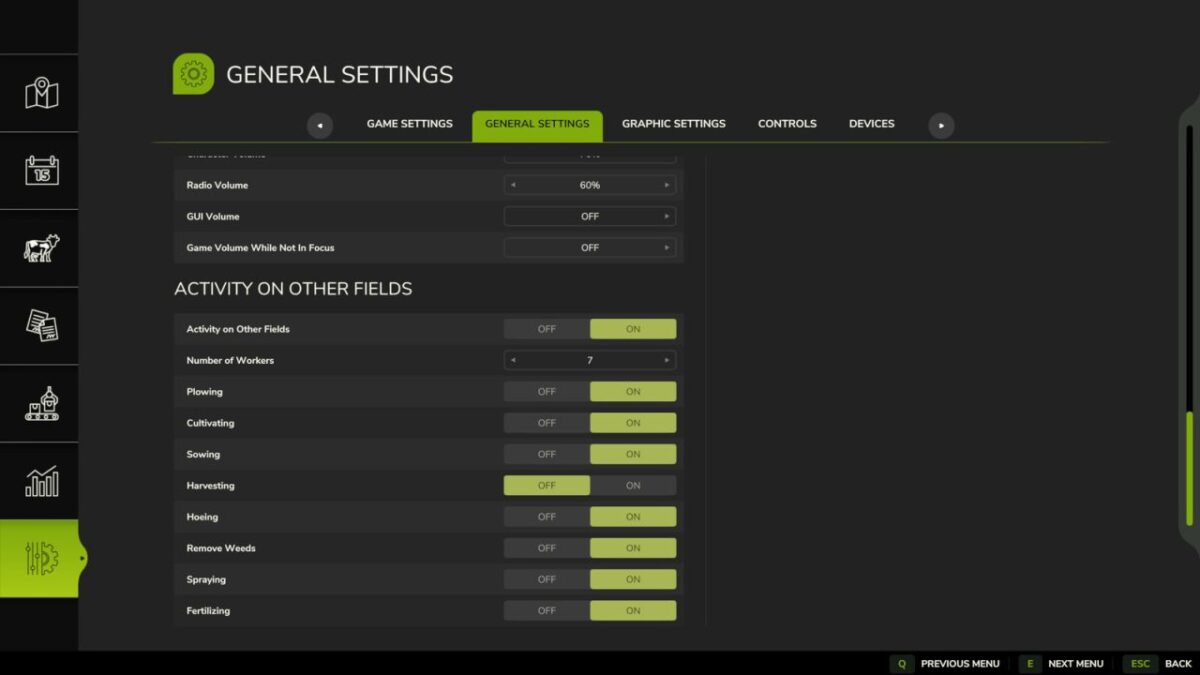
– Visible field work
– More traffic & a livelier map
– Noticeably more realistic gameplay
– A helper spawns every 5 to 30 real(!) minutes.
– If a helper remains motionless for an extended period, they will be removed.
– To spawn vehicles, the shop must still have sufficient free slots.
All active helpers can be removed with “Shift” + “Alt” + “L”.
PS: It is recommended to disable traffic, but it’s not required.