

Farming Simulator 2017 Update V 1.4

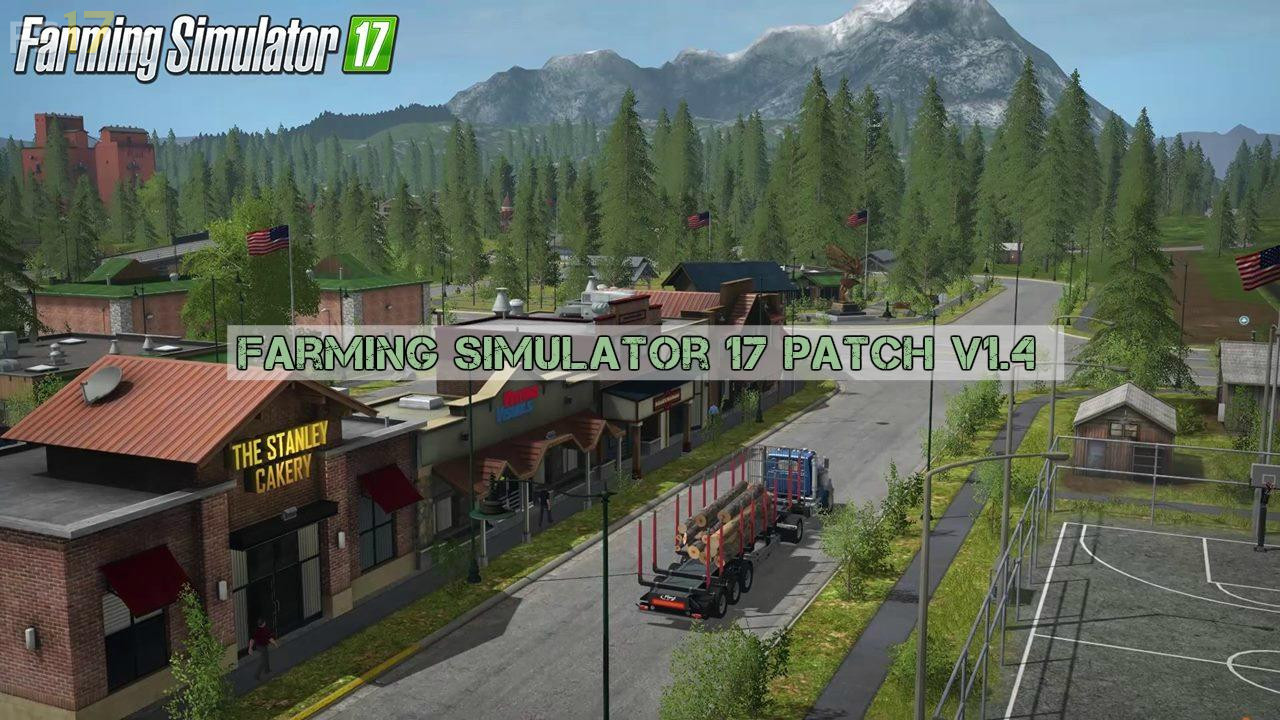
Farming Simulator 2017 Update V 1.4
About the mod:
New in this Update:
* Improved handling of bunker silos
* Improved handling of levelers
* Various engine optimizations
* Improved loading of old savegames
* Various improvements in graphics and functions of the vehicles
* Fixed issues with conveyors
* Fixed various map issues
* Improved helper
* Various improvements when tipping anywhere
* Improvements with the forestry
* Fixed issues with the animals
* Various improvements for the GUI
* Various improvements in the multiplayer and the dedicated servers
* Fixed several localization issues
* Improved compatibility with several input devices
* Fixed various other smaller issues
Credits:
Giants Software
Good evening.I would like to ask you,the upgrading go to monds,or in the envelope of farming simulator?