

Farmland Marketplace v 1.0.4.0

Farmland Marketplace v 1.0.4.0
MULTIPLAYER ONLY
This mod only works in multiplayer.
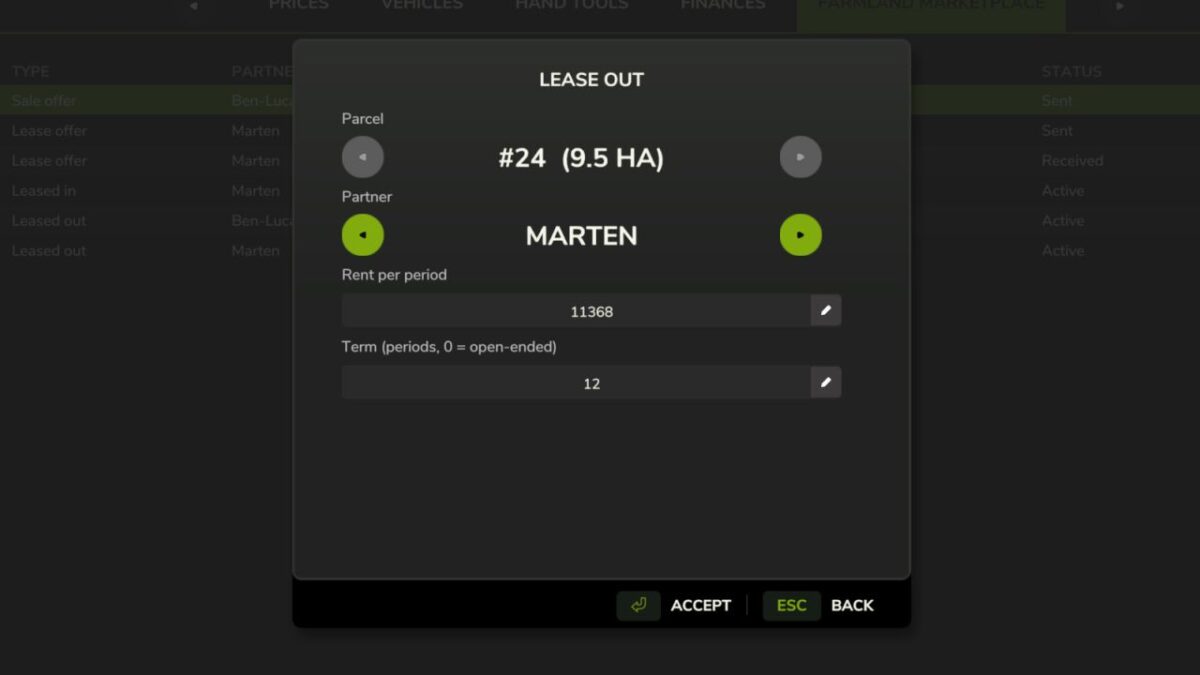
Turn land into real business between farms! Become your server’s estate agent: sell your own farmland to other players or lease it out for recurring rent.
Everything runs fairly through offer and acceptance – the other farm has to actively agree before any money, ownership or usage rights change hands.
– Sale: ownership and the purchase price change farms.
– Lease: the lessee fully works the field (plough, sow, fertilise, harvest) while ownership stays with the lessor. Rent is settled each period automatically.
Fully menu-driven, no hotkeys:
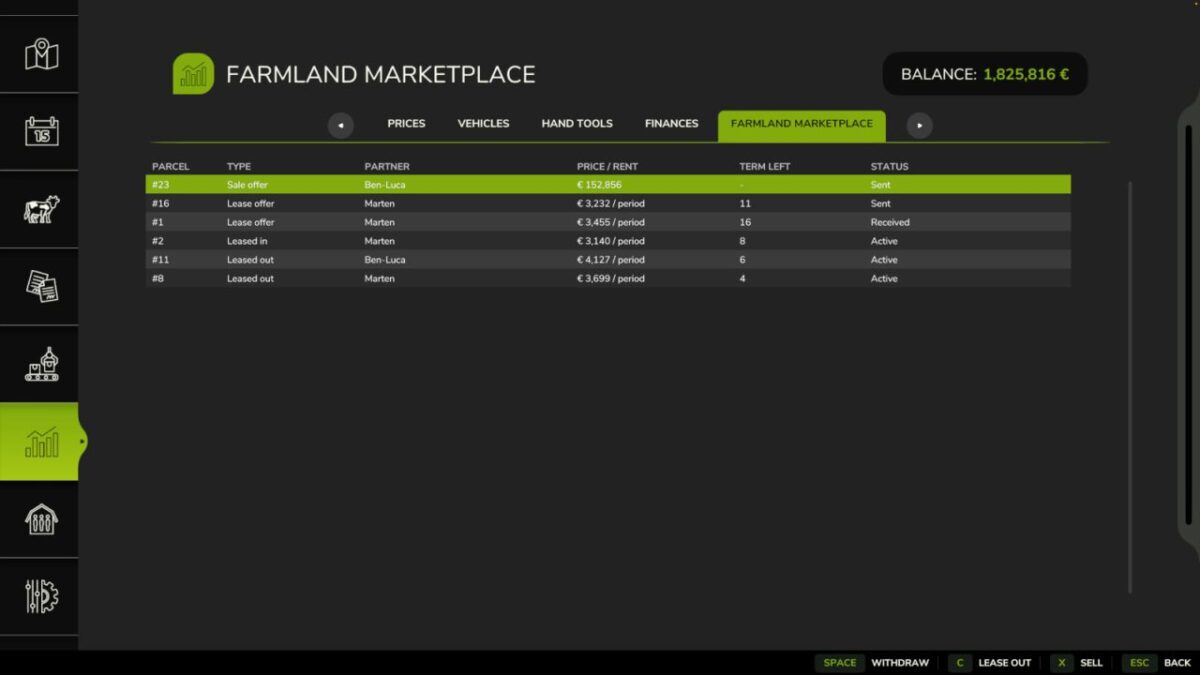
– Menu > Statistics > “Farmland Marketplace”: create offers, accept, decline, withdraw or cancel an active lease – via the buttons in the bottom menu bar.
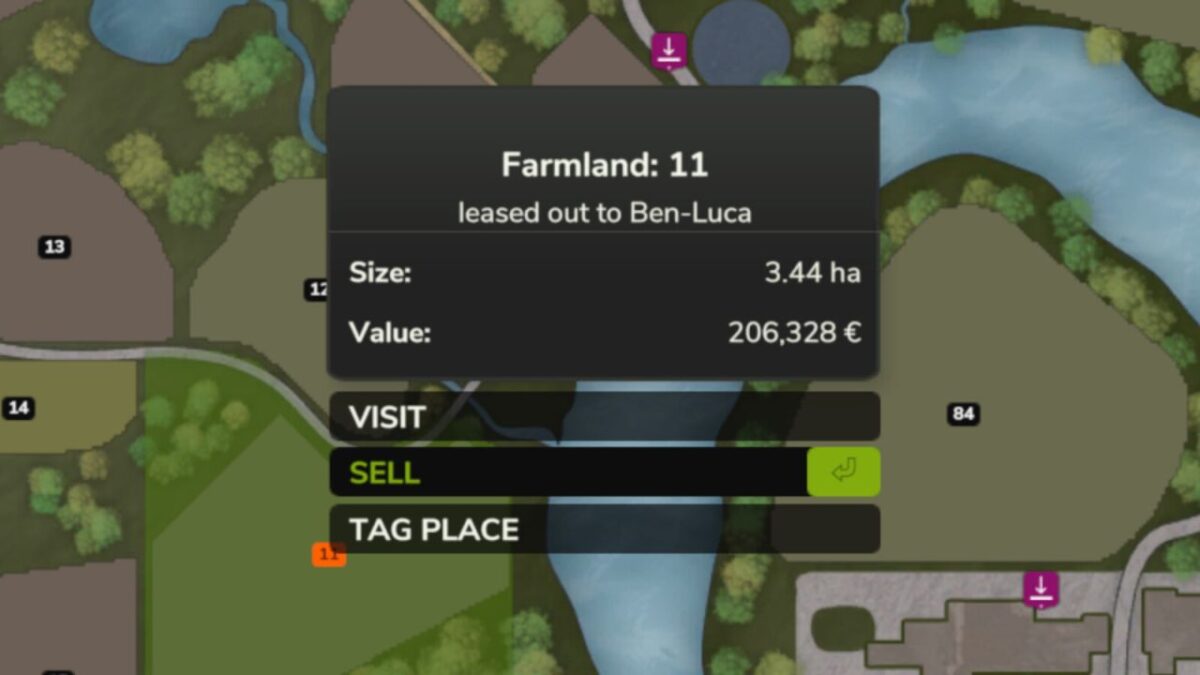
– On the map, the info box shows a parcel’s lease and offer status the moment you select it.